它做出來的是真正的檔案。
Word、Excel、PowerPoint 和 PDF,表格、公式、頁首和目錄,一樣不少。
本週完成
- 第四季簡報Word
- 現金流預測Excel
- 董事會報告PowerPoint
- 已簽租約PDF
不用填範本,也不用排版。
做一份 12 個月的現金流預測,包含最好和最壞兩種情況。
第 12 個月底的現金
Word、Excel、PowerPoint 和 PDF,表格、公式、頁首和目錄,一樣不少。
給它一份合約、一份掃描檔或一份舊試算表,想知道什麼直接問。
這份租約第 4 條對續租是怎麼規定的?
只要在到期前 90 天通知,就可以再續兩年。
改一個條款、更新數字或填一張表單,你的格式都會原樣保留。
Nebo Office made every one of these for Alder Bakery, a business we invented. Page through them, then download the real files and open them in your own apps.
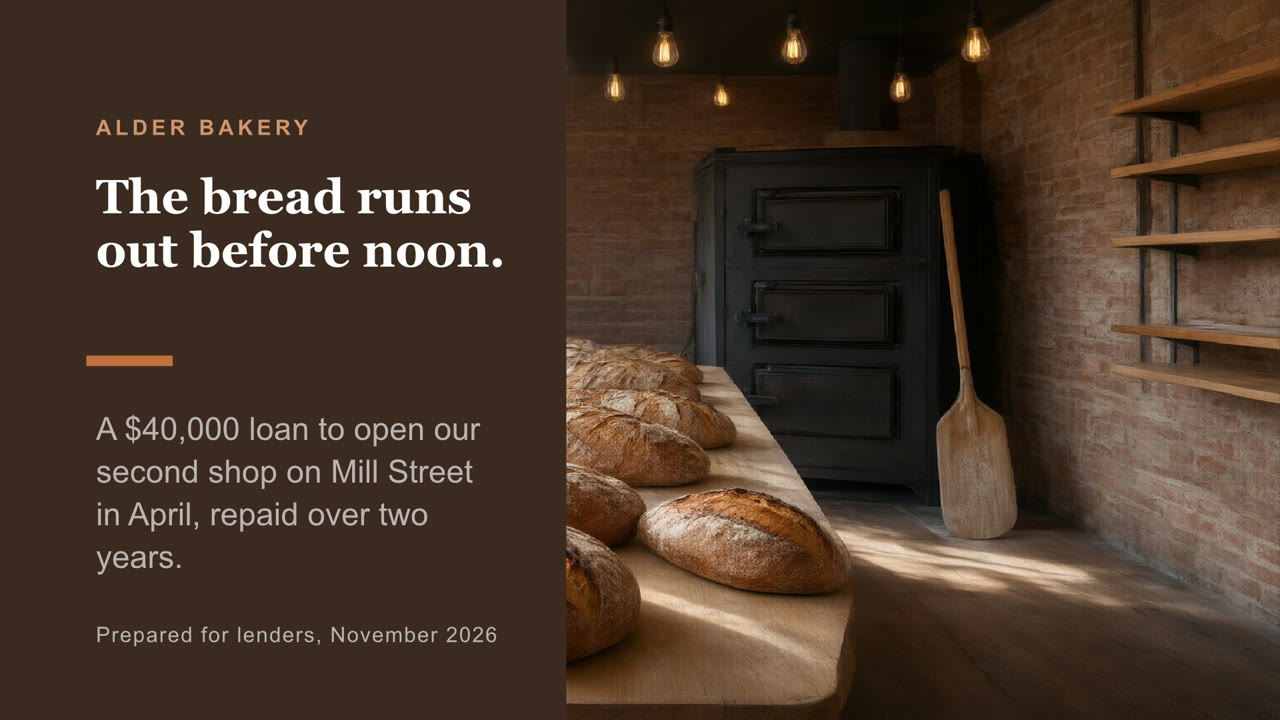
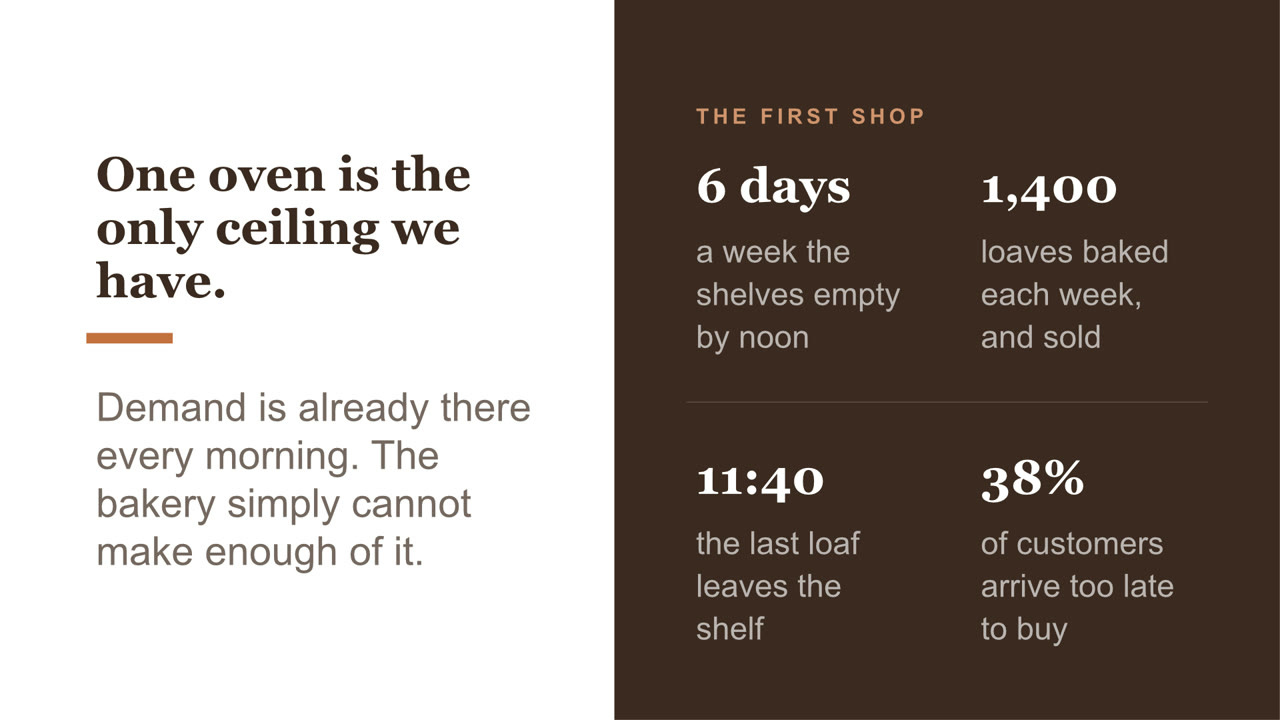
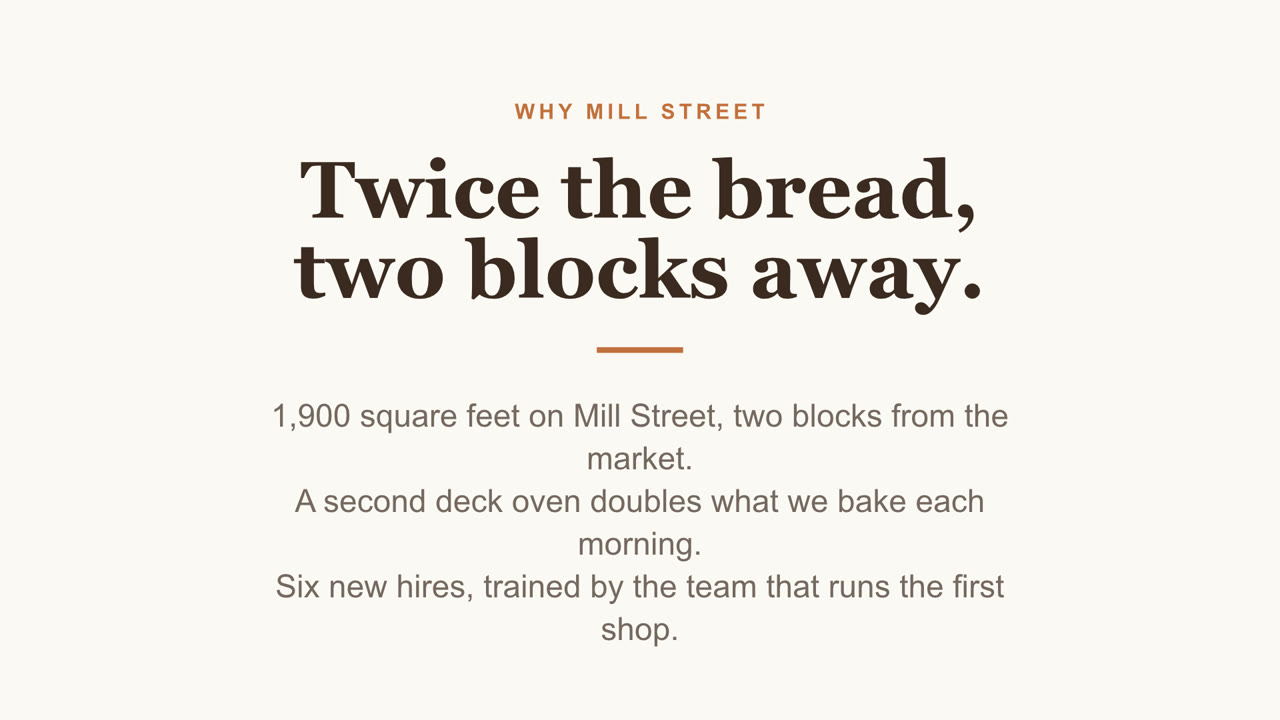
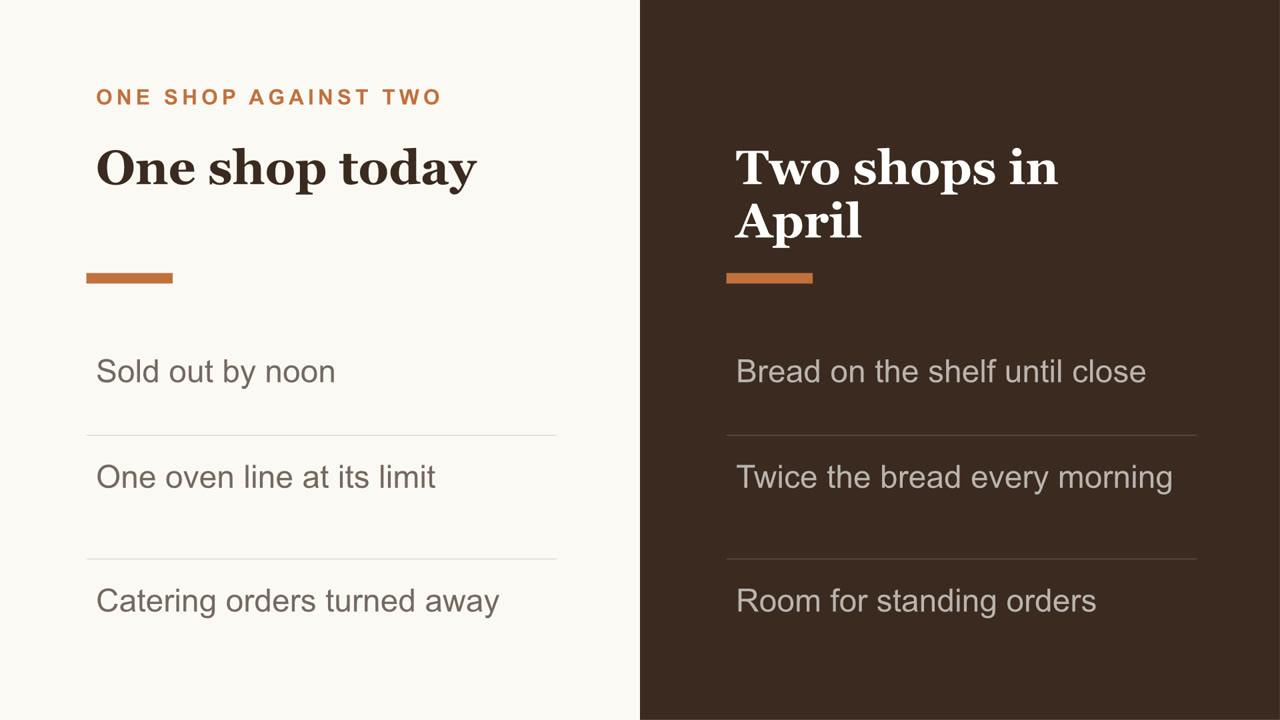
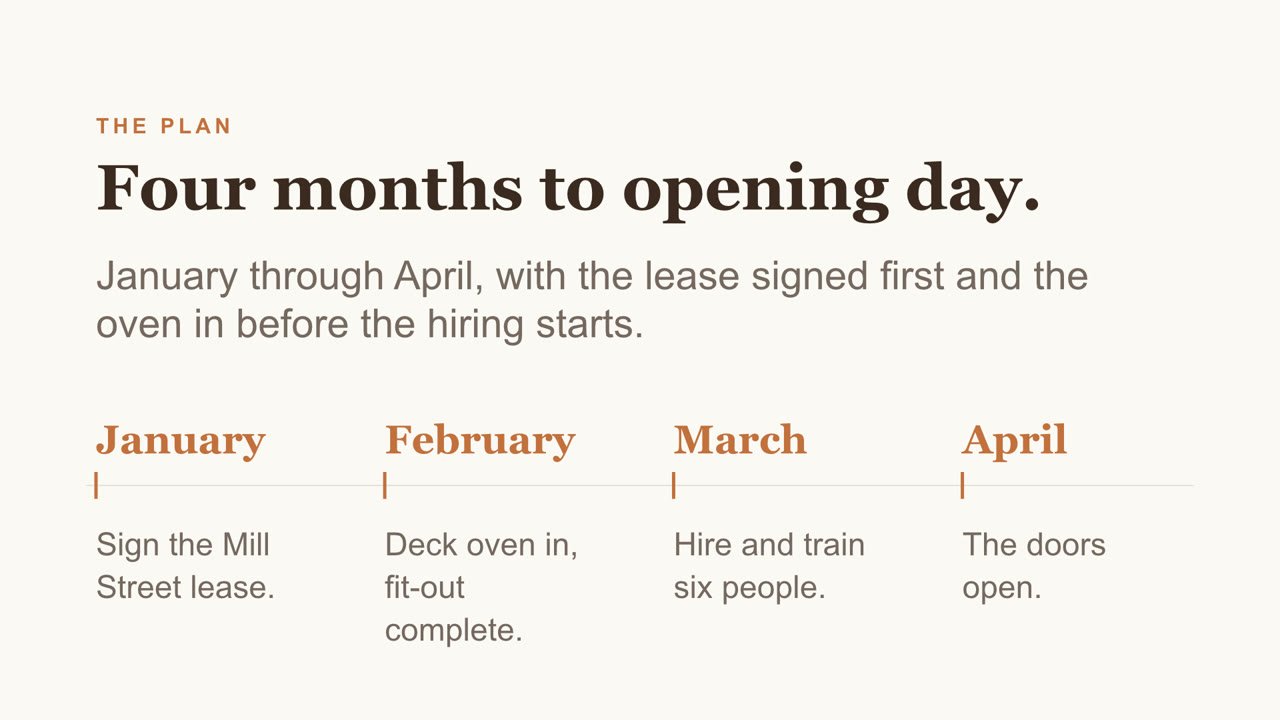
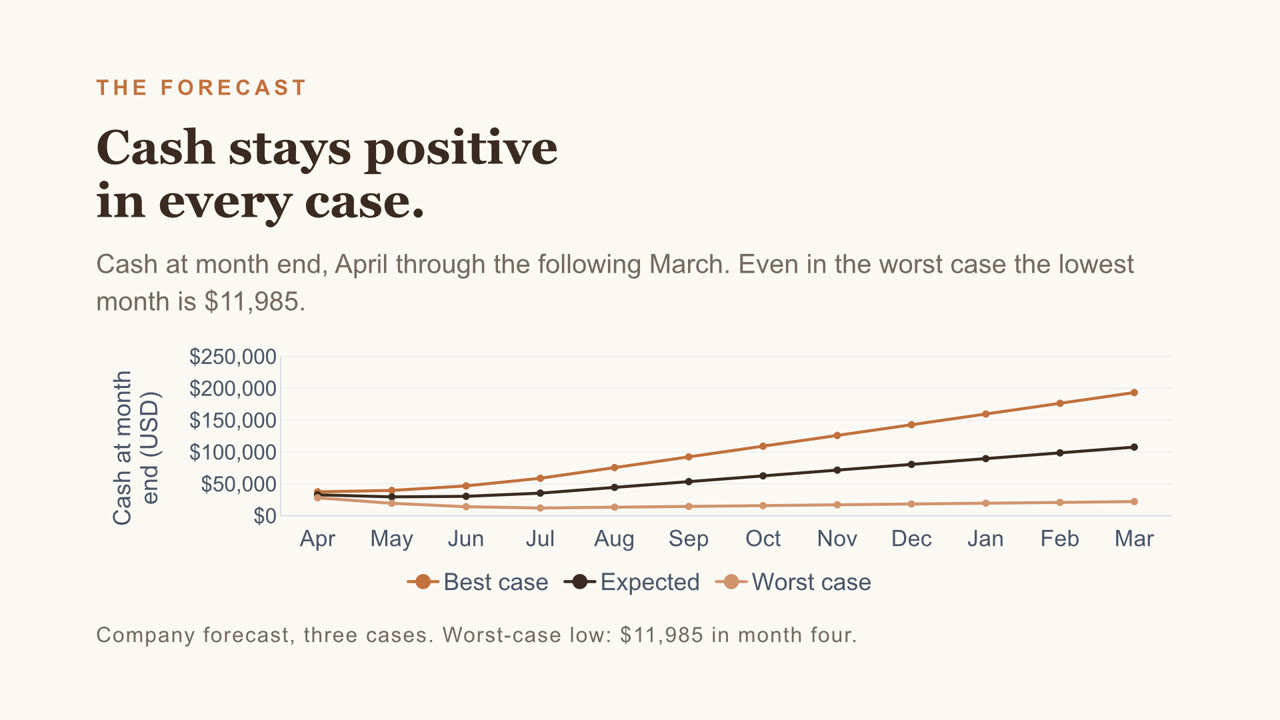
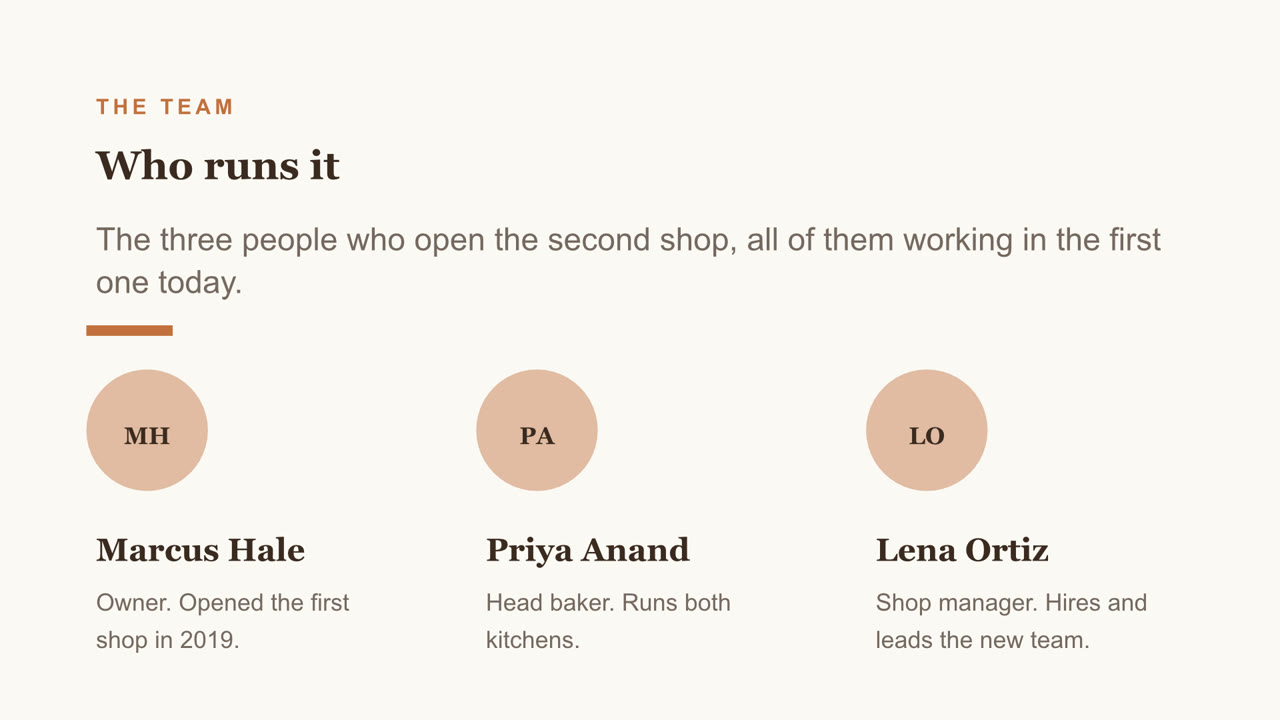
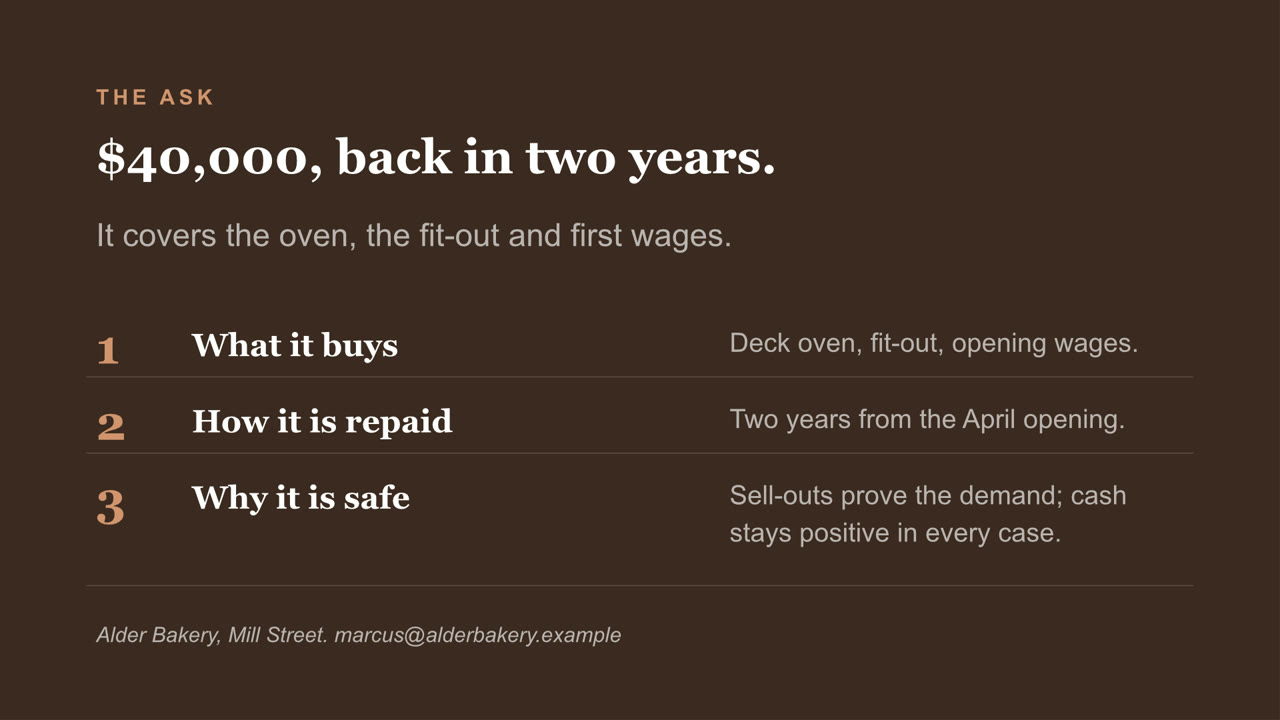
Eight slides, with a chart you can still edit and a cover photo Nebo generated. Download the file
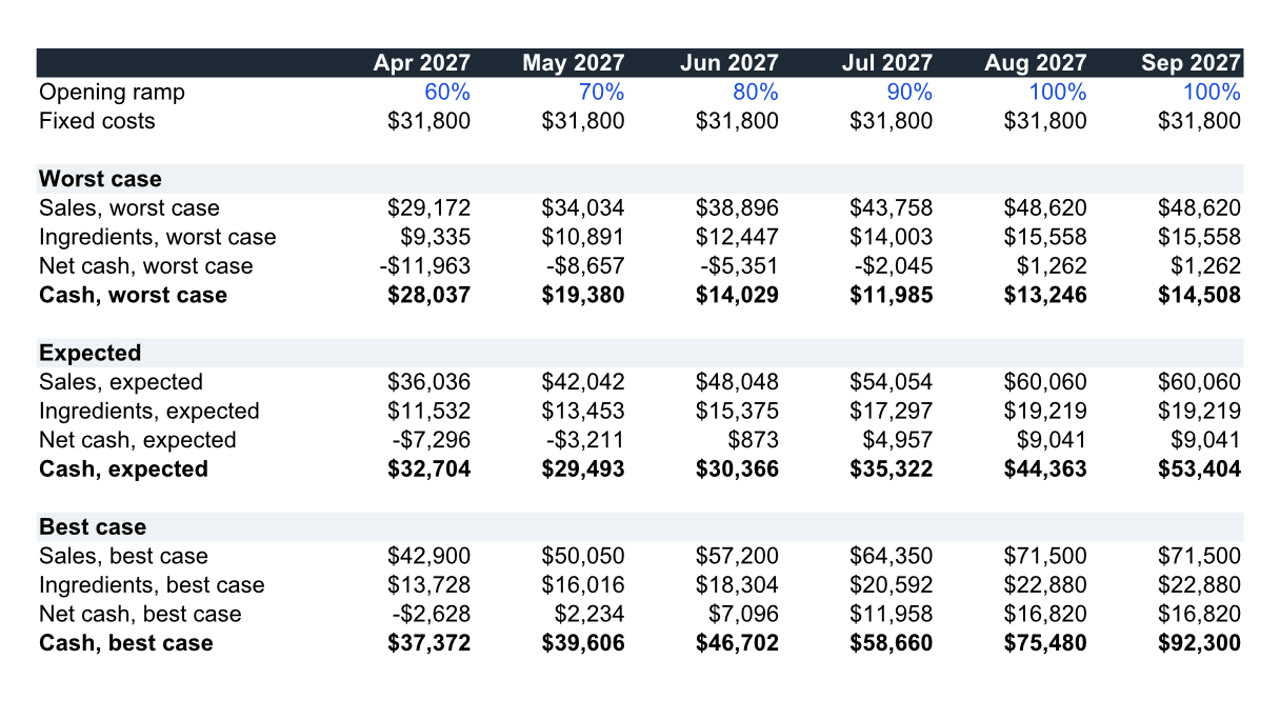
Twelve months, three cases, live formulas. Download the file
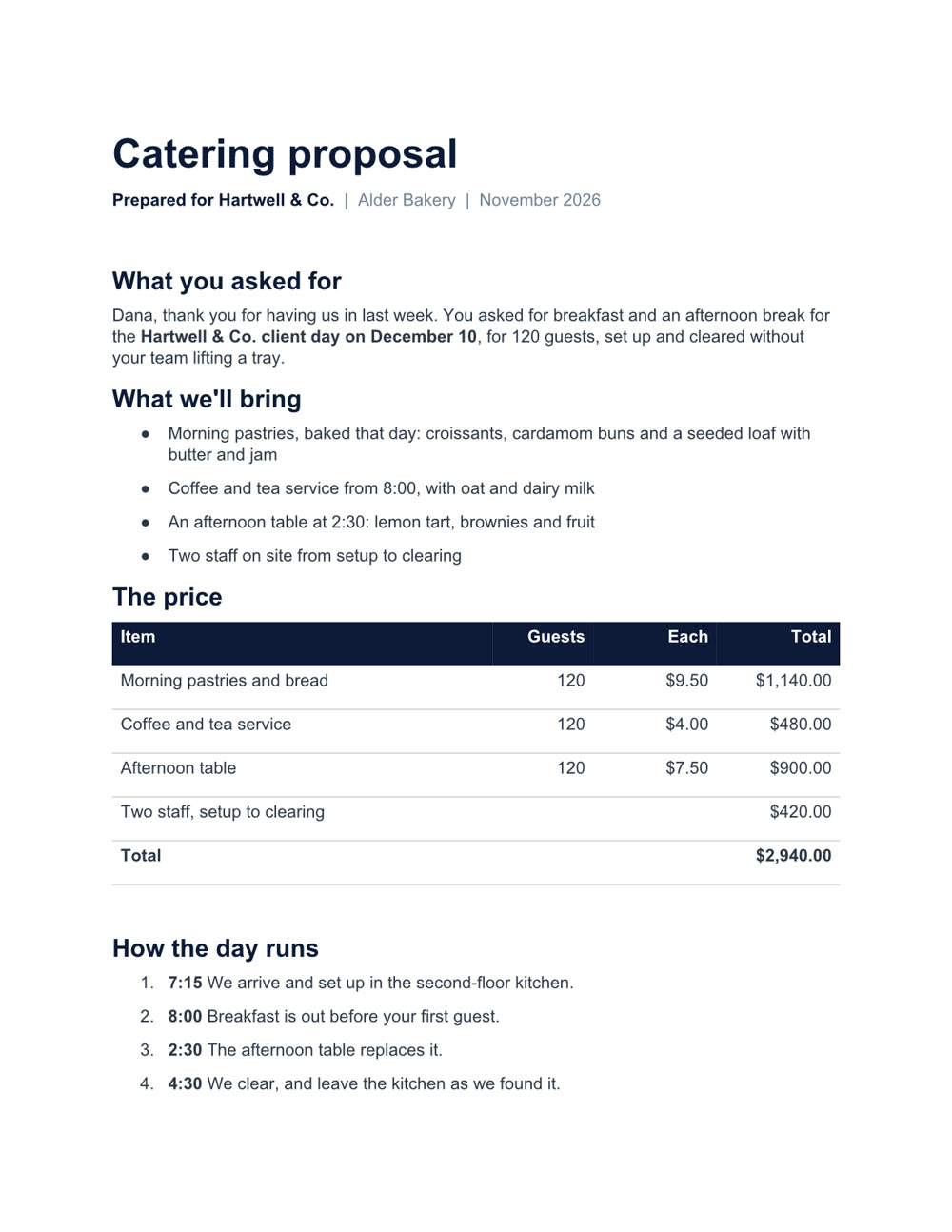
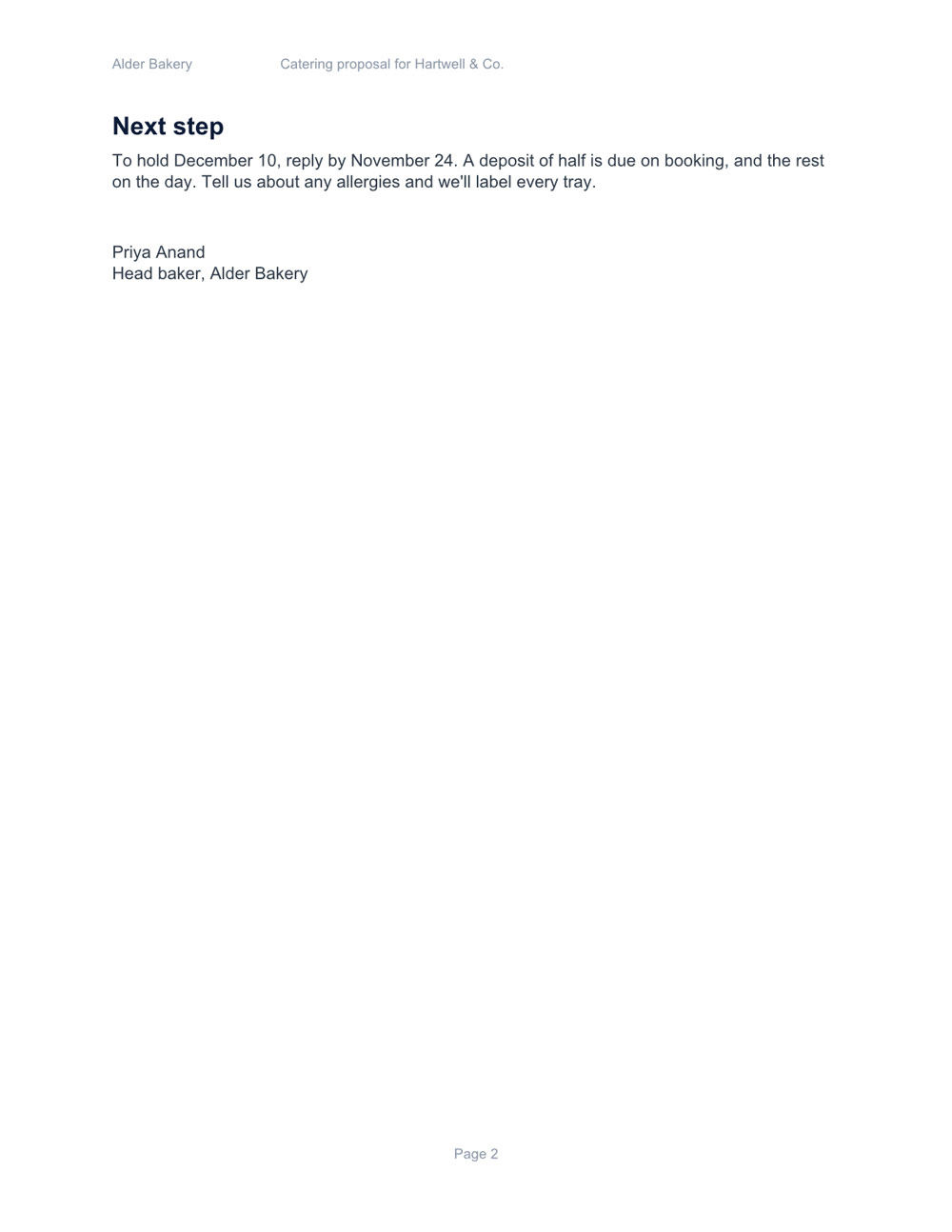
Two pages, with a price table and a schedule. Download the file
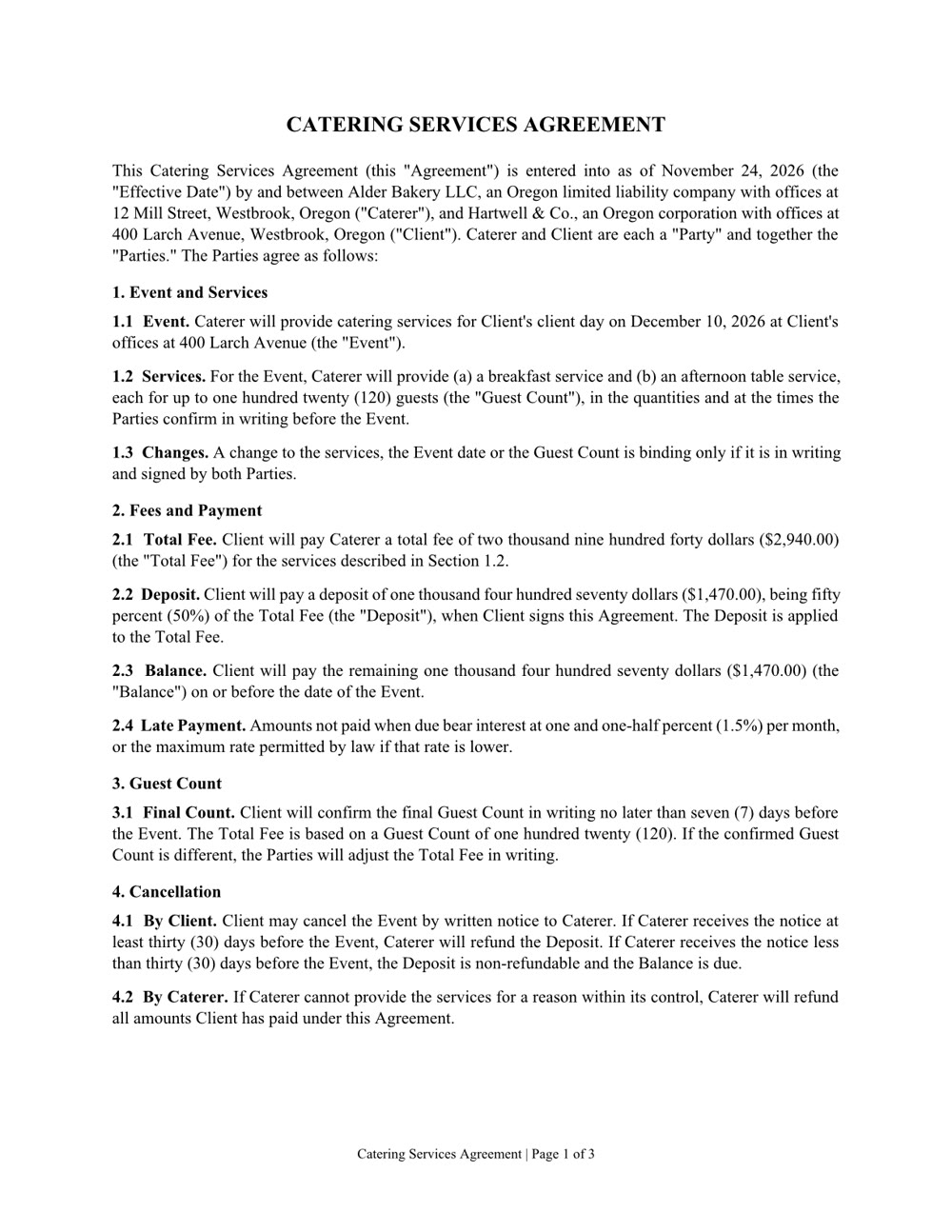
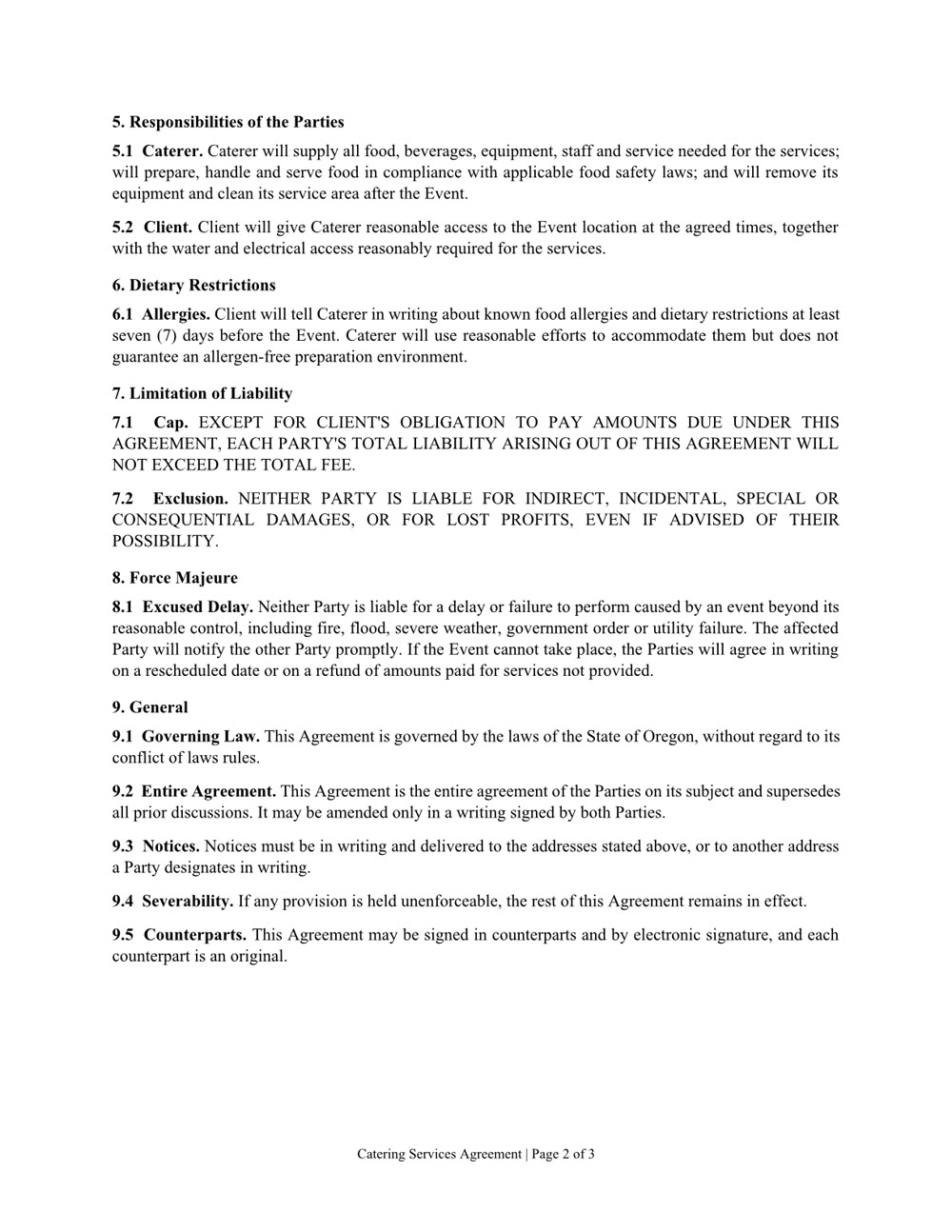
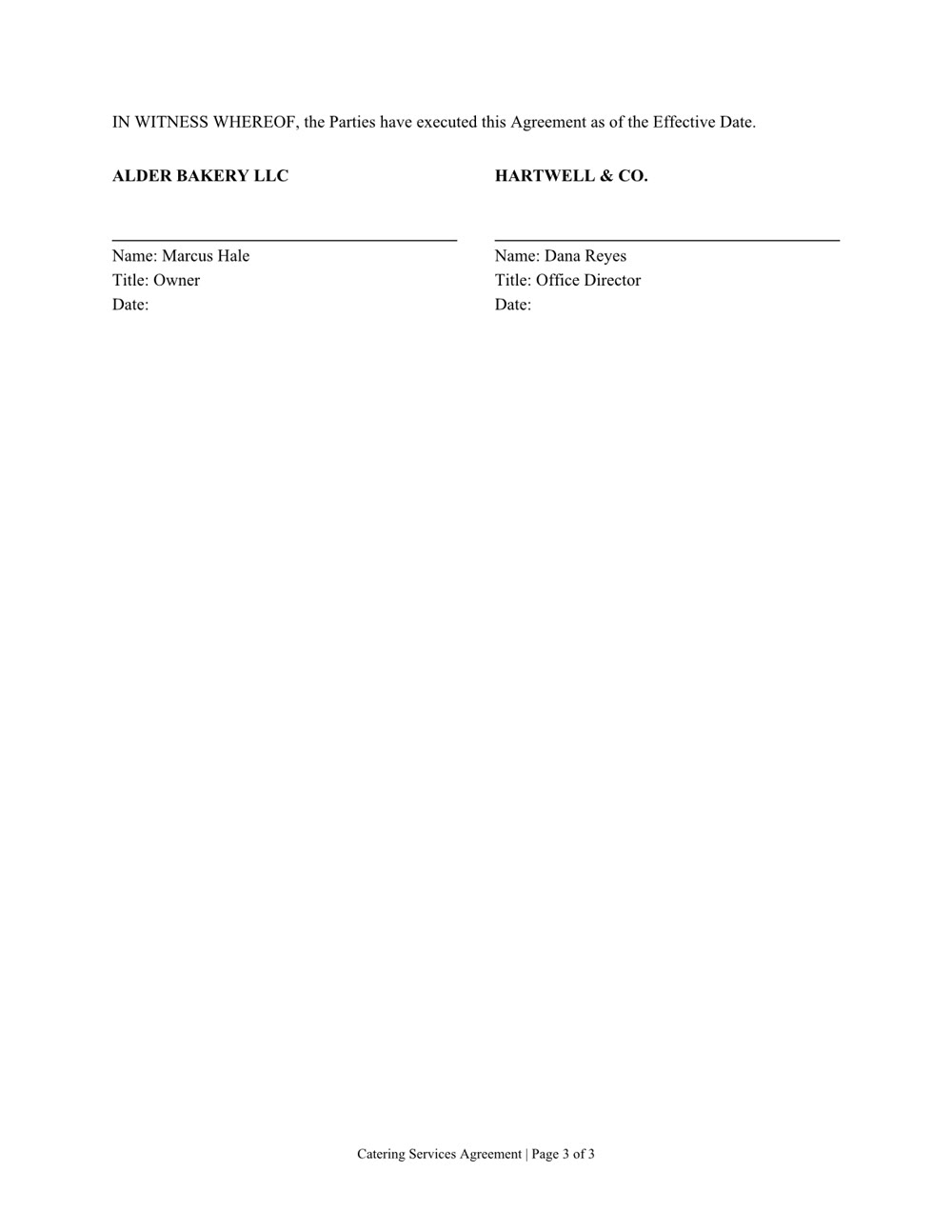
Three pages of numbered clauses and a signature page. Download the file
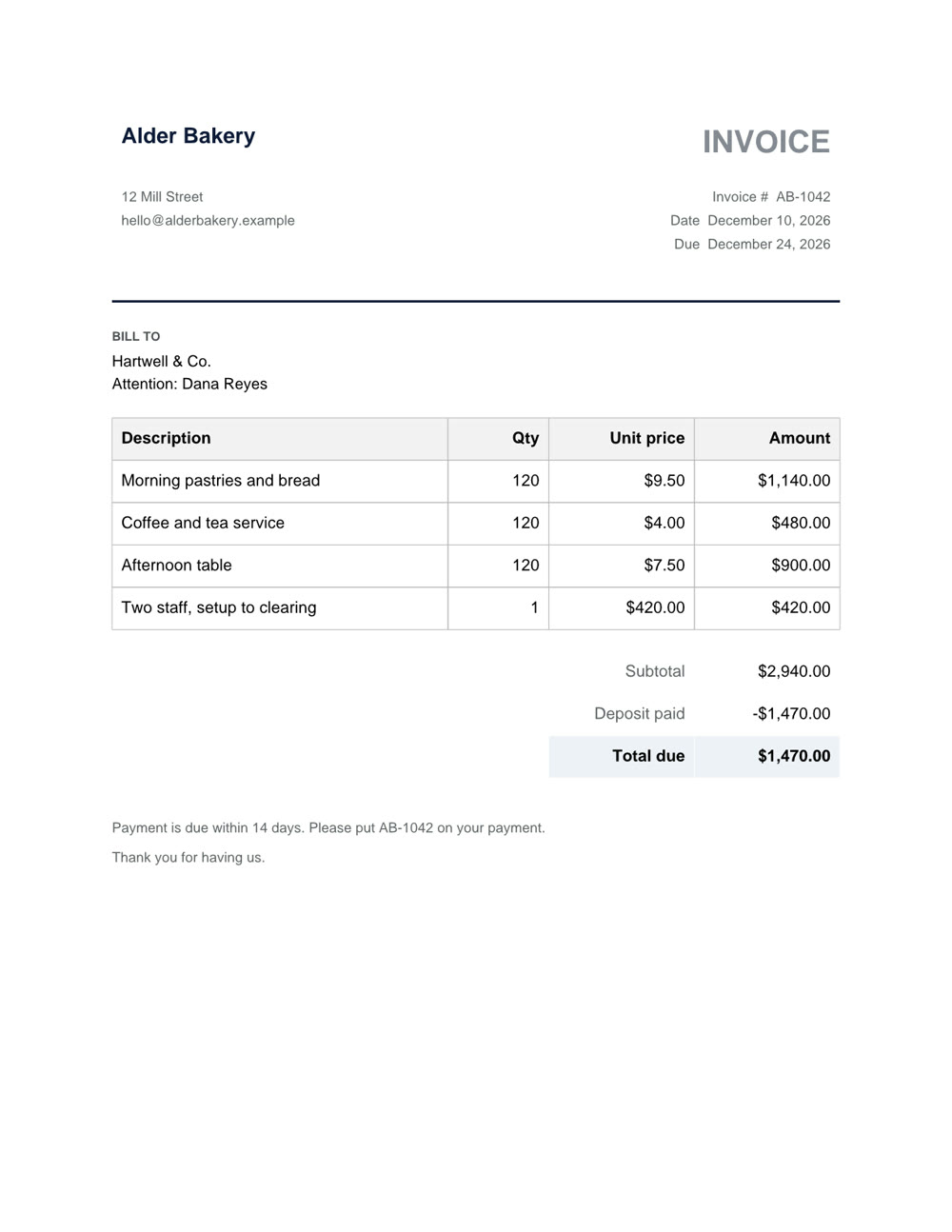
One page, with the deposit taken off. Download the file
Word, Excel, PowerPoint and PDF: the files you already work in.
A new file from a sentence, checked page by page before you get it. Any of them can also be saved as a PDF.
Ask what's in a file, even a scan or a format from years ago.
Change one clause, one sheet or one slide and keep the rest. In a PDF: fill in the form, merge, split, reorder or lock it with a password.