Li fè vrè fichye a.
Word, Excel, PowerPoint ak PDF, ak tablo, fòmil, antèt ak tab matyè yon vrè fichye genyen.
Fè semèn sa a
- Brèf T4Word
- Previzyon lajan kachExcel
- Mizajou pou konsèy laPowerPoint
- Kontra lwaye siyenPDF
Nebo Office fè, li epi modifye fichye Word, Excel, PowerPoint ak PDF, dirèkteman sou òdinatè ou.
Pa gen modèl pou ranpli ni anyen pou fòmate.
Fè yon previzyon lajan kach pou 12 mwa, ak pi bon ka a ak pi move ka a.
Lajan kach nan fen mwa 12
Word, Excel, PowerPoint ak PDF, ak tablo, fòmil, antèt ak tab matyè yon vrè fichye genyen.
Ba li yon kontra, yon eskanè oswa yon vye fèy kalkil, epi mande sa w vle konnen.
Kisa seksyon 4 kontra lwaye sa a di sou renouvèlman?
Ou ka renouvle pou de lòt ane si w bay avi 90 jou anvan li fini.
Chanje yon kloz, mete nimewo yo ajou oswa ranpli yon fòm. Fòma w la rete kote li te ye a.
Nebo Office made every one of these for Alder Bakery, a business we invented. Page through them, then download the real files and open them in your own apps.
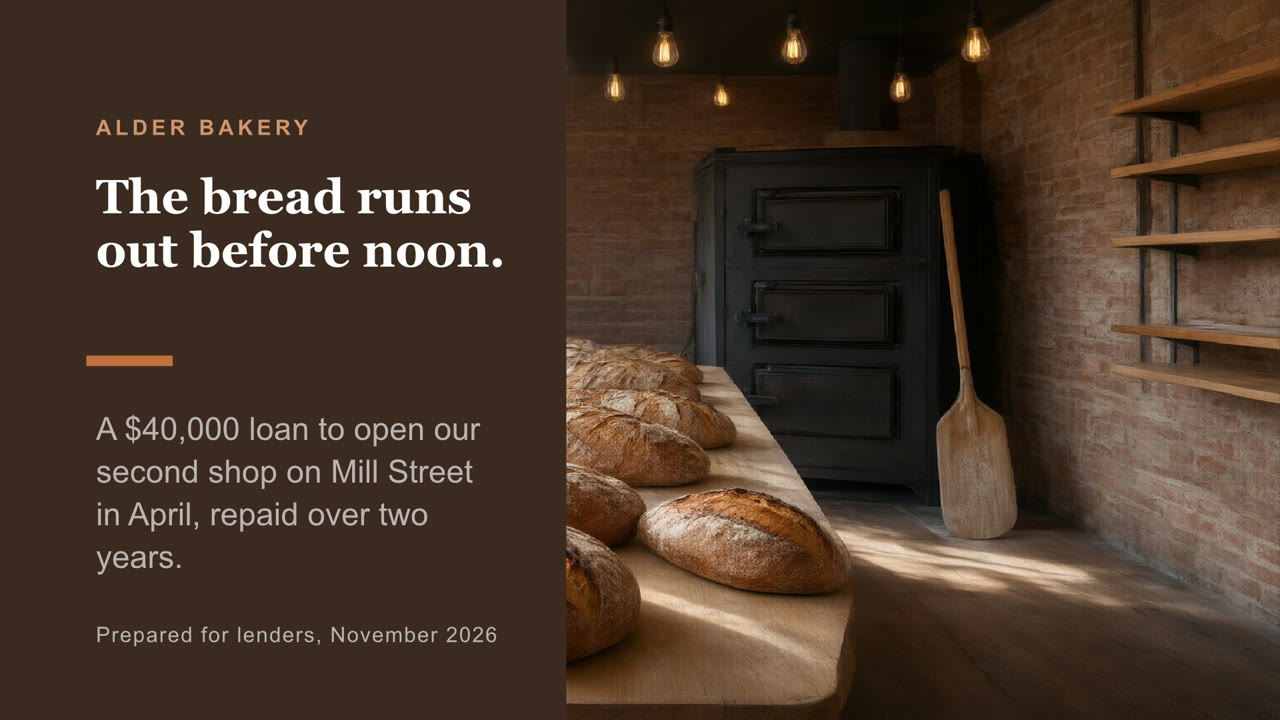
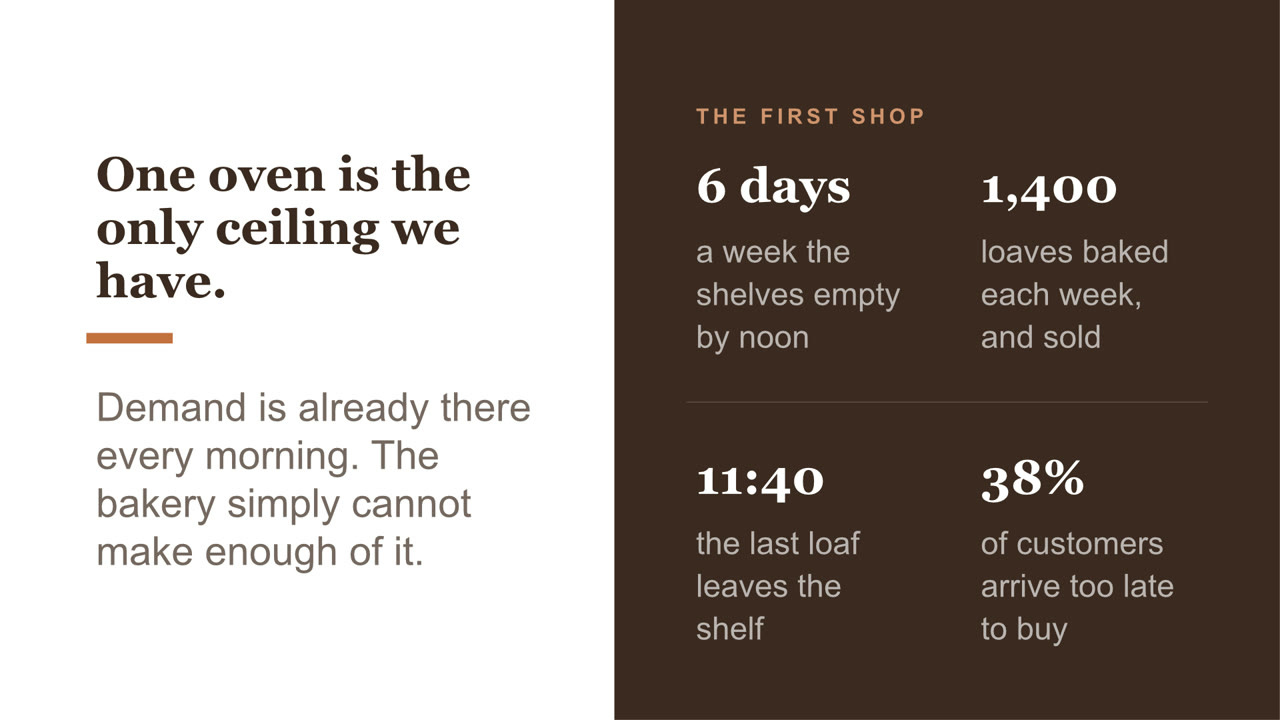
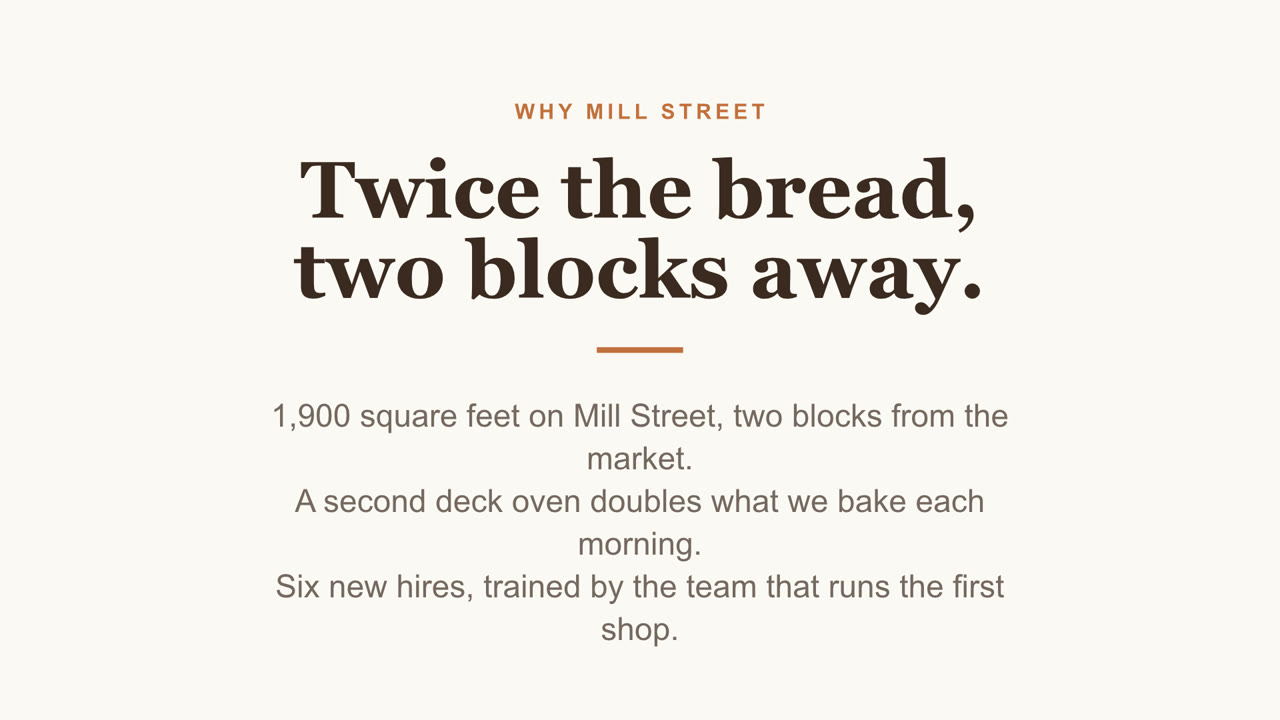
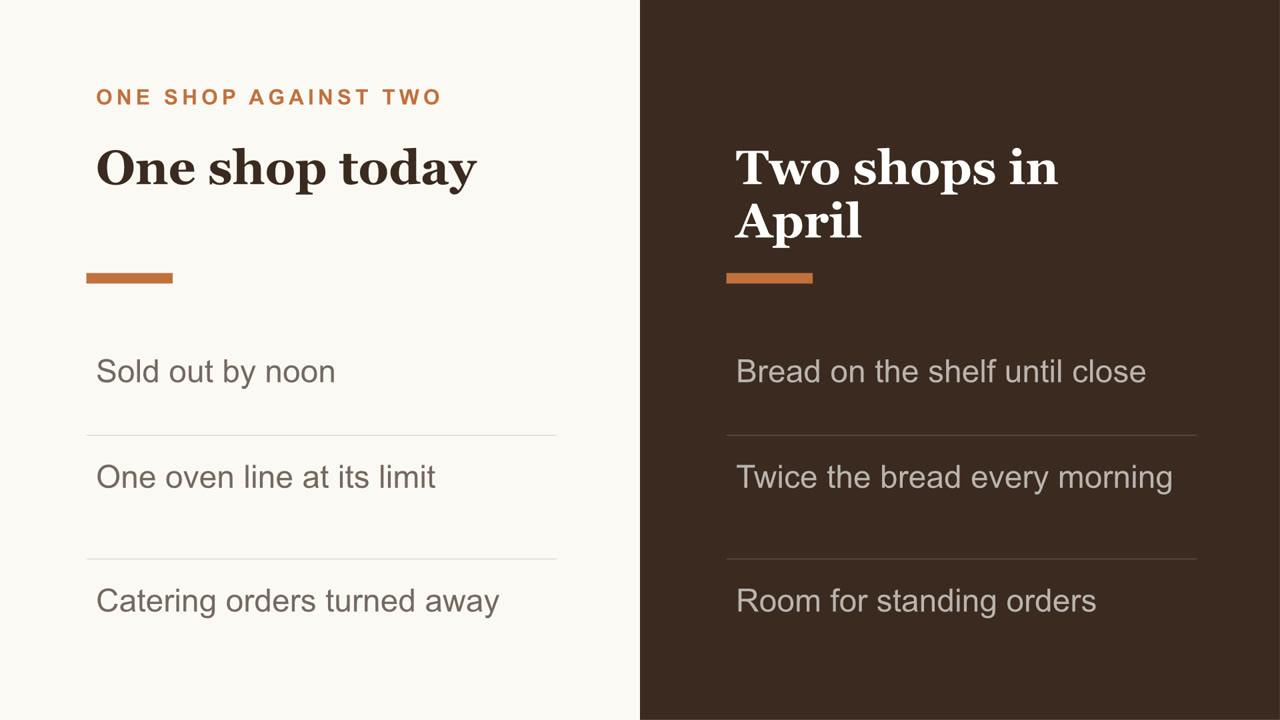
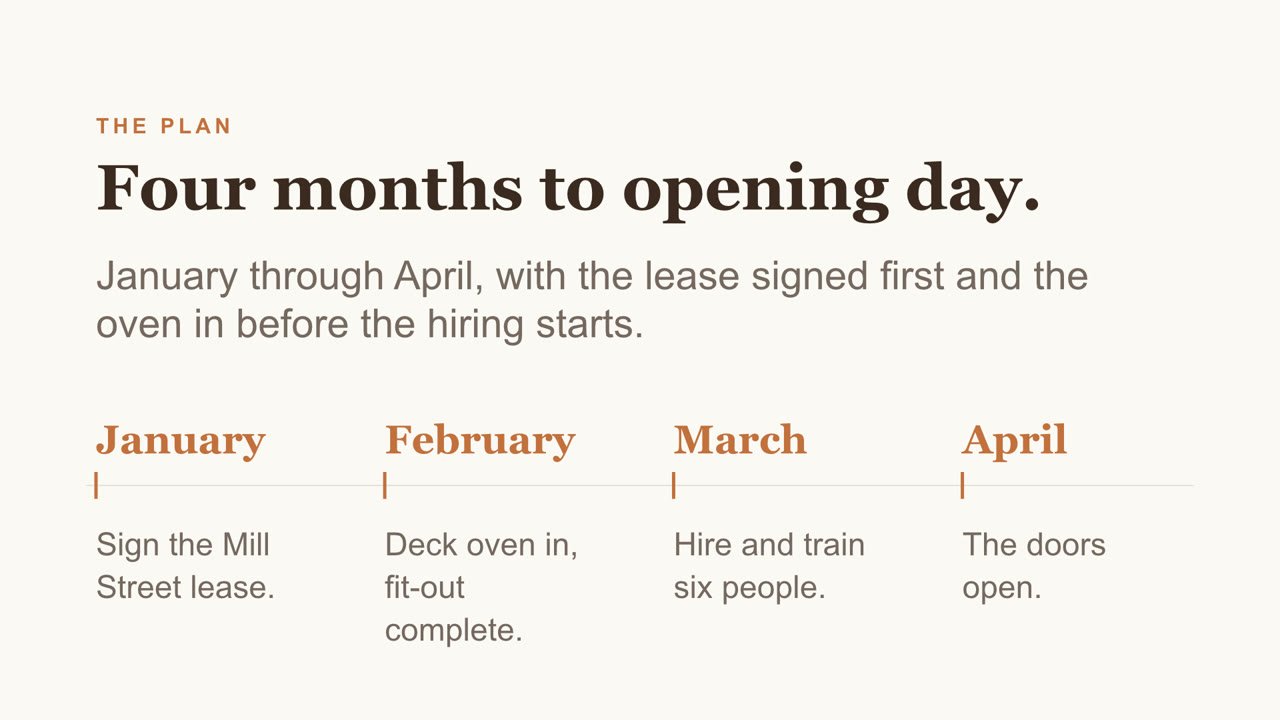
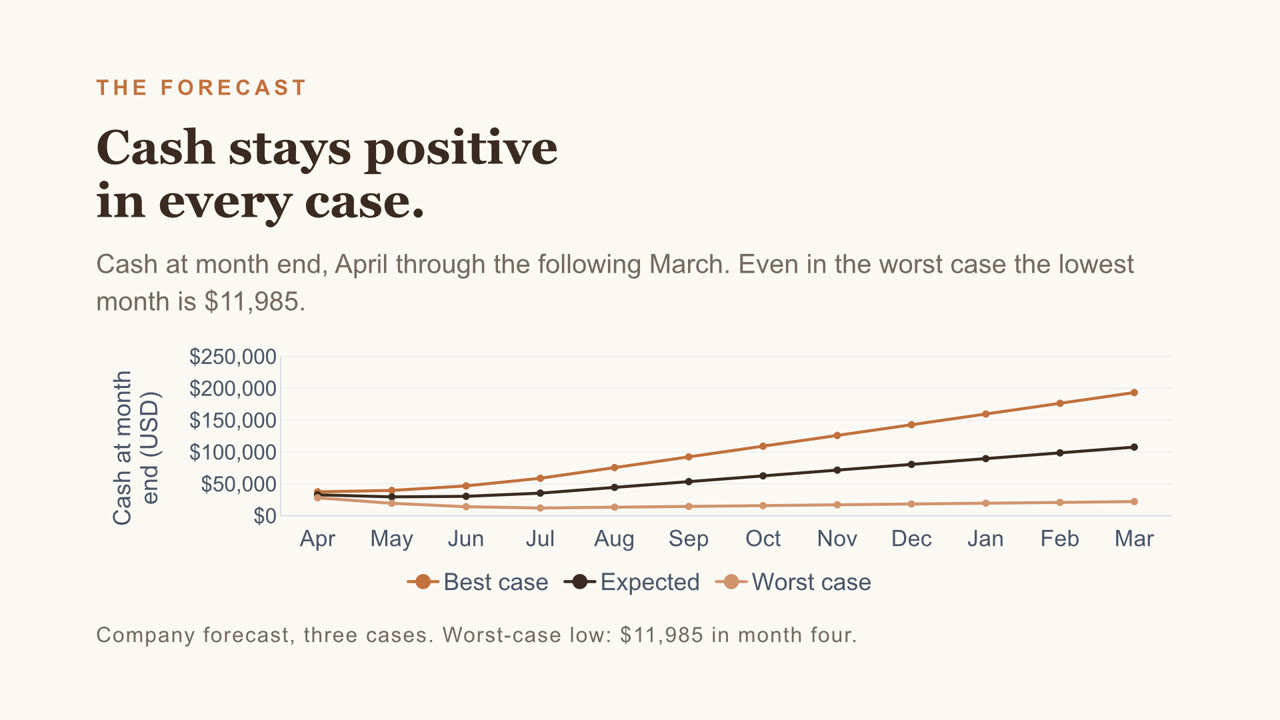
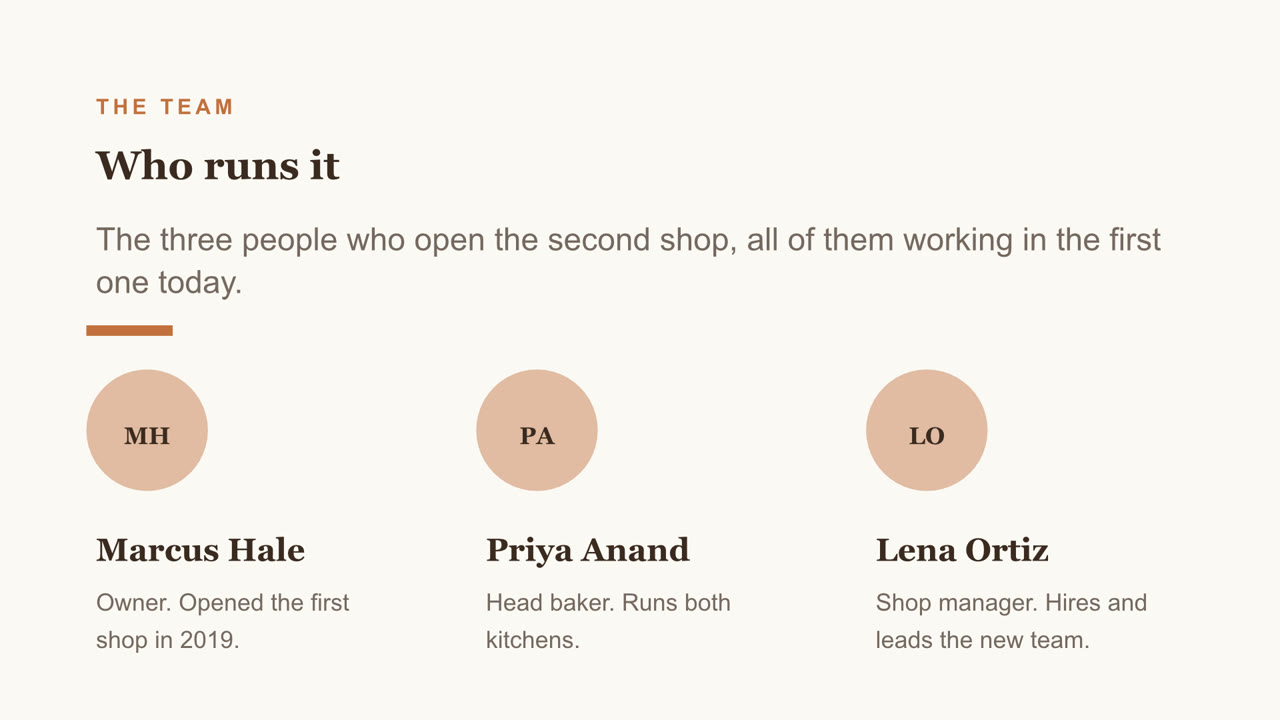
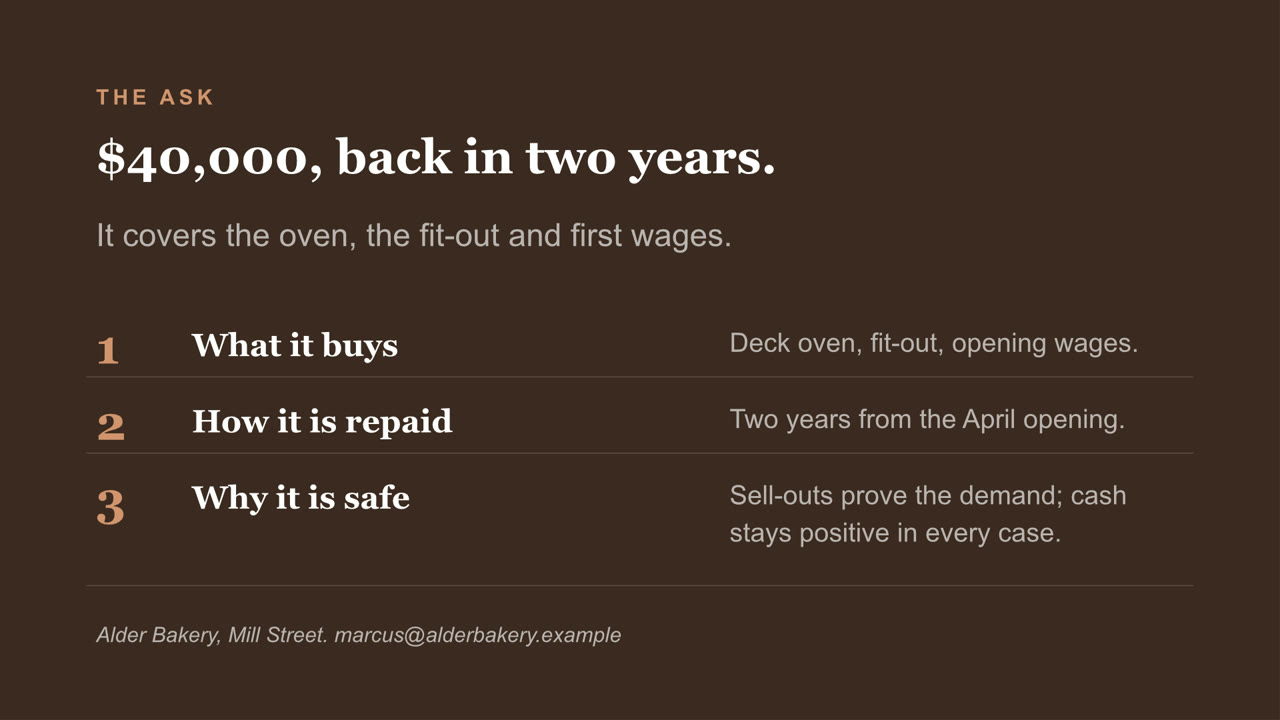
Eight slides, with a chart you can still edit and a cover photo Nebo generated. Download the file
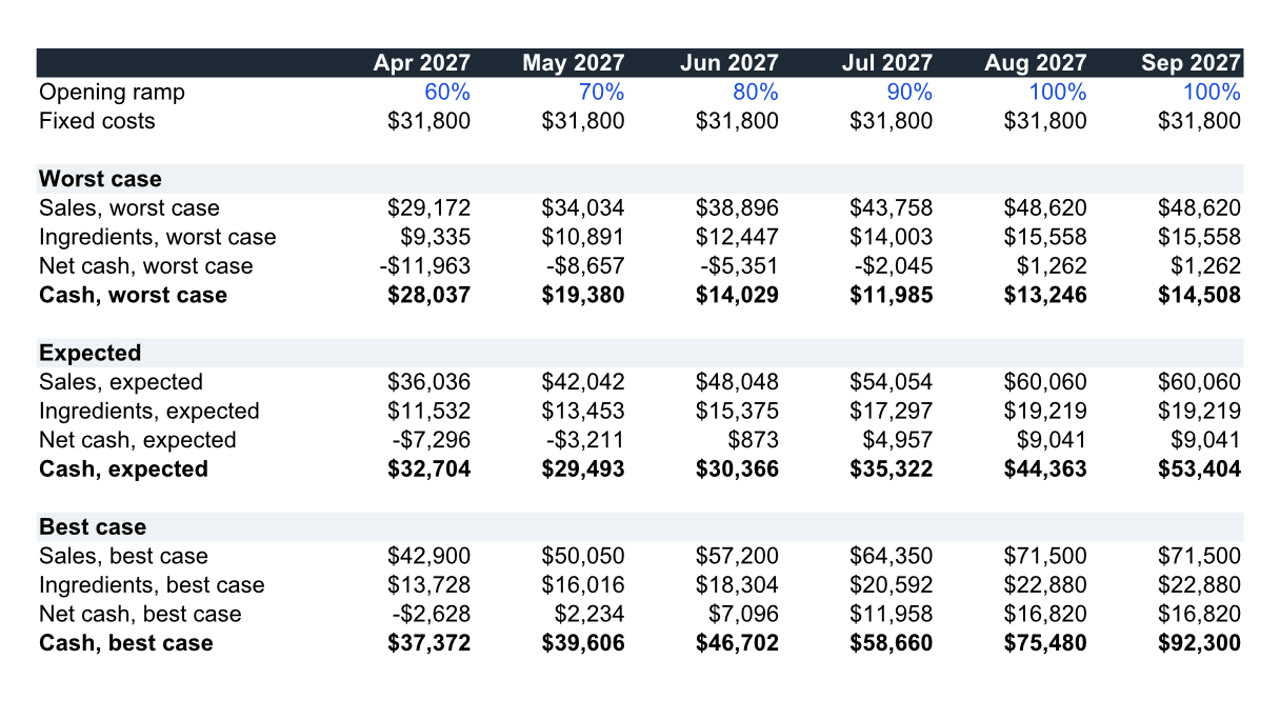
Twelve months, three cases, live formulas. Download the file
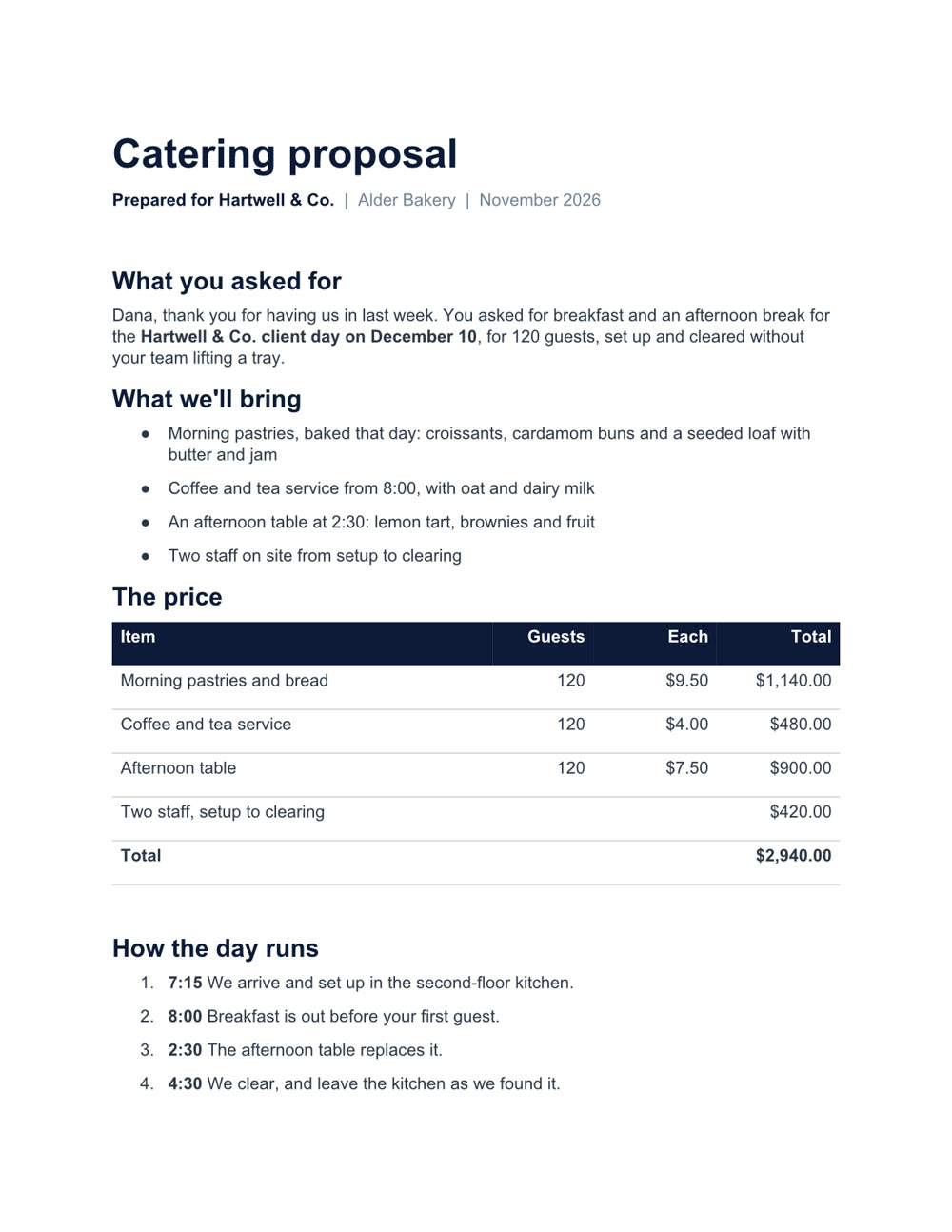
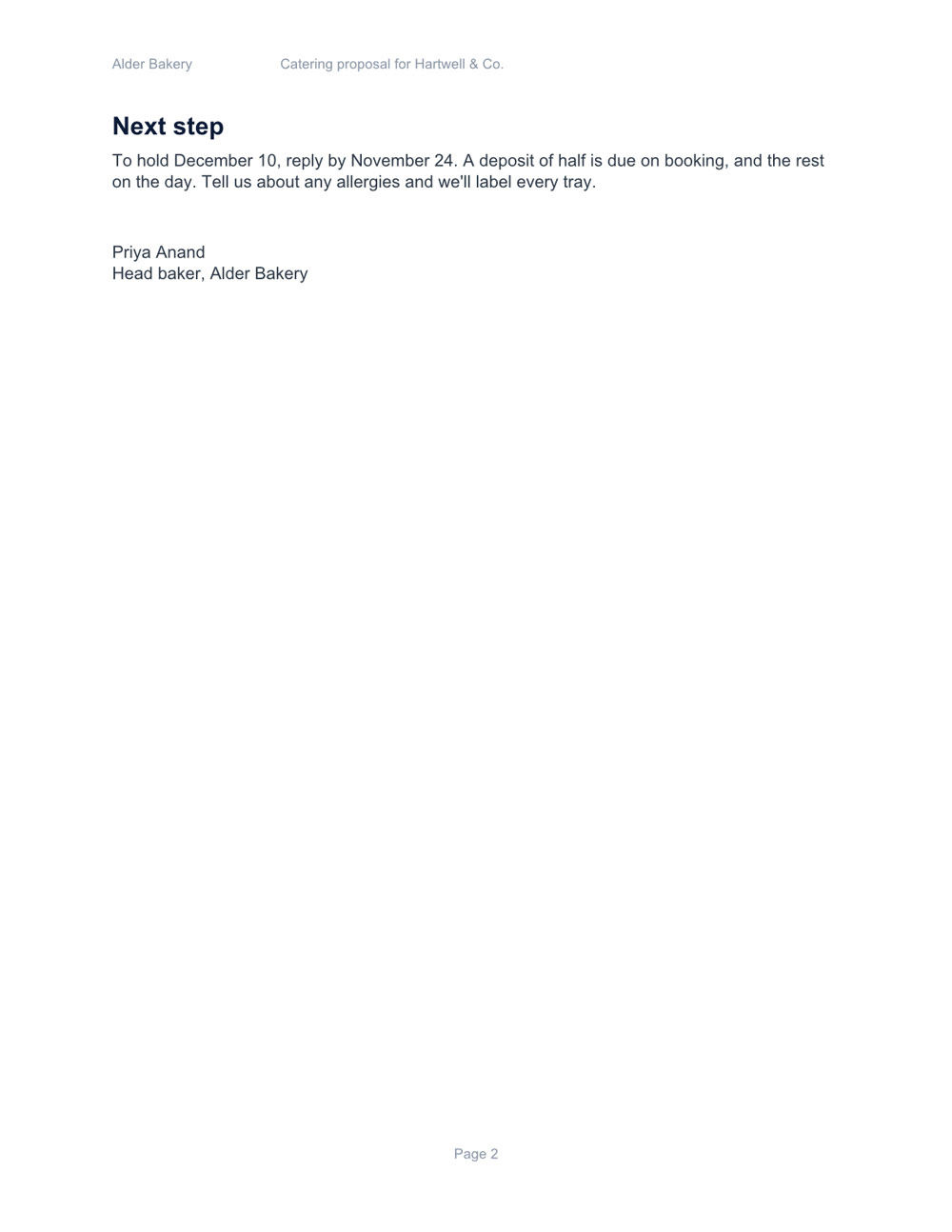
Two pages, with a price table and a schedule. Download the file
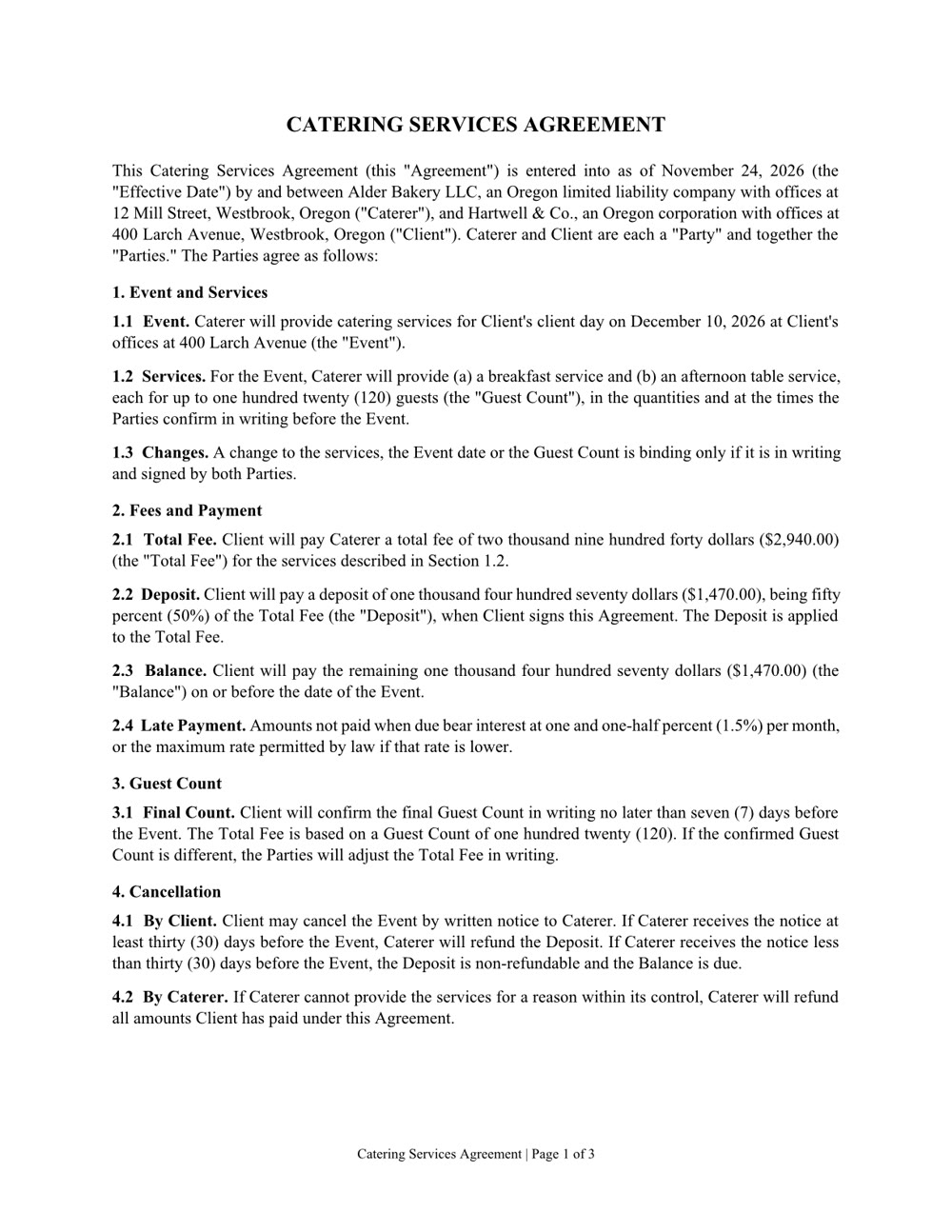
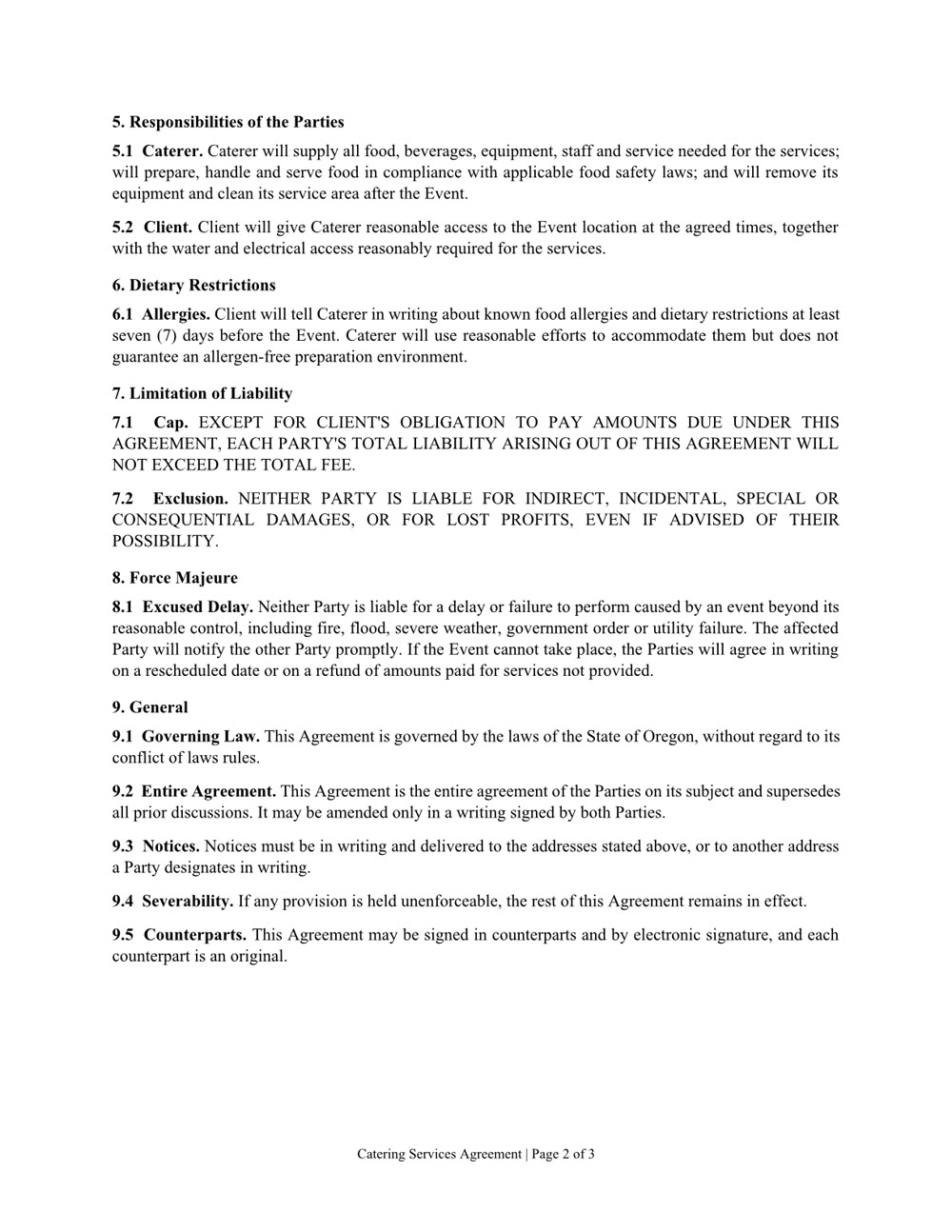
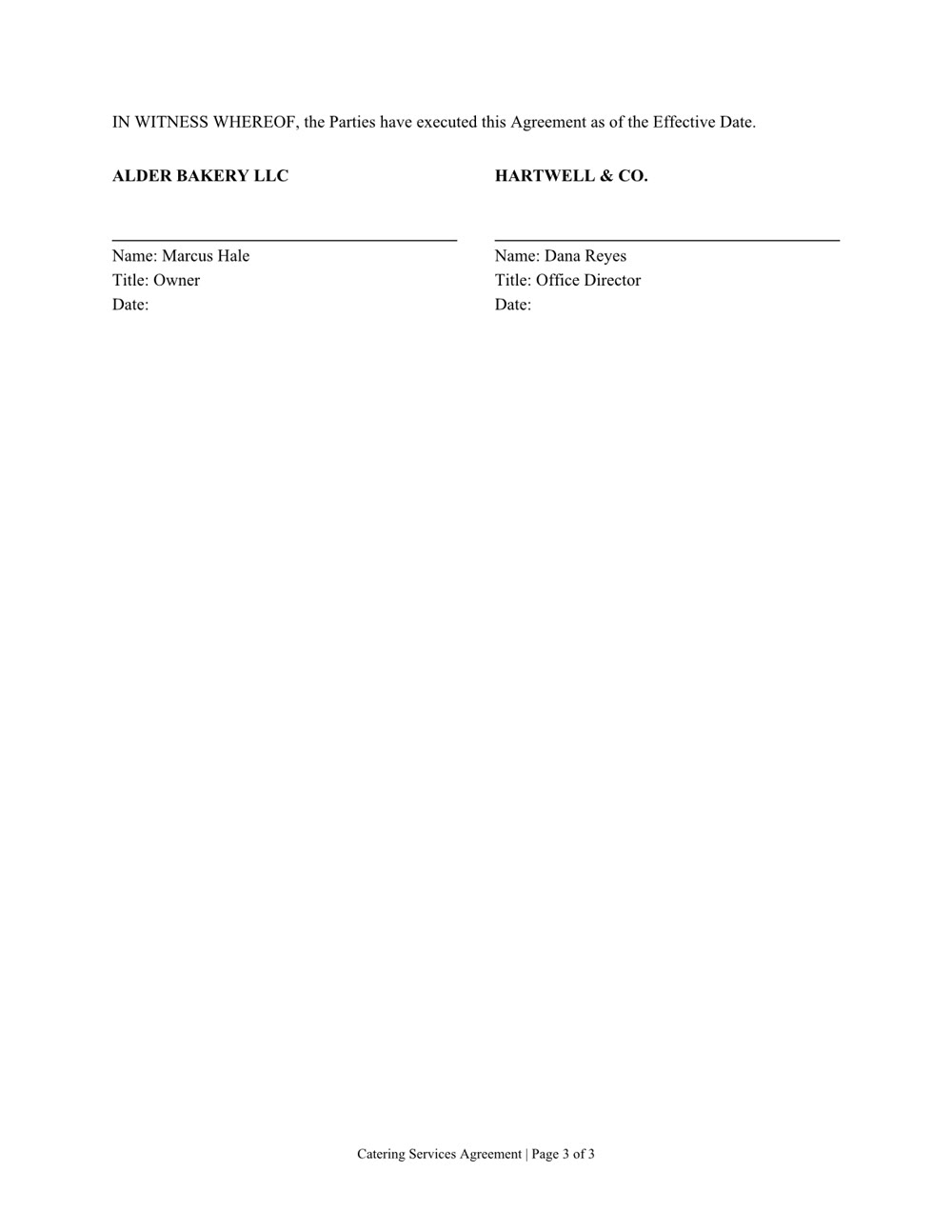
Three pages of numbered clauses and a signature page. Download the file
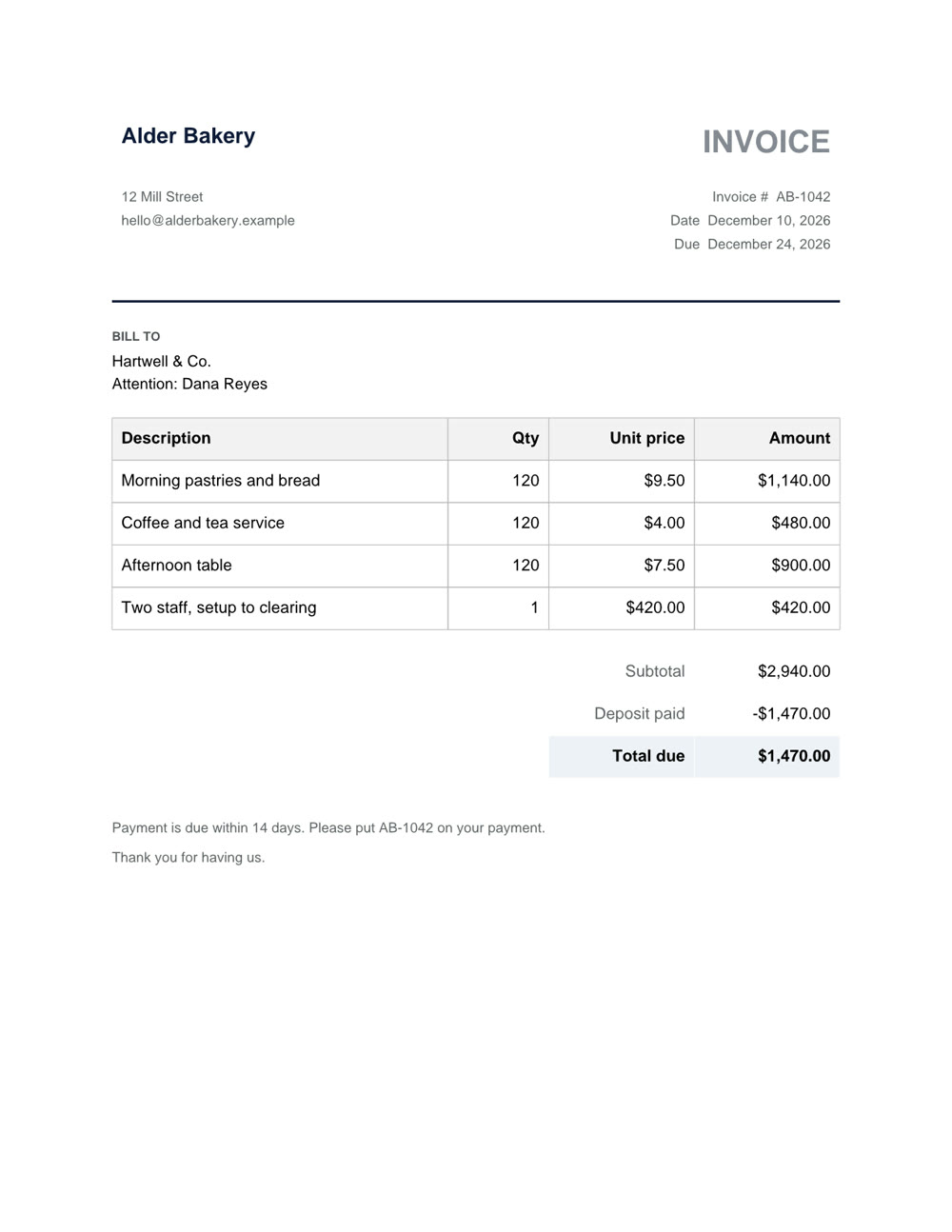
One page, with the deposit taken off. Download the file
Word, Excel, PowerPoint and PDF: the files you already work in.
A new file from a sentence, checked page by page before you get it. Any of them can also be saved as a PDF.
Ask what's in a file, even a scan or a format from years ago.
Change one clause, one sheet or one slide and keep the rest. In a PDF: fill in the form, merge, split, reorder or lock it with a password.