NeboAI
NeboAI
Začať

Povedzte si o dokument. Dostanete súbor.

Nebo Office vytvára, číta a upravuje súbory Word, Excel, PowerPoint a PDF priamo vo vašom počítači.

Povedzte, čo potrebujete. Otvorte súbor.

Žiadna šablóna na vyplnenie a nič na formátovanie.

Vytvorí skutočný súbor.

Word, Excel, PowerPoint a PDF s tabuľkami, vzorcami, hlavičkami a obsahom, aké má skutočný súbor.

Prečíta takmer čokoľvek.

Podajte mu zmluvu, sken alebo starú tabuľku a opýtajte sa, čo chcete vedieť.

Upraví, bez toho aby pokazil vzhľad.

Zmeňte ustanovenie, aktualizujte čísla alebo vyplňte formulár. Vaše formátovanie zostane na mieste.

See what it makes.

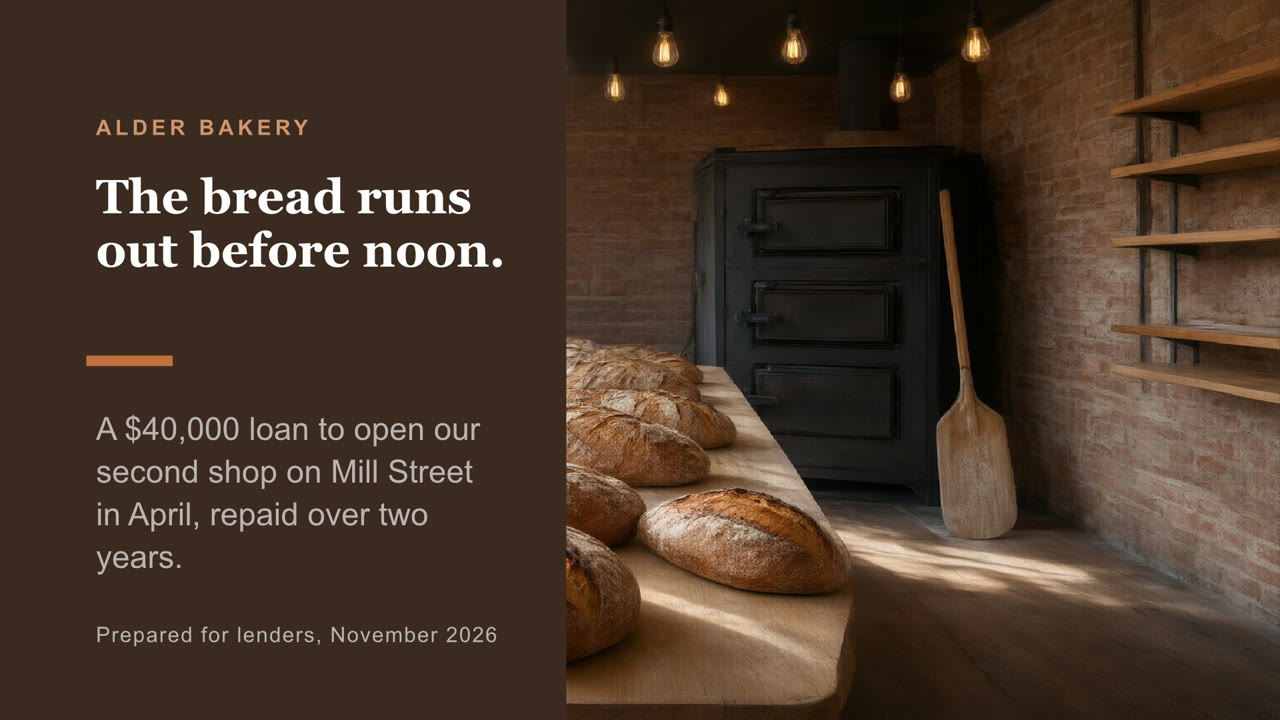
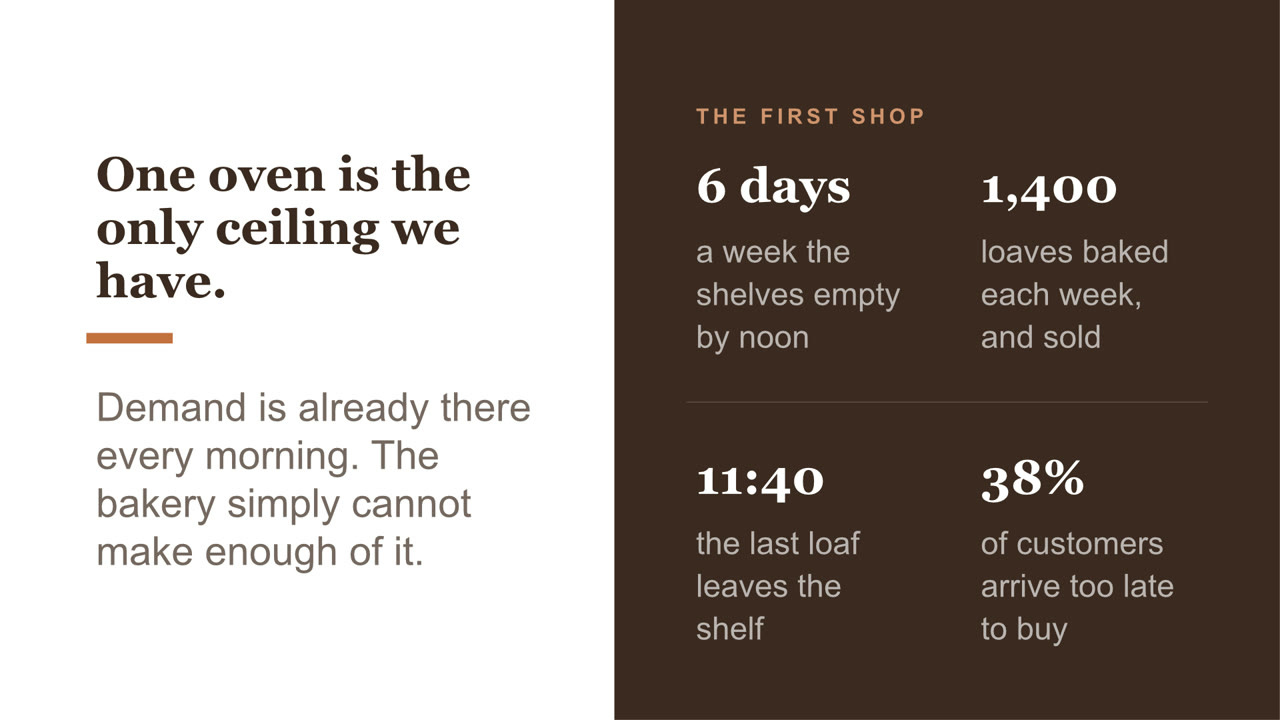
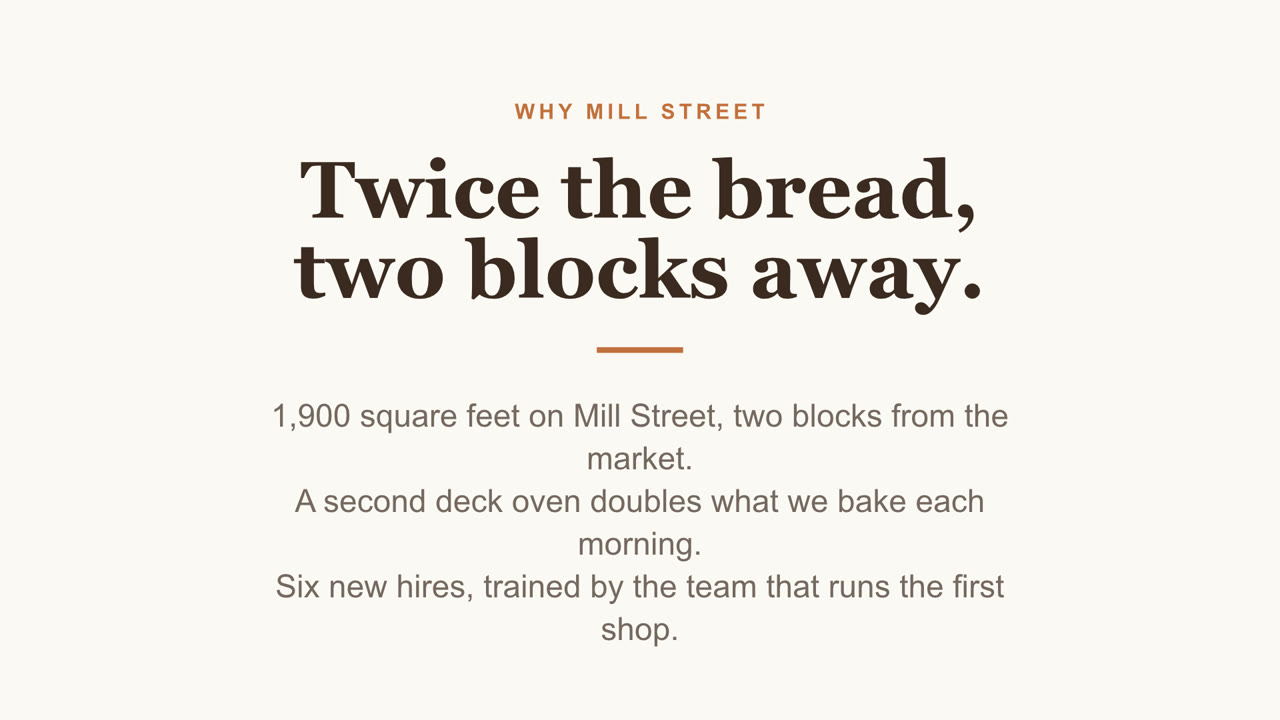
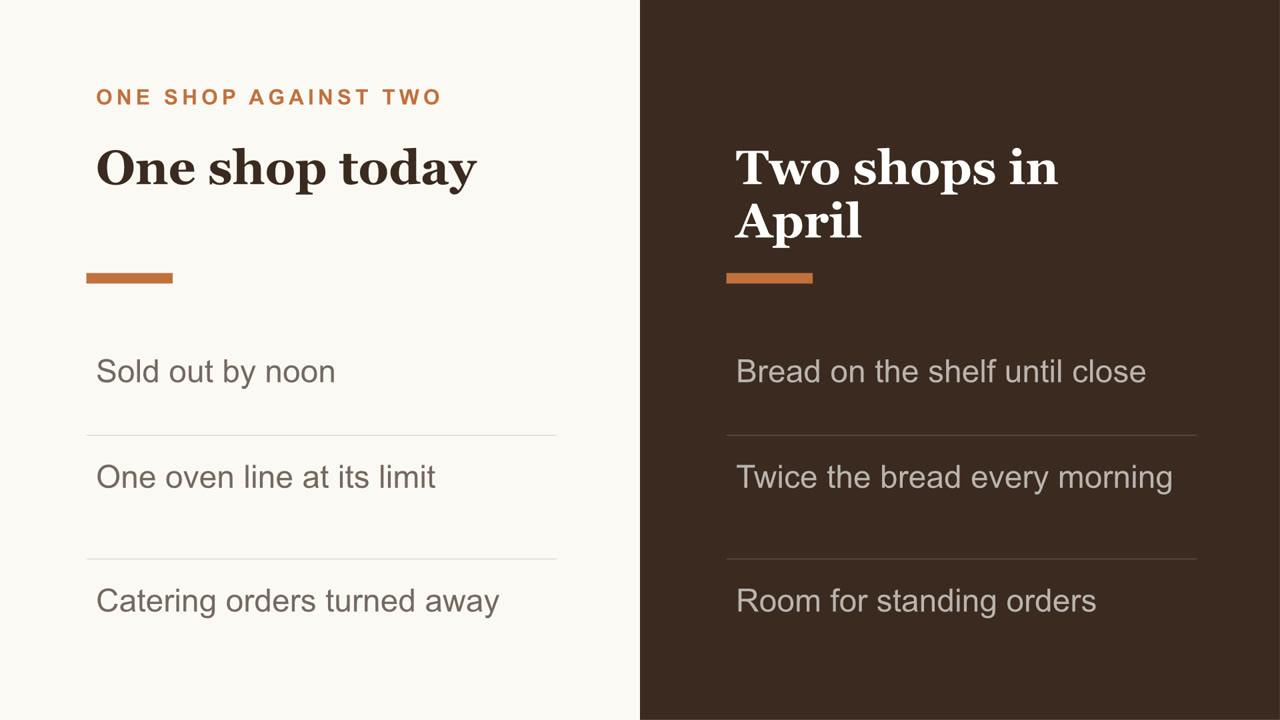
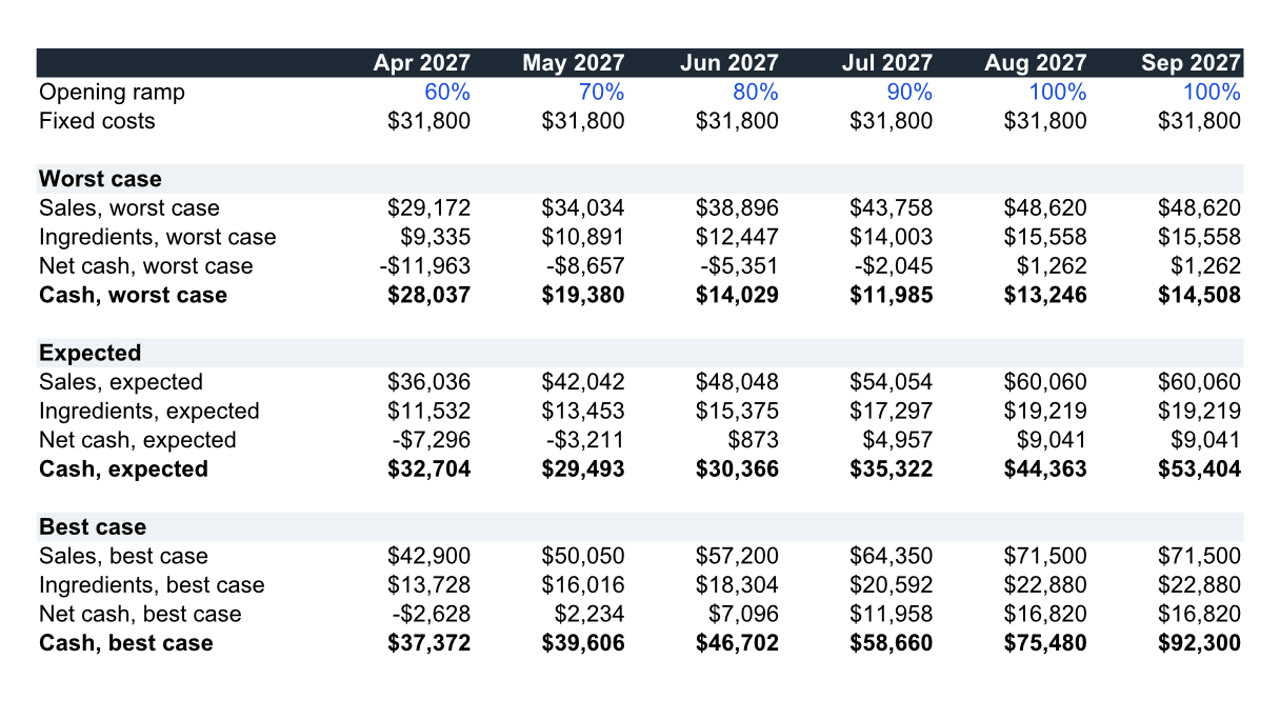
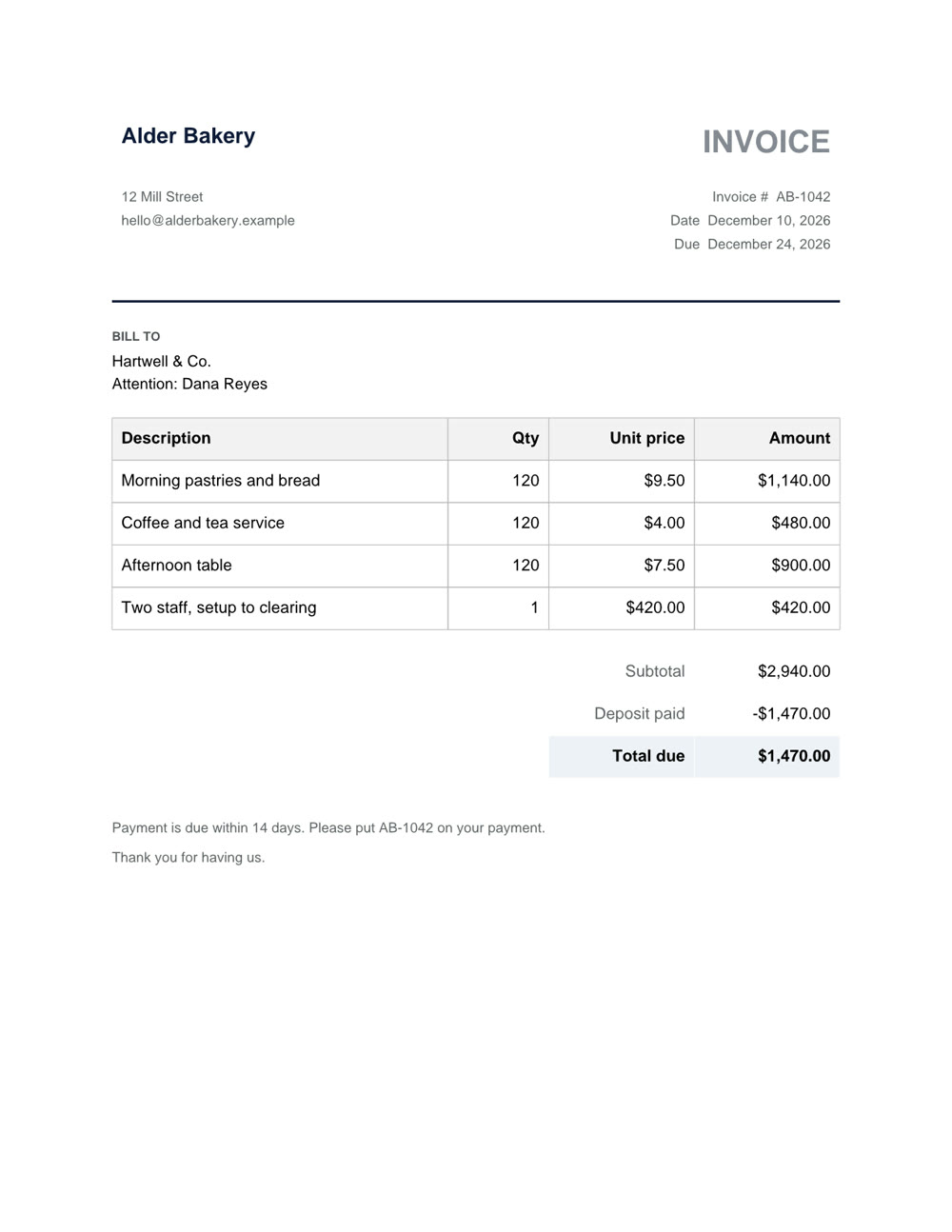
Nebo Office made every one of these for Alder Bakery, a business we invented. Page through them, then download the real files and open them in your own apps.

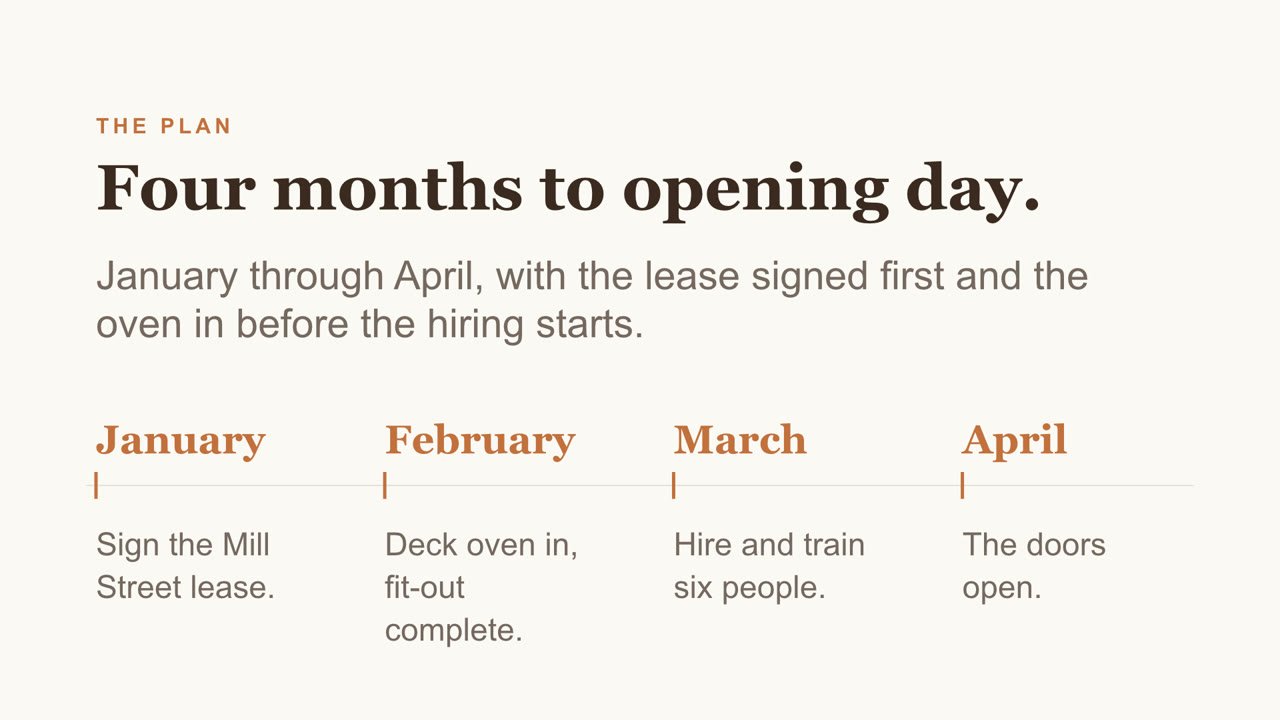
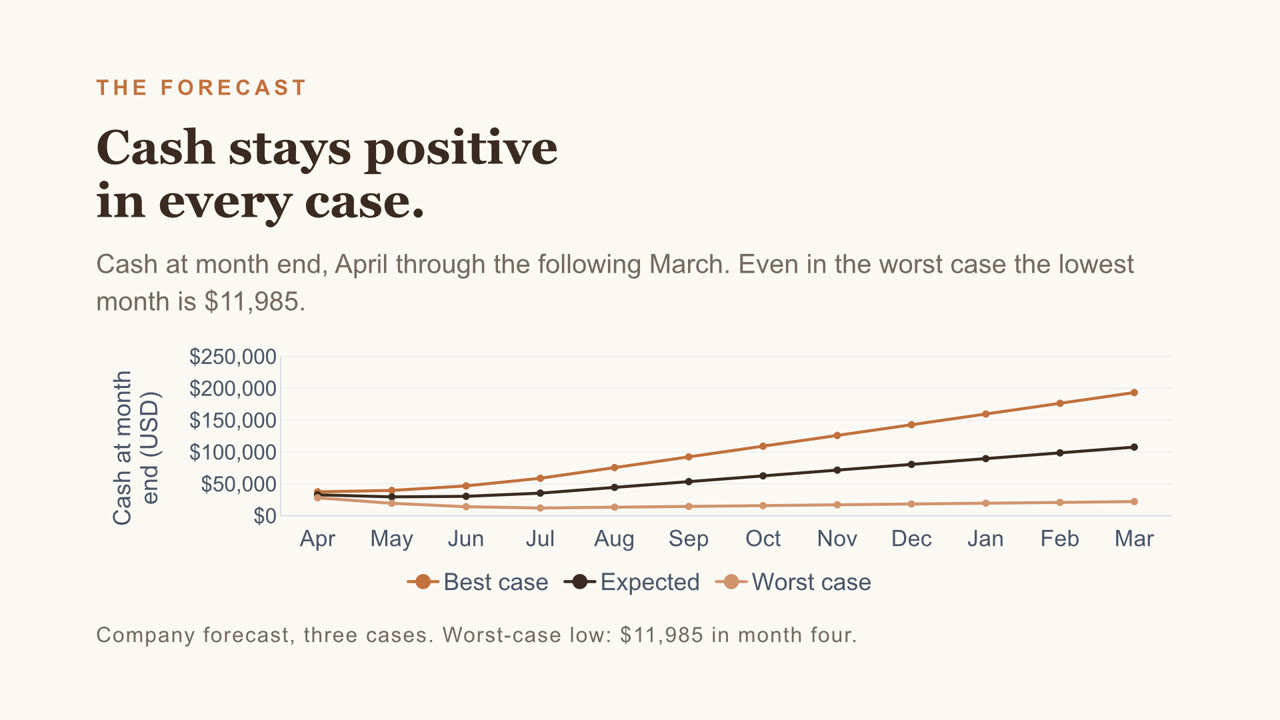
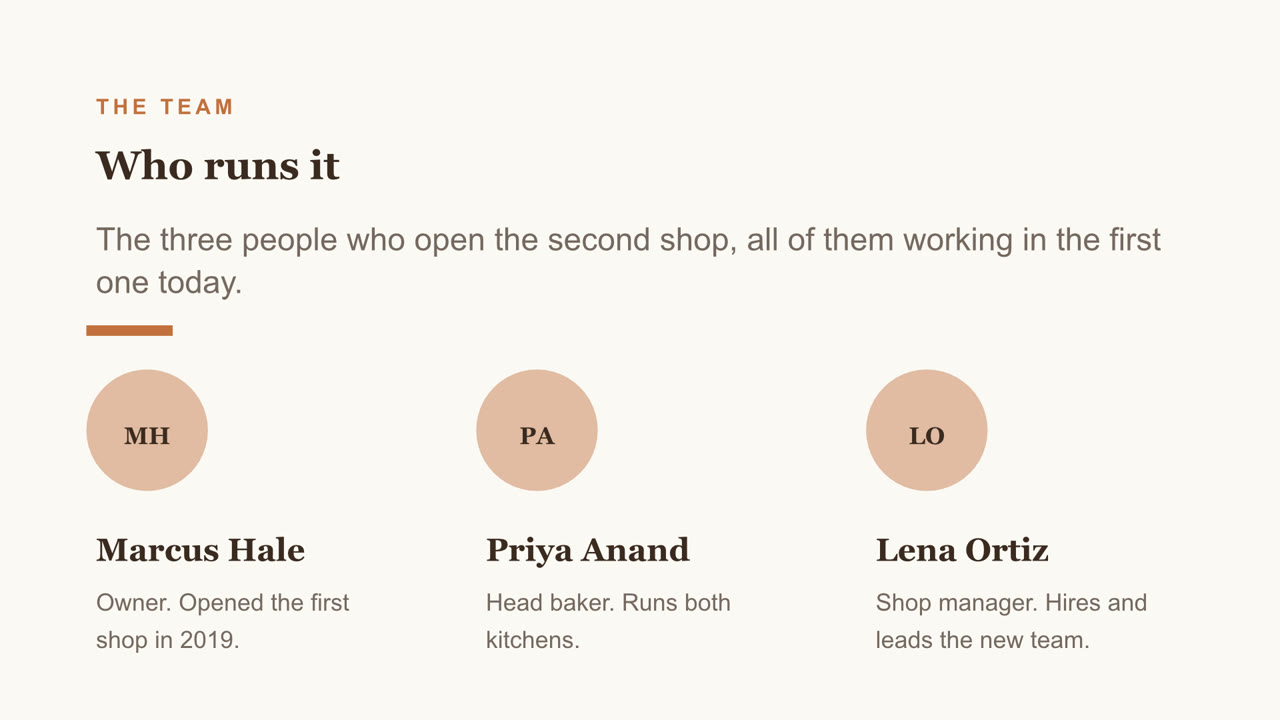
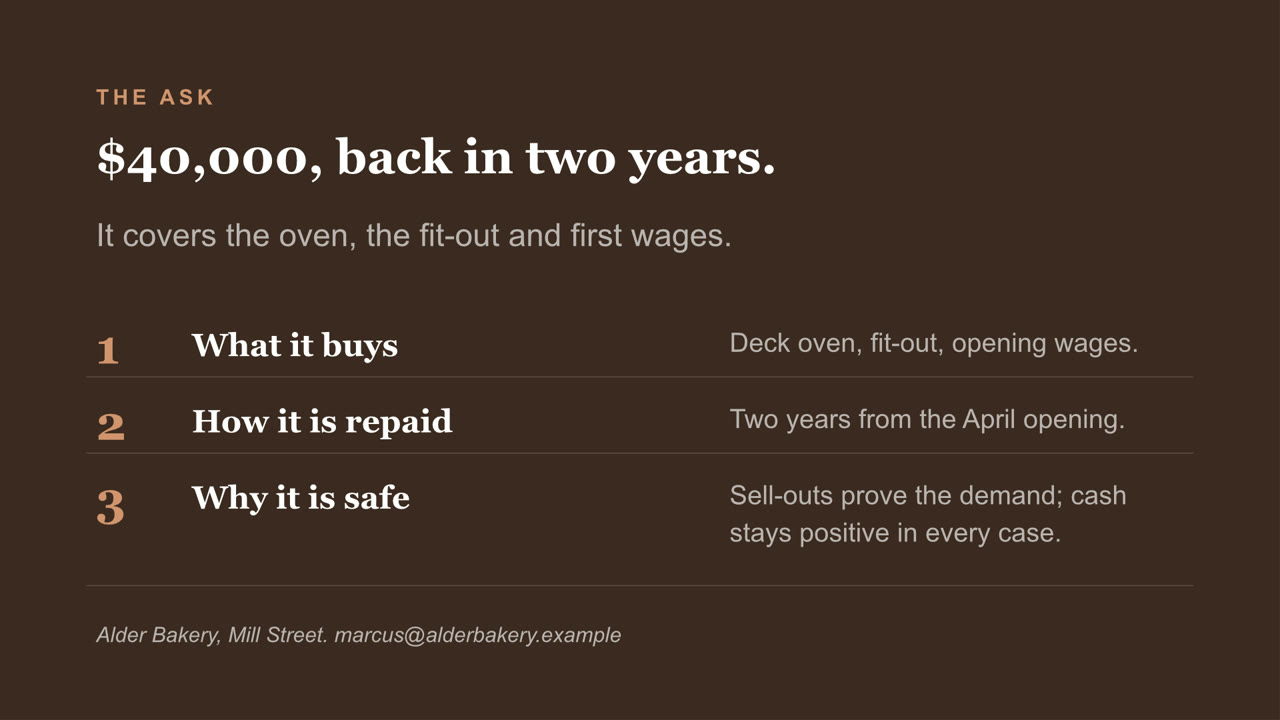
Pitch deck, page 1 of 8Pitch deck, page 2 of 8Pitch deck, page 3 of 8Pitch deck, page 4 of 8Pitch deck, page 5 of 8Pitch deck, page 6 of 8Pitch deck, page 7 of 8Pitch deck, page 8 of 8
Pitch deck PowerPoint

Eight slides, with a chart you can still edit and a cover photo Nebo generated. Download the file

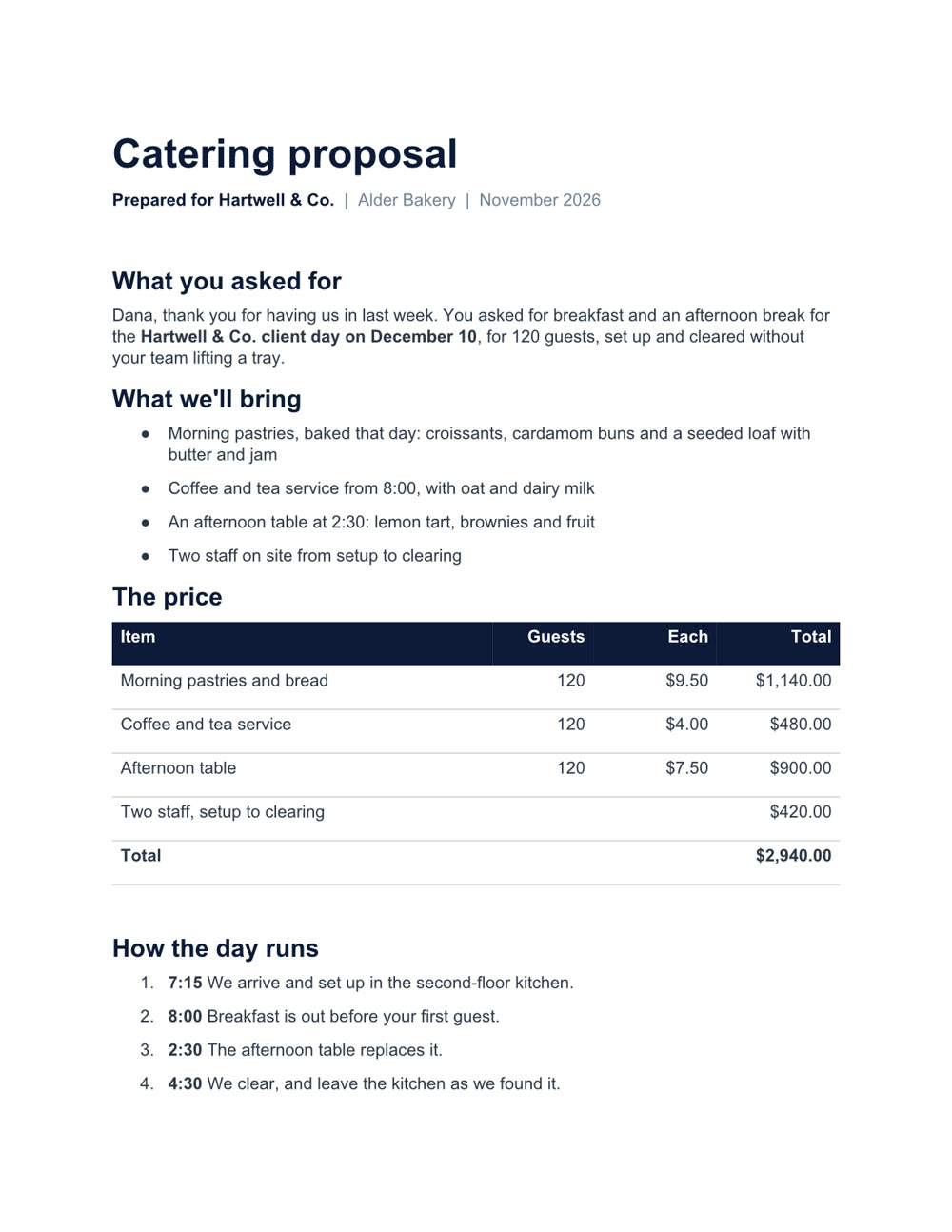
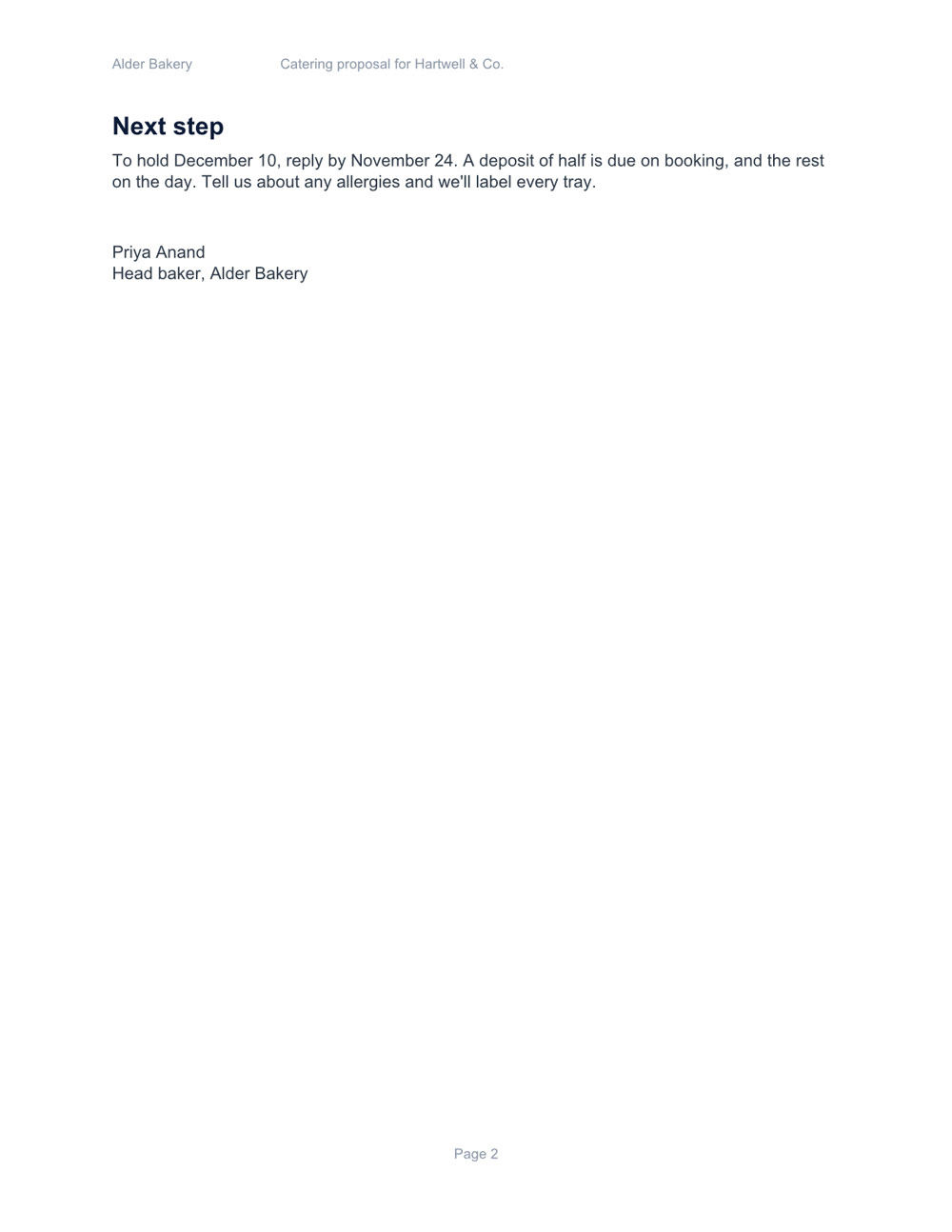
Catering proposal, page 1 of 2Catering proposal, page 2 of 2
Catering proposal Word

Two pages, with a price table and a schedule. Download the file

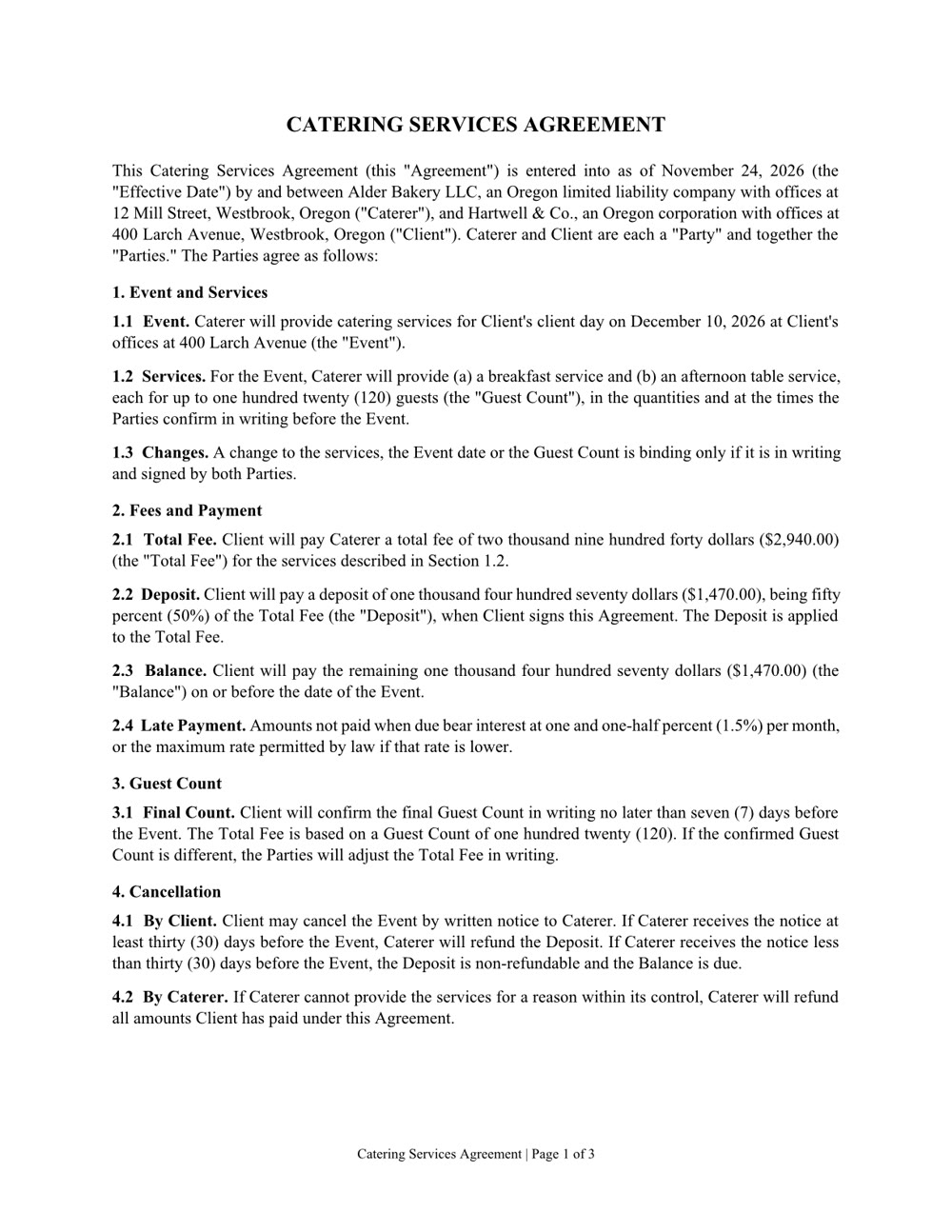
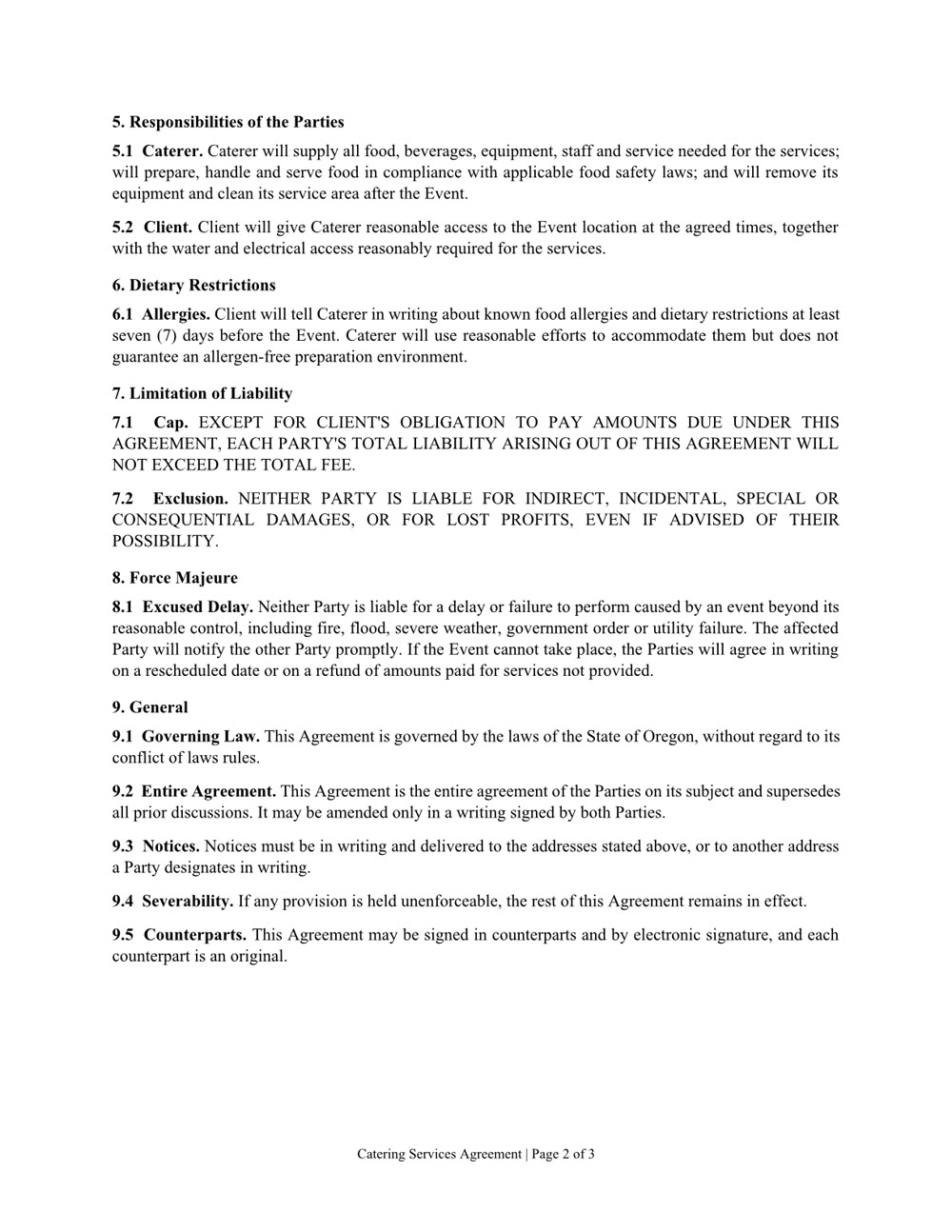
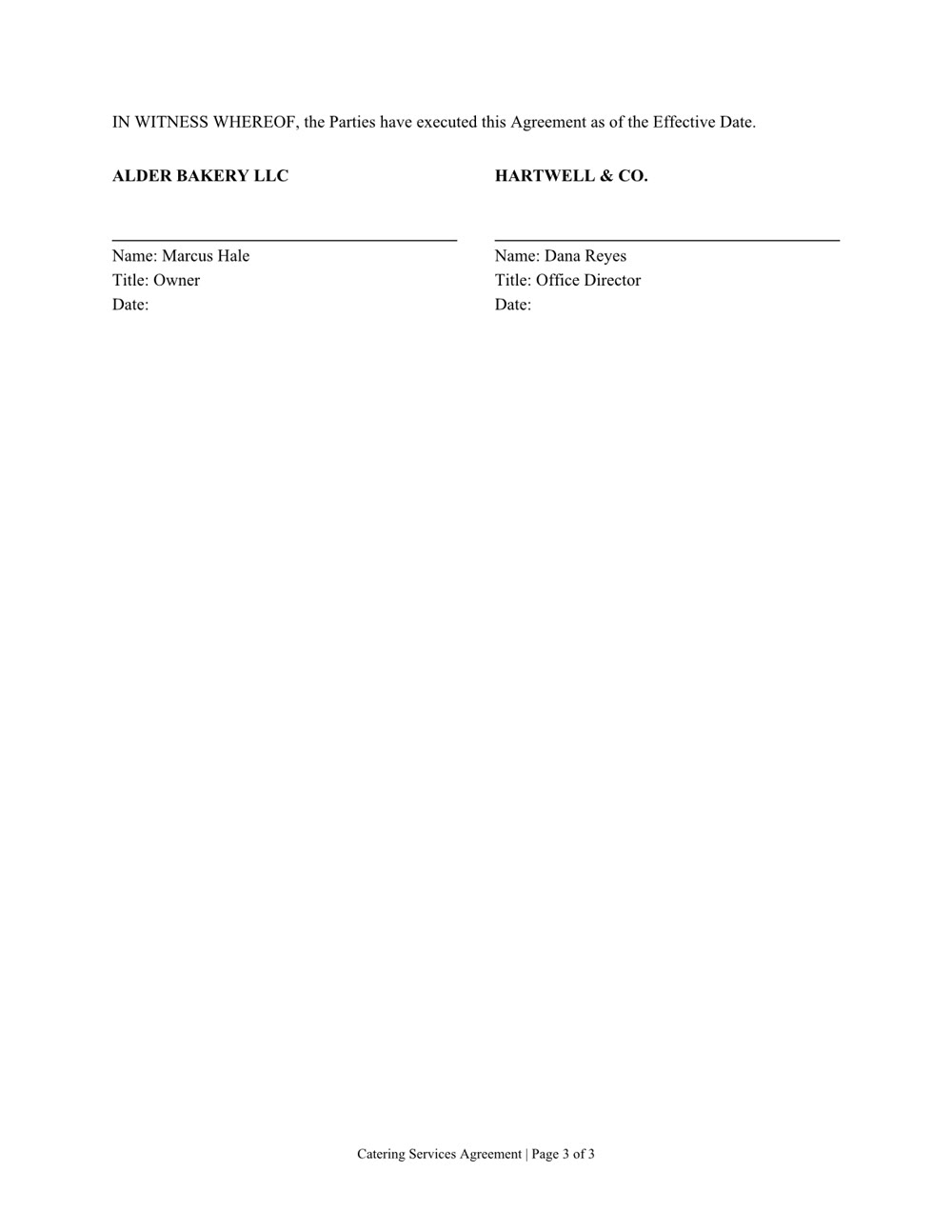
Services agreement, page 1 of 3Services agreement, page 2 of 3Services agreement, page 3 of 3
Services agreement Word

Three pages of numbered clauses and a signature page. Download the file

Create it. Read it. Edit it.

Word, Excel, PowerPoint and PDF: the files you already work in.

Create

A new file from a sentence, checked page by page before you get it. Any of them can also be saved as a PDF.

  • Word
  • Excel
  • PowerPoint
  • PDF

Read

Ask what's in a file, even a scan or a format from years ago.

  • Word
  • Excel
  • PowerPoint
  • PDF
  • Scanned pages
  • CSV
  • RTF
  • EPUB
  • OpenDocument

Edit

Change one clause, one sheet or one slide and keep the rest. In a PDF: fill in the form, merge, split, reorder or lock it with a password.

  • Word
  • Excel
  • PowerPoint
  • PDF
  • Beží vo vašom počítači. Vaše súbory tam zostanú.
  • Súbory sa otvárajú v aplikáciách, ktoré už používate.
  • Pred odovzdaním súboru skontroluje každú stranu.
  • Získate to v Obchode.

Odovzdajte papierovanie.