NeboAI
NeboAI
ចាប់ផ្ដើម

ស្នើឯកសារ។ ទទួលបានឯកសារ។

Nebo Office បង្កើត អាន និងកែសម្រួលឯកសារ Word, Excel, PowerPoint និង PDF ដោយផ្ទាល់នៅលើកុំព្យូទ័ររបស់អ្នក។

ប្រាប់អ្វីដែលអ្នកត្រូវការ។ បើកឯកសារ។

គ្មានទម្រង់ត្រូវបំពេញ ហើយគ្មានអ្វីត្រូវរៀបចំទេ។

វាបង្កើតឯកសារពិតប្រាកដ។

Word, Excel, PowerPoint និង PDF ជាមួយតារាង រូបមន្ត បឋមកថា និងតារាងមាតិកា ដូចឯកសារពិតប្រាកដ។

វាអានស្ទើរតែអ្វីៗទាំងអស់។

ផ្តល់កិច្ចសន្យា ឯកសារស្កែន ឬសៀវភៅបញ្ជីចាស់ ហើយសួរអ្វីដែលអ្នកចង់ដឹង។

វាកែសម្រួលដោយមិនបំផ្លាញប្លង់។

ប្តូរមាត្រាមួយ ធ្វើបច្ចុប្បន្នភាពលេខ ឬបំពេញទម្រង់បែបបទ។ ទម្រង់របស់អ្នកនៅដដែល។

See what it makes.

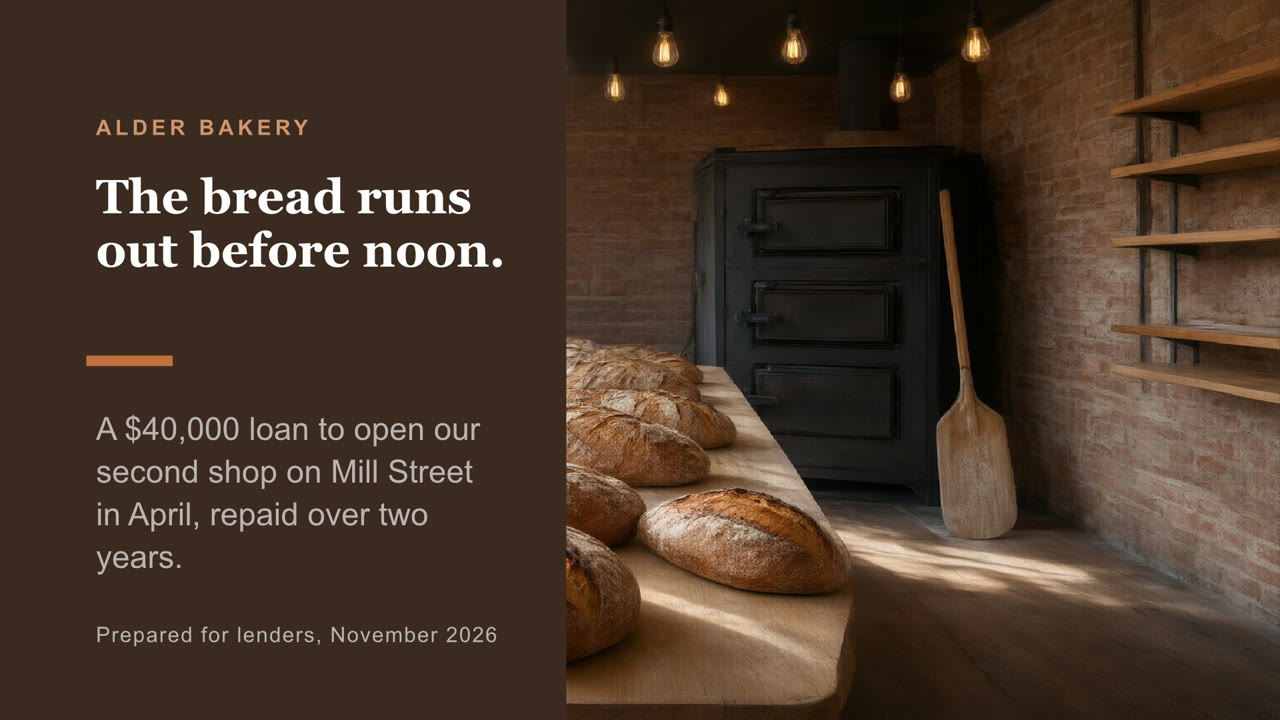
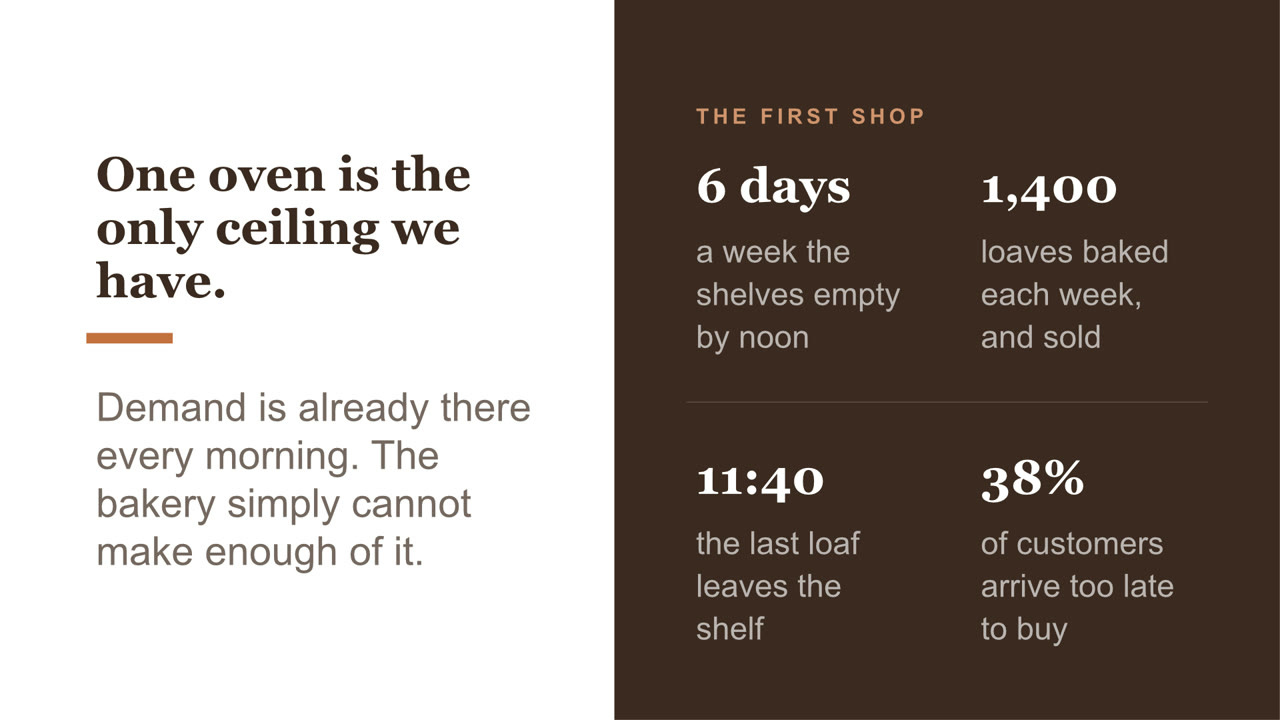
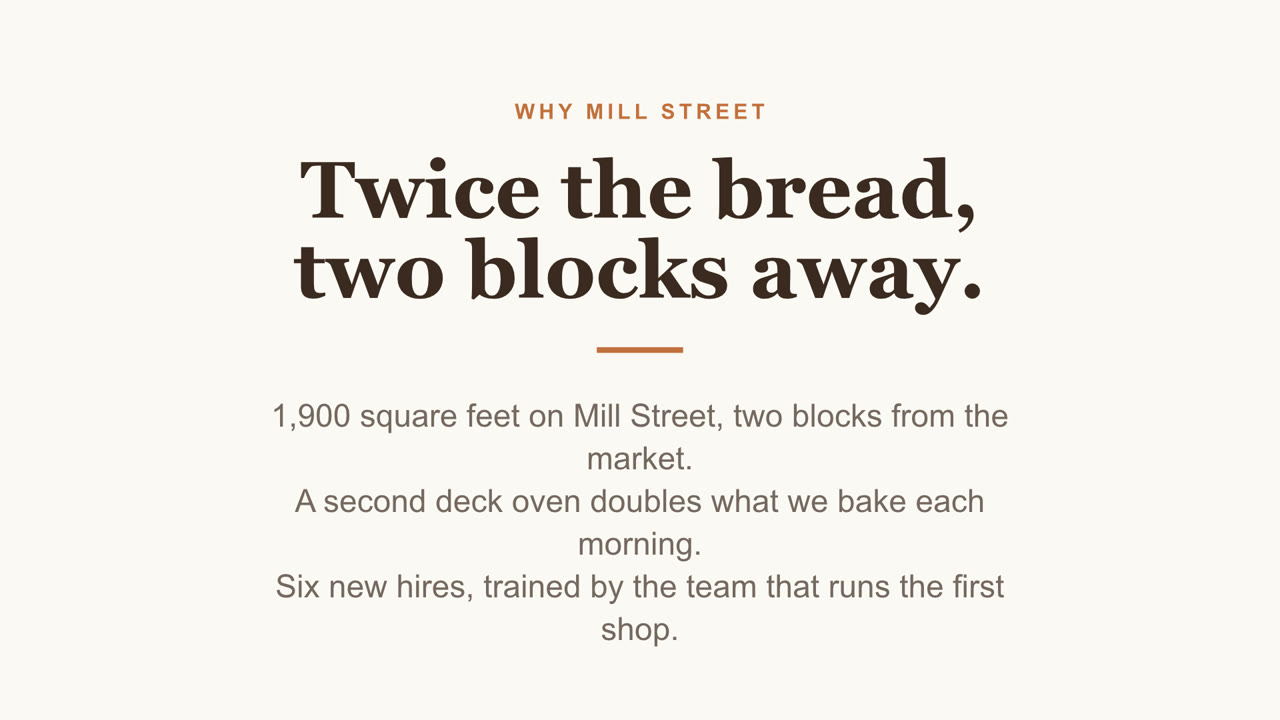
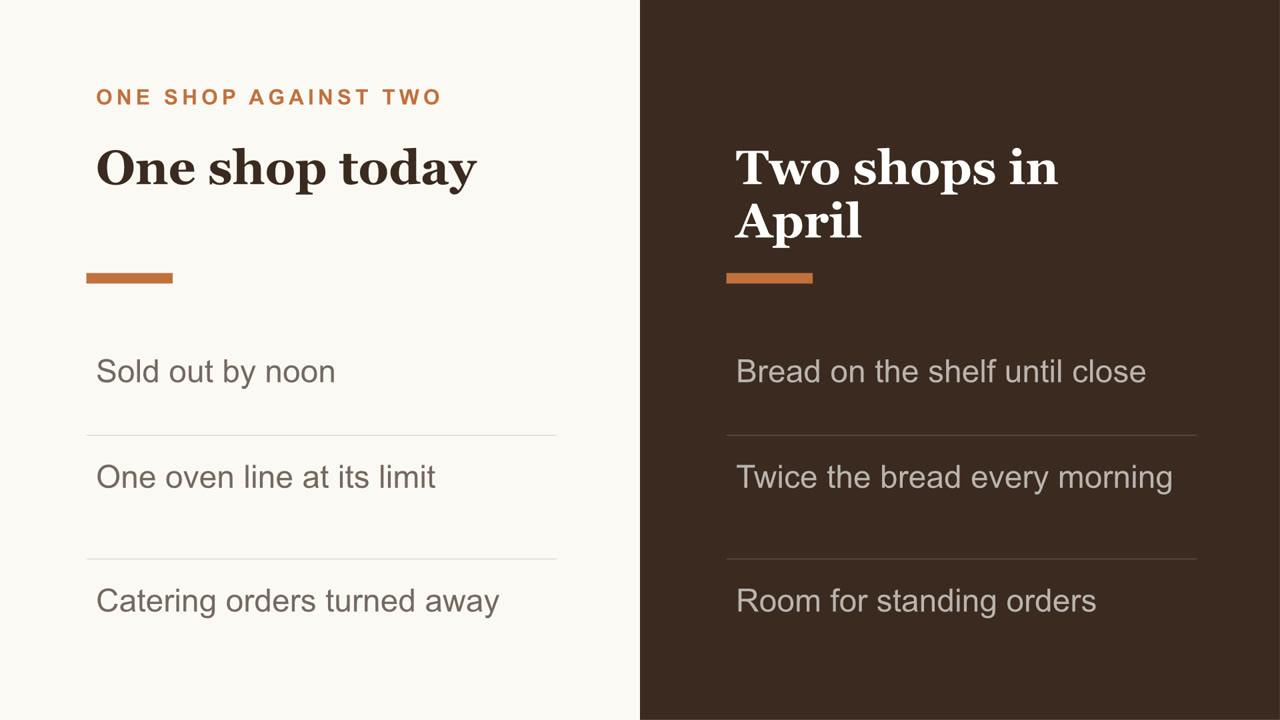
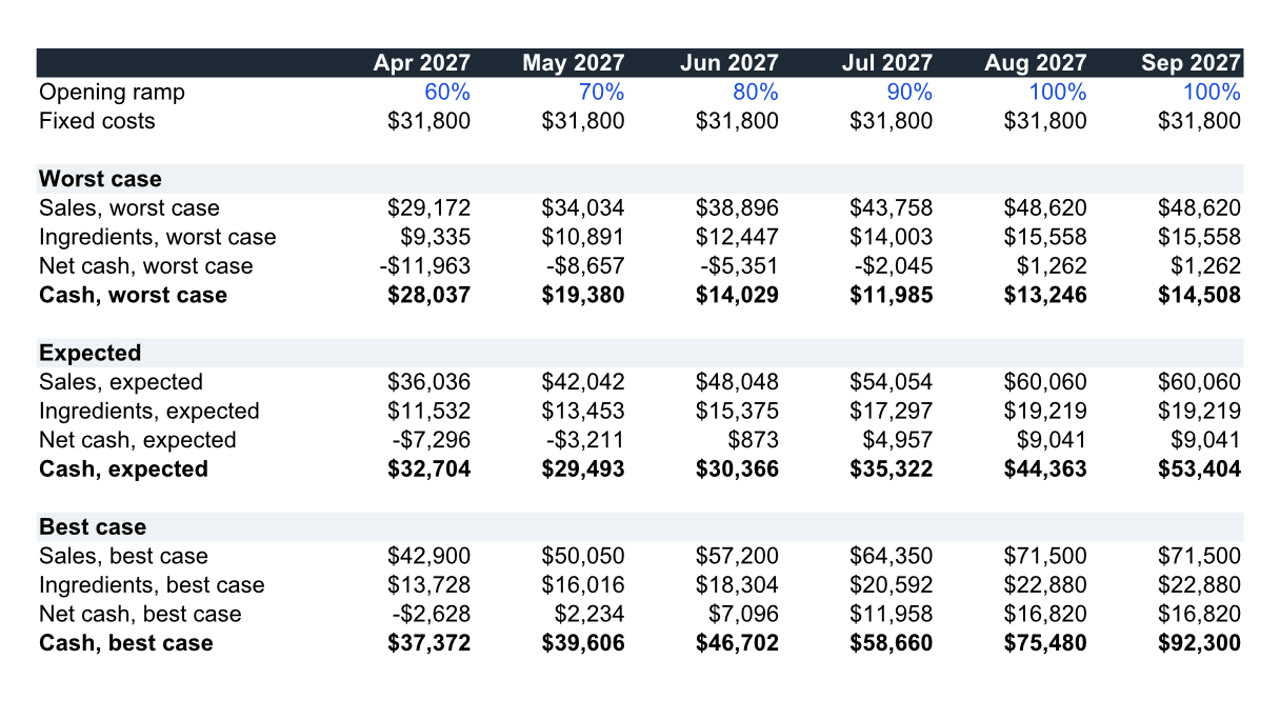
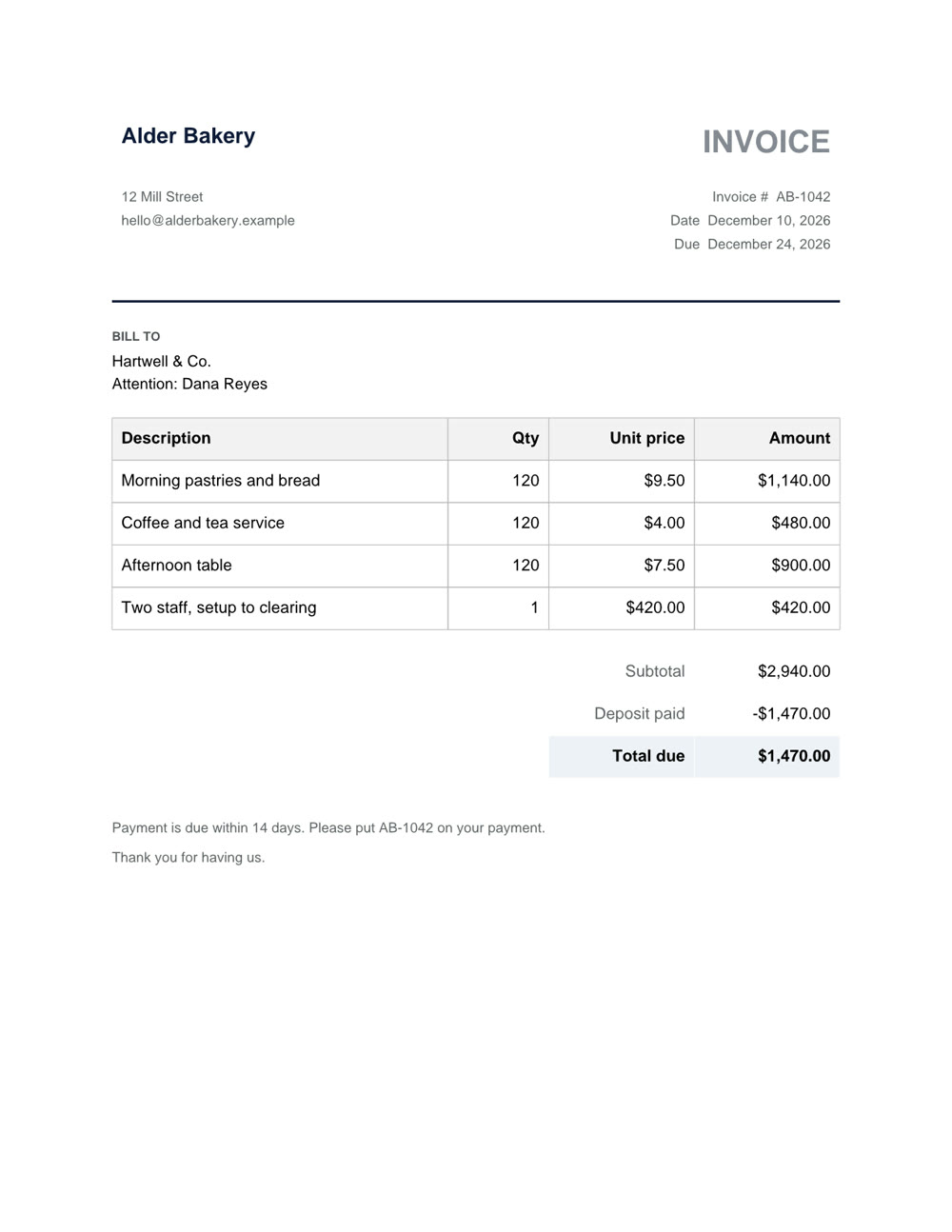
Nebo Office made every one of these for Alder Bakery, a business we invented. Page through them, then download the real files and open them in your own apps.

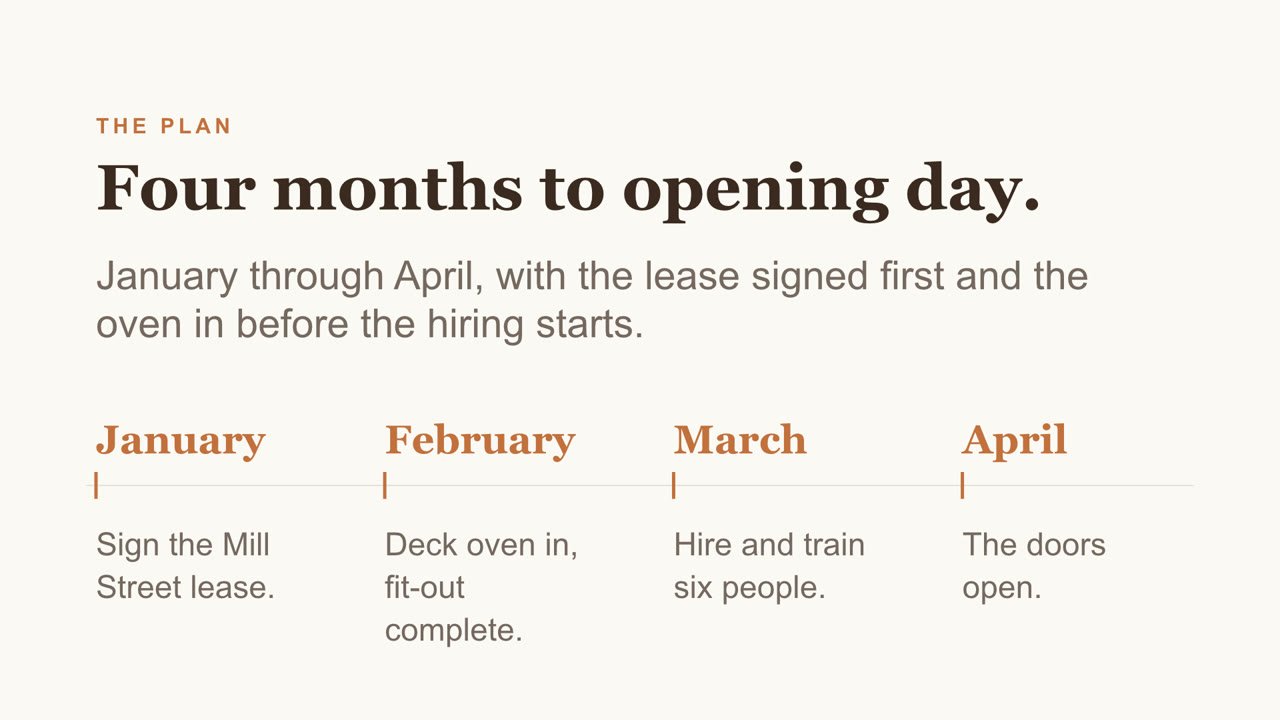
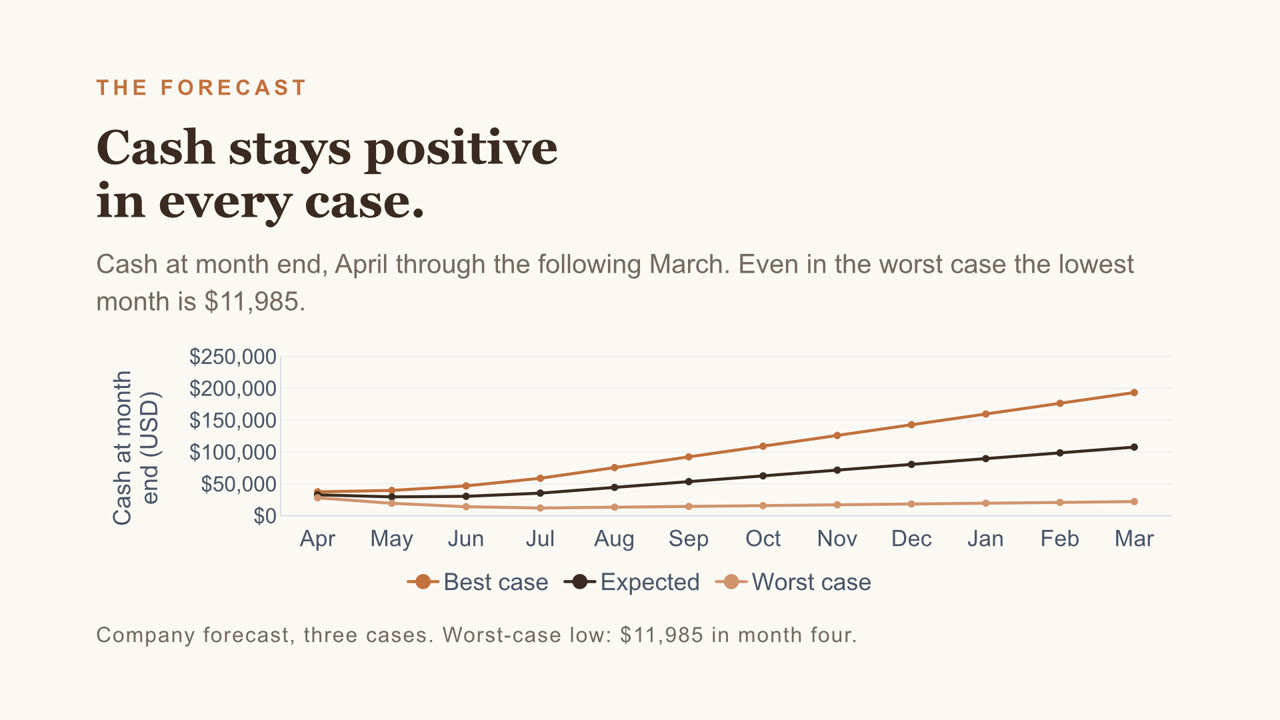
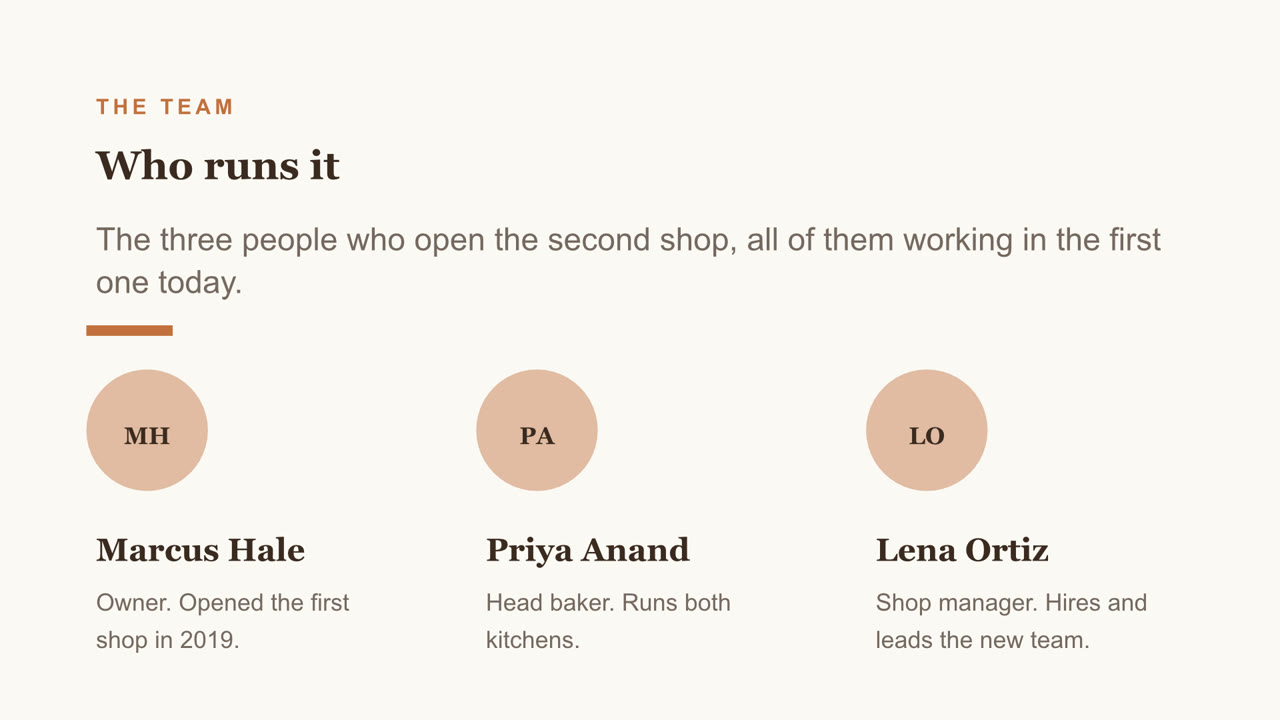
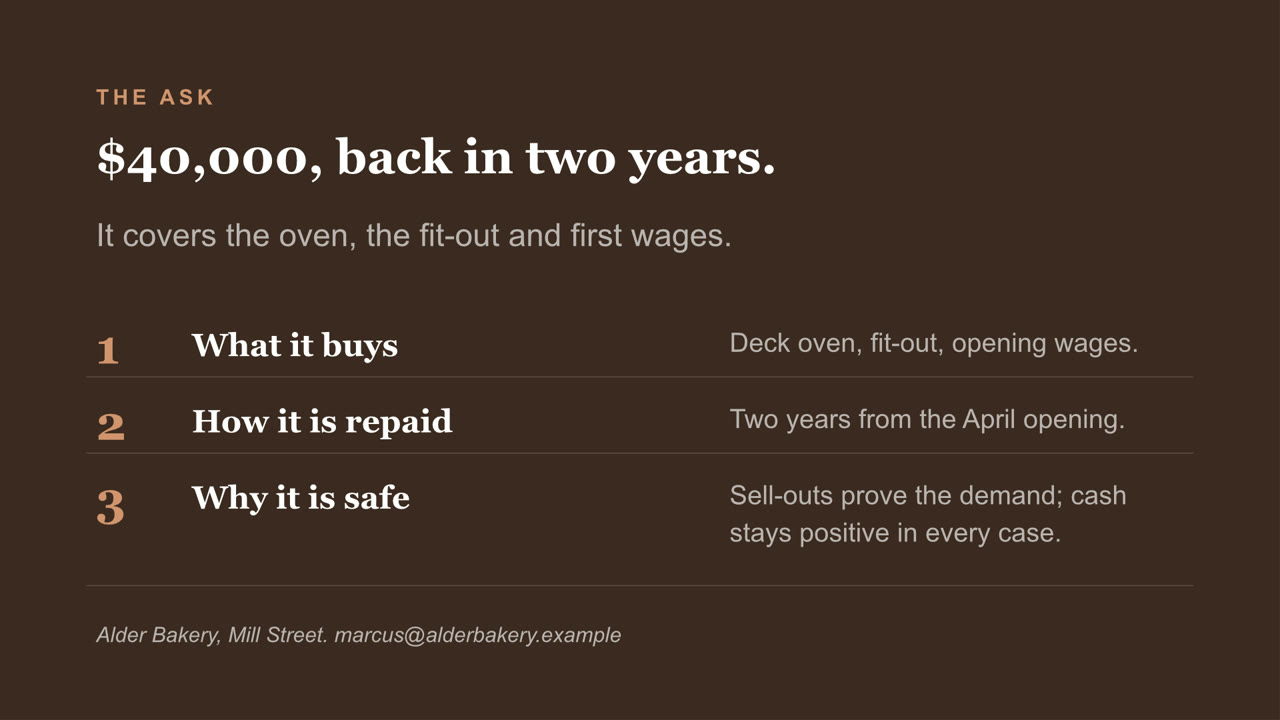
Pitch deck, page 1 of 8Pitch deck, page 2 of 8Pitch deck, page 3 of 8Pitch deck, page 4 of 8Pitch deck, page 5 of 8Pitch deck, page 6 of 8Pitch deck, page 7 of 8Pitch deck, page 8 of 8
Pitch deck PowerPoint

Eight slides, with a chart you can still edit and a cover photo Nebo generated. Download the file

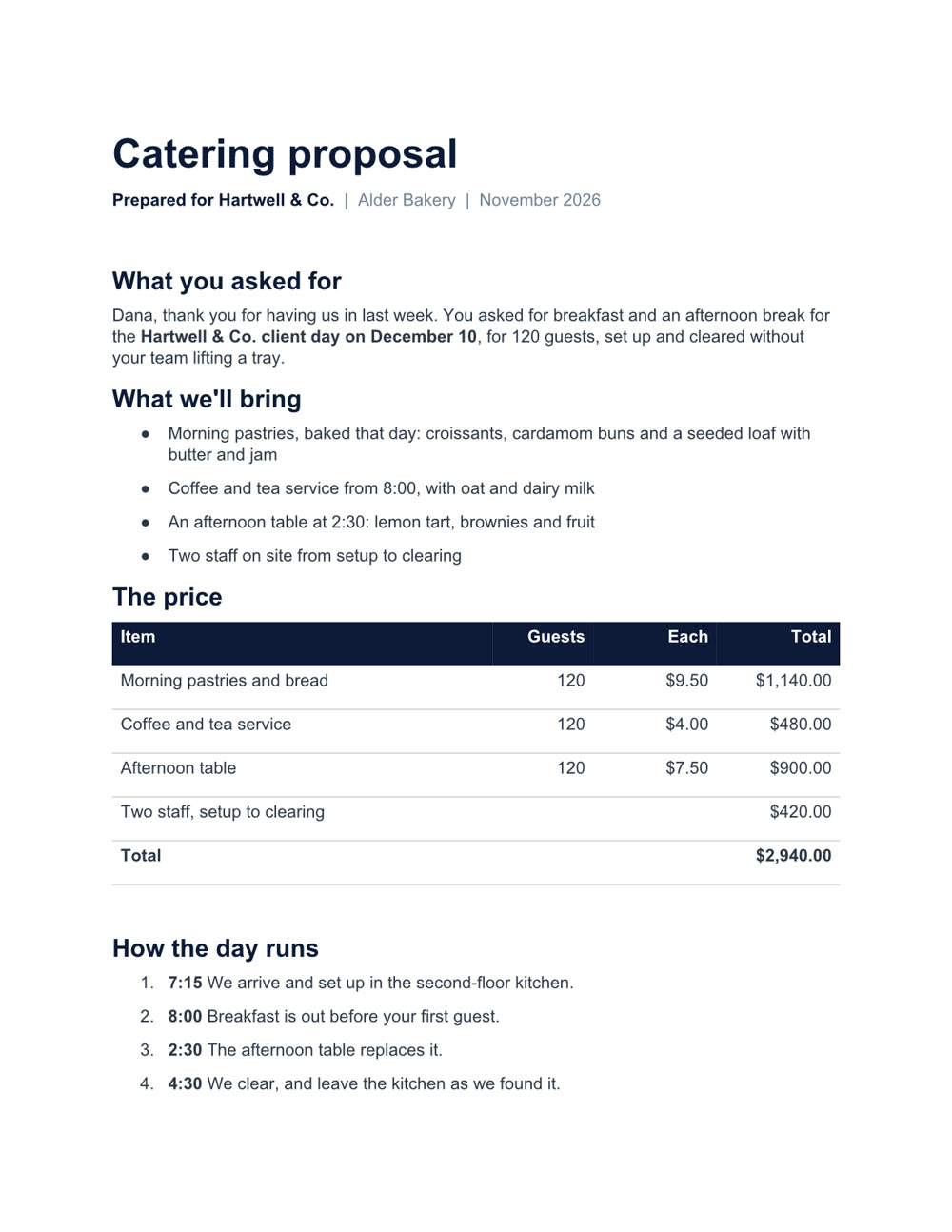
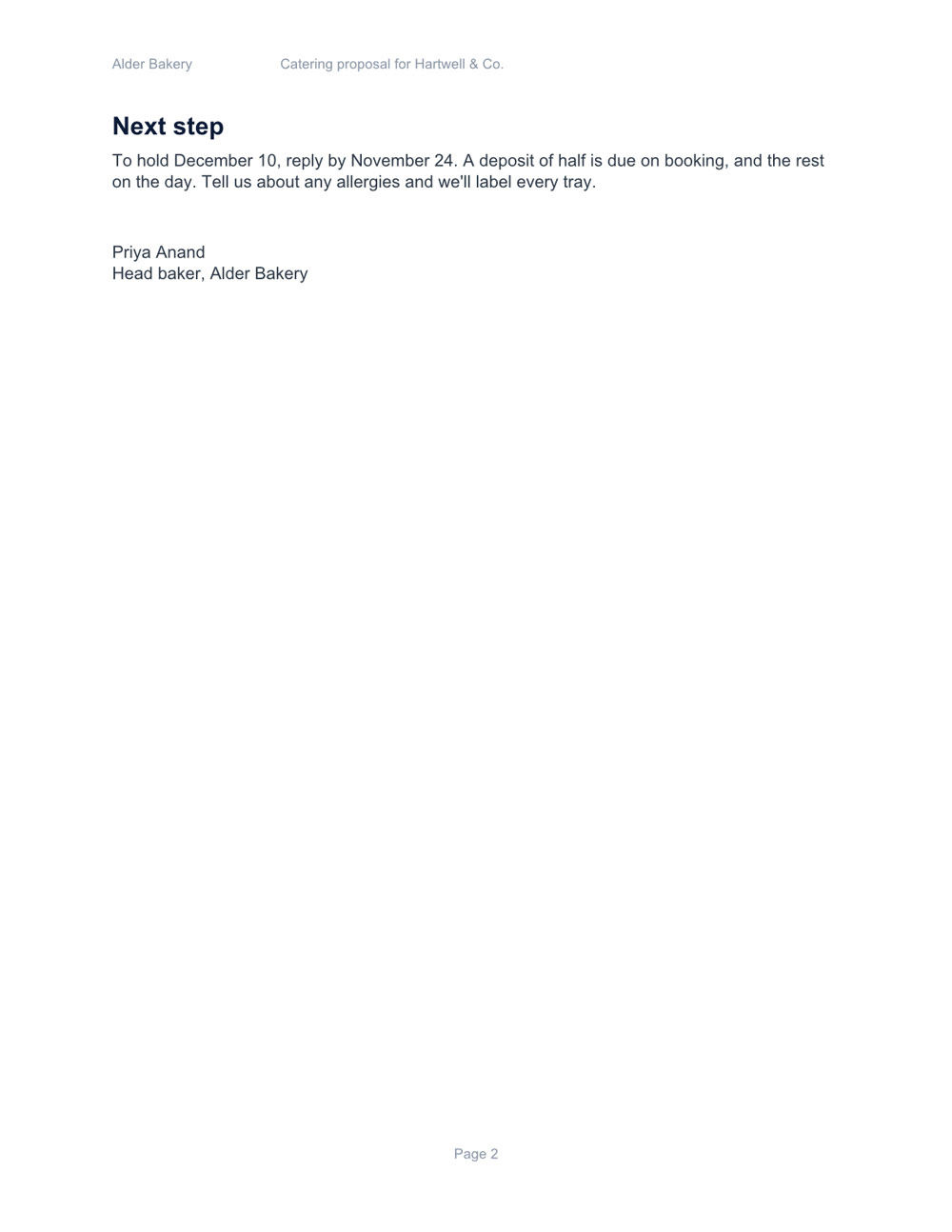
Catering proposal, page 1 of 2Catering proposal, page 2 of 2
Catering proposal Word

Two pages, with a price table and a schedule. Download the file

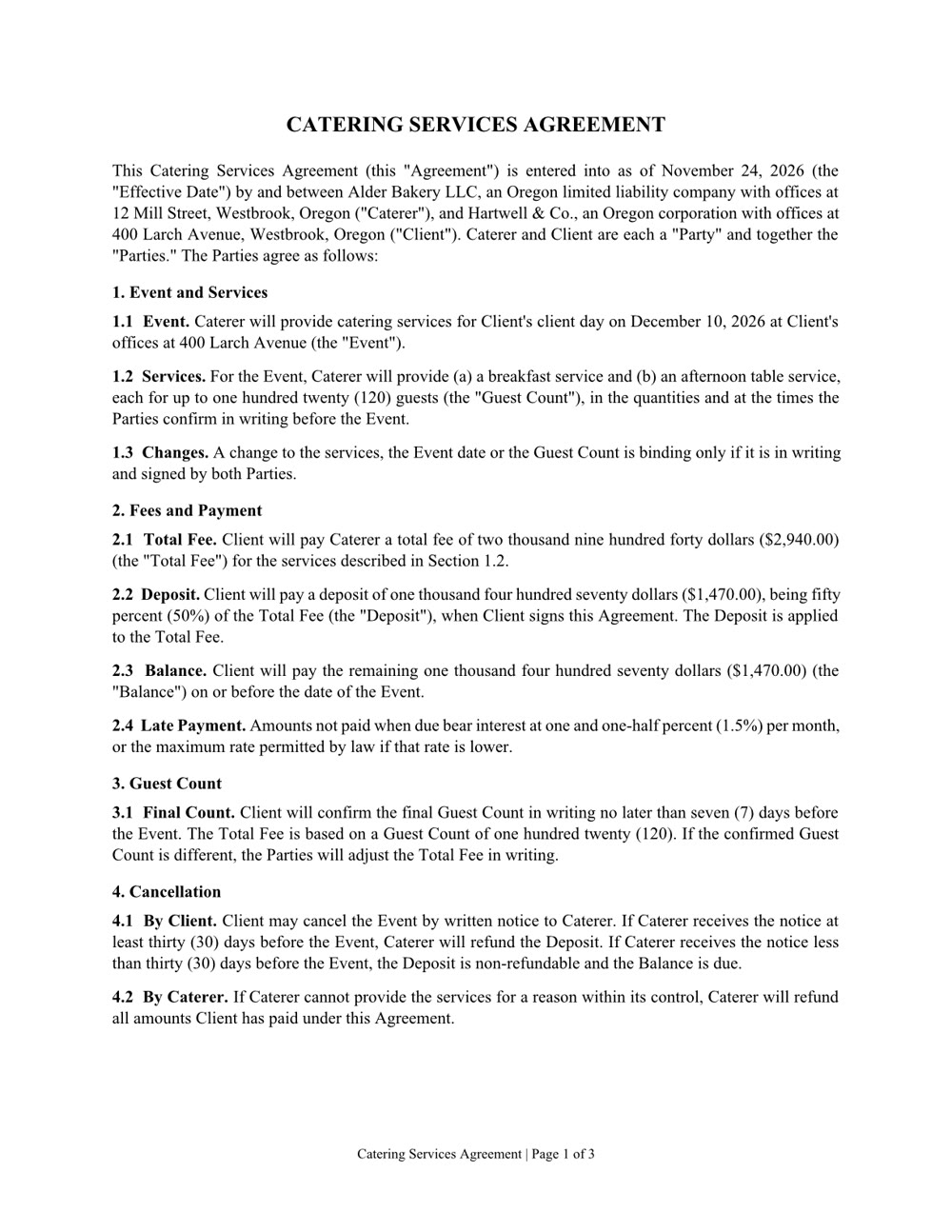
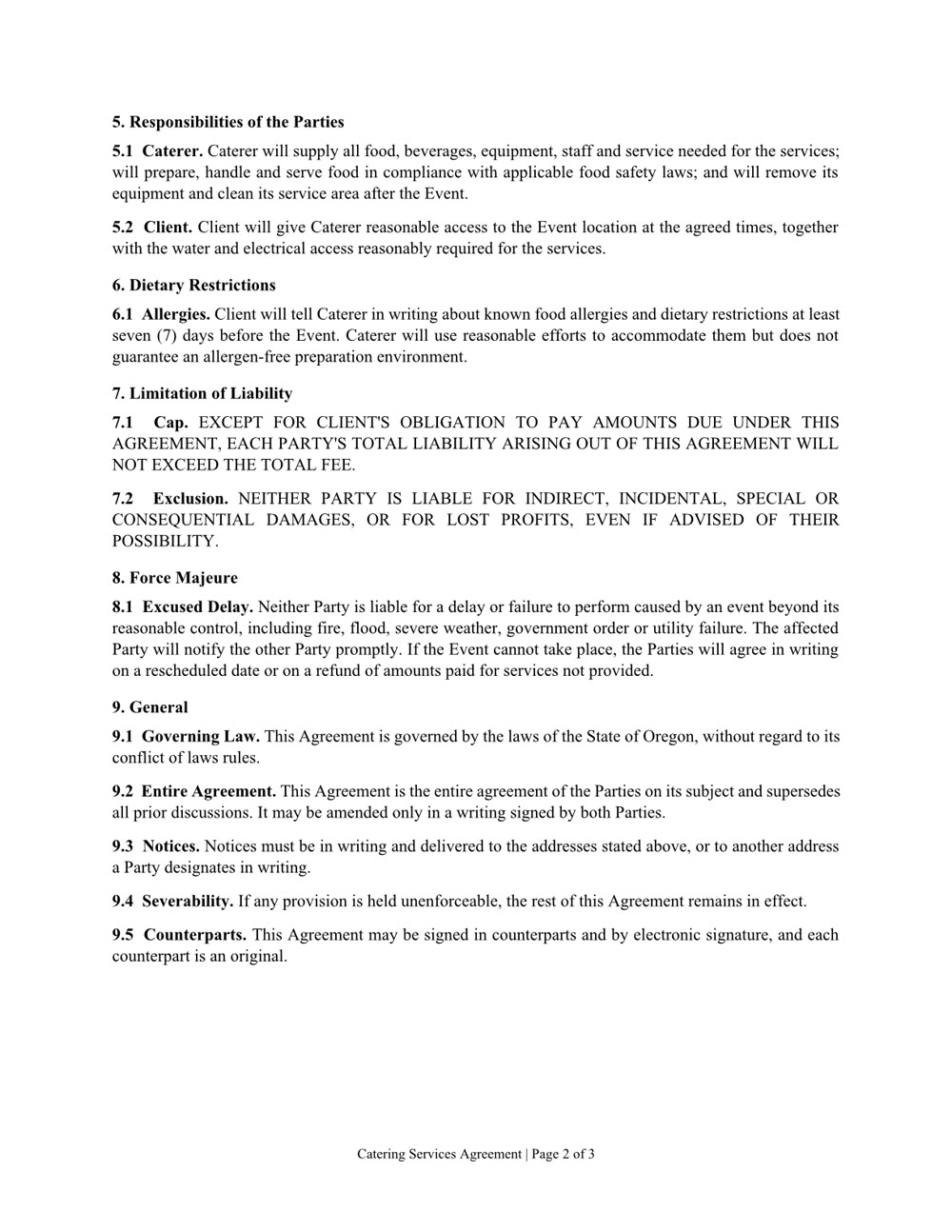
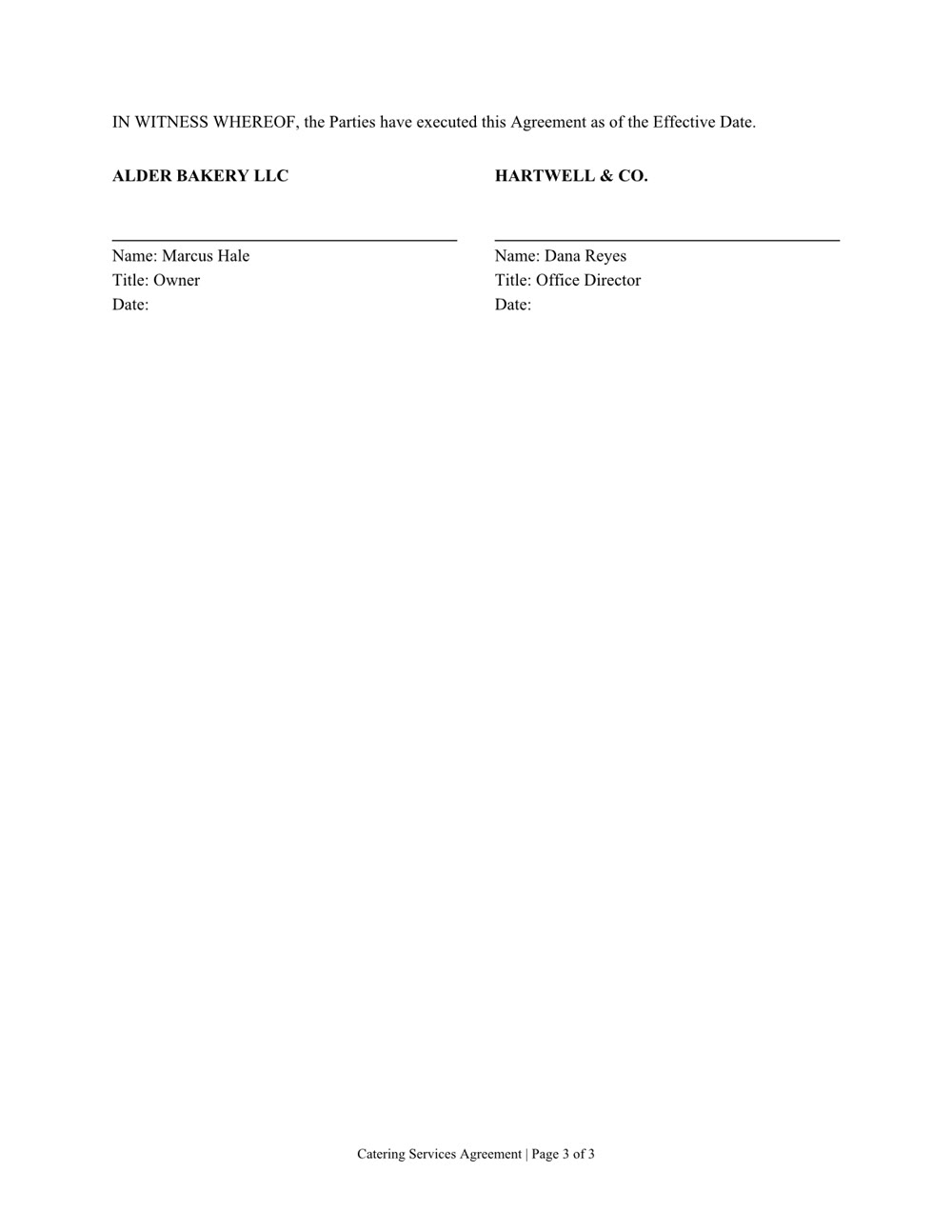
Services agreement, page 1 of 3Services agreement, page 2 of 3Services agreement, page 3 of 3
Services agreement Word

Three pages of numbered clauses and a signature page. Download the file

Create it. Read it. Edit it.

Word, Excel, PowerPoint and PDF: the files you already work in.

Create

A new file from a sentence, checked page by page before you get it. Any of them can also be saved as a PDF.

  • Word
  • Excel
  • PowerPoint
  • PDF

Read

Ask what's in a file, even a scan or a format from years ago.

  • Word
  • Excel
  • PowerPoint
  • PDF
  • Scanned pages
  • CSV
  • RTF
  • EPUB
  • OpenDocument

Edit

Change one clause, one sheet or one slide and keep the rest. In a PDF: fill in the form, merge, split, reorder or lock it with a password.

  • Word
  • Excel
  • PowerPoint
  • PDF
  • វាដំណើរការនៅលើកុំព្យូទ័ររបស់អ្នក។ ឯកសាររបស់អ្នកនៅទីនោះ។
  • ឯកសារបើកក្នុងកម្មវិធីដែលអ្នកប្រើរួចហើយ។
  • វាពិនិត្យគ្រប់ទំព័រ មុនពេលប្រគល់ឯកសារ។
  • ទទួលវាក្នុងទីផ្សារ។