Nó làm ra tệp thật.
Word, Excel, PowerPoint và PDF, có bảng, công thức, đầu trang và mục lục như một tệp thật.
Làm trong tuần này
- Tóm tắt quý 4Word
- Dự báo dòng tiềnExcel
- Báo cáo cho hội đồngPowerPoint
- Hợp đồng thuê đã kýPDF
Nebo Office tạo, đọc và chỉnh sửa tệp Word, Excel, PowerPoint và PDF ngay trên máy tính của bạn.
Không có mẫu để điền và không phải định dạng gì cả.
Lập dự báo dòng tiền 12 tháng với kịch bản tốt nhất và xấu nhất.
Tiền mặt cuối tháng 12
Word, Excel, PowerPoint và PDF, có bảng, công thức, đầu trang và mục lục như một tệp thật.
Đưa cho nó một hợp đồng, một bản quét hay bảng tính cũ, rồi hỏi điều bạn muốn biết.
Mục 4 của hợp đồng thuê này nói gì về việc gia hạn?
Bạn có thể gia hạn thêm hai năm nếu báo trước 90 ngày trước khi hết hạn.
Đổi một điều khoản, cập nhật số liệu hay điền một biểu mẫu. Định dạng của bạn vẫn giữ nguyên.
Nebo Office made every one of these for Alder Bakery, a business we invented. Page through them, then download the real files and open them in your own apps.
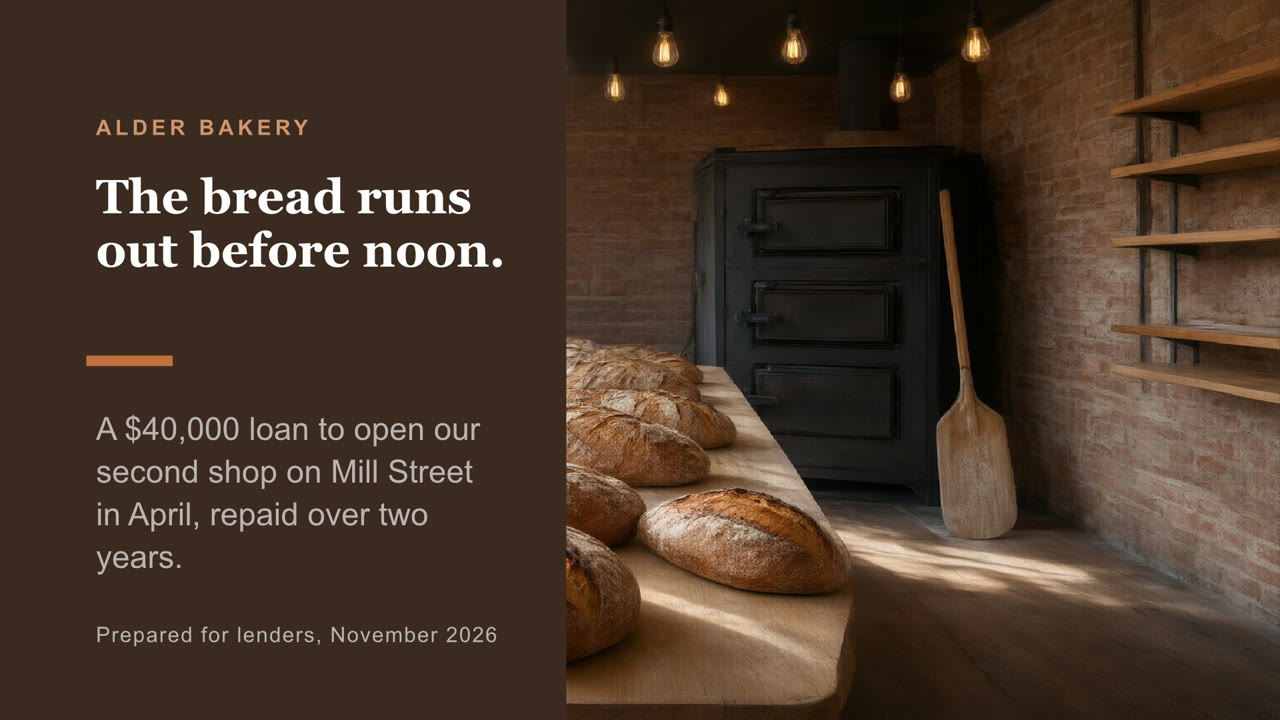
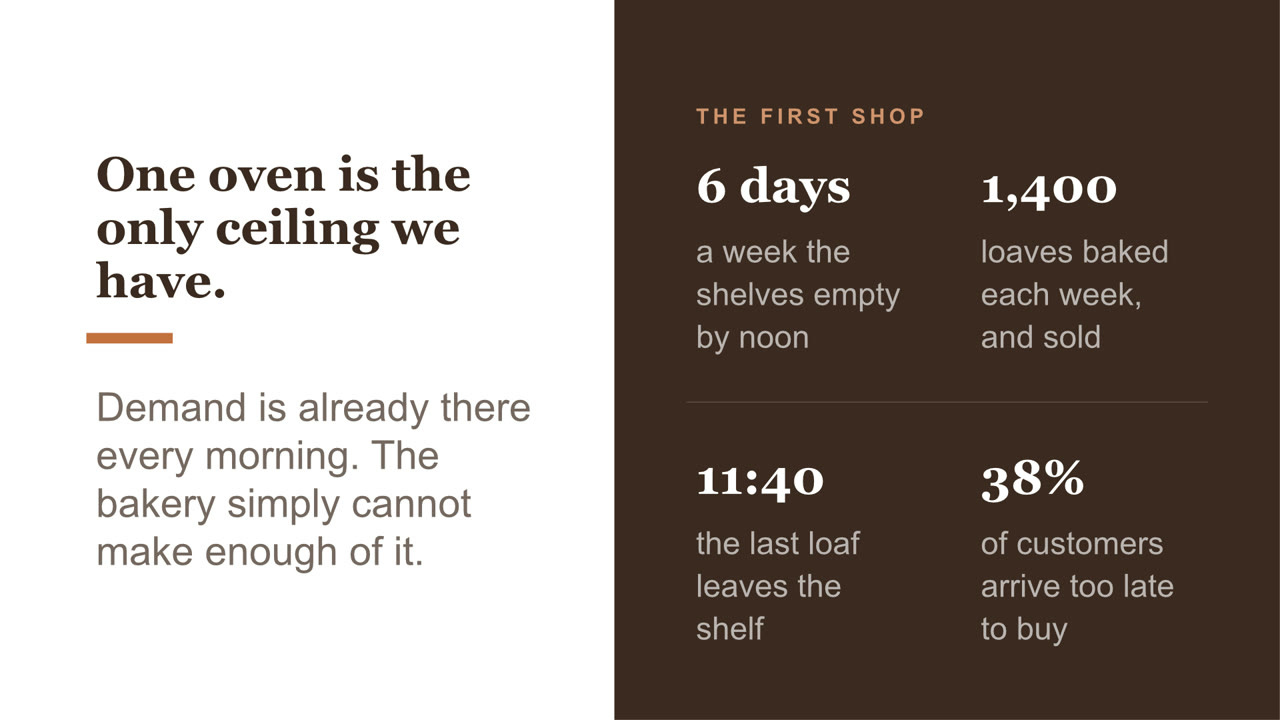
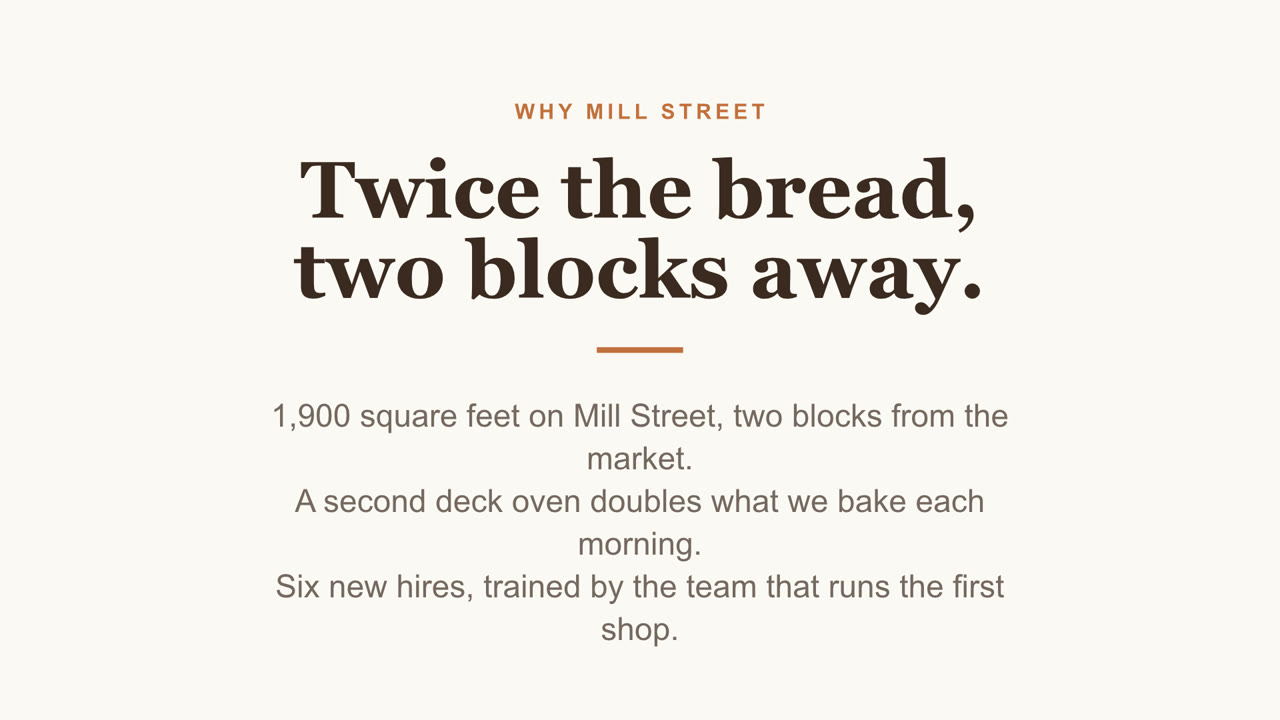
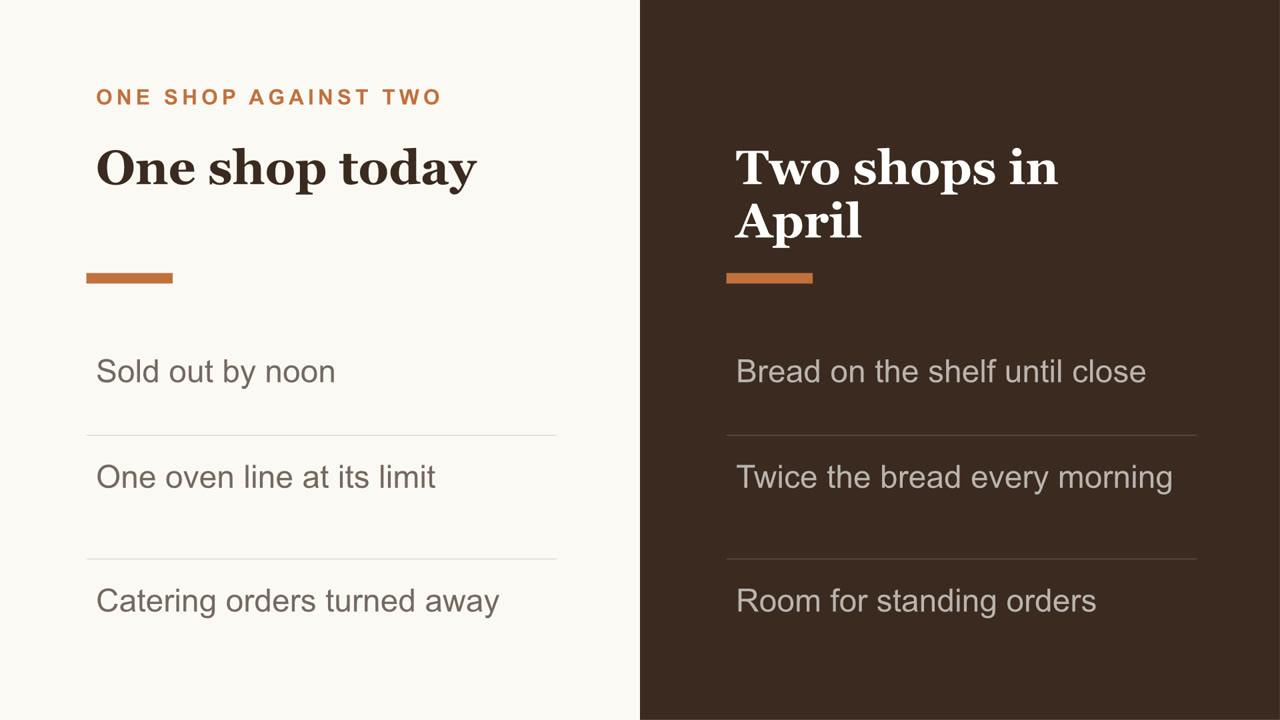
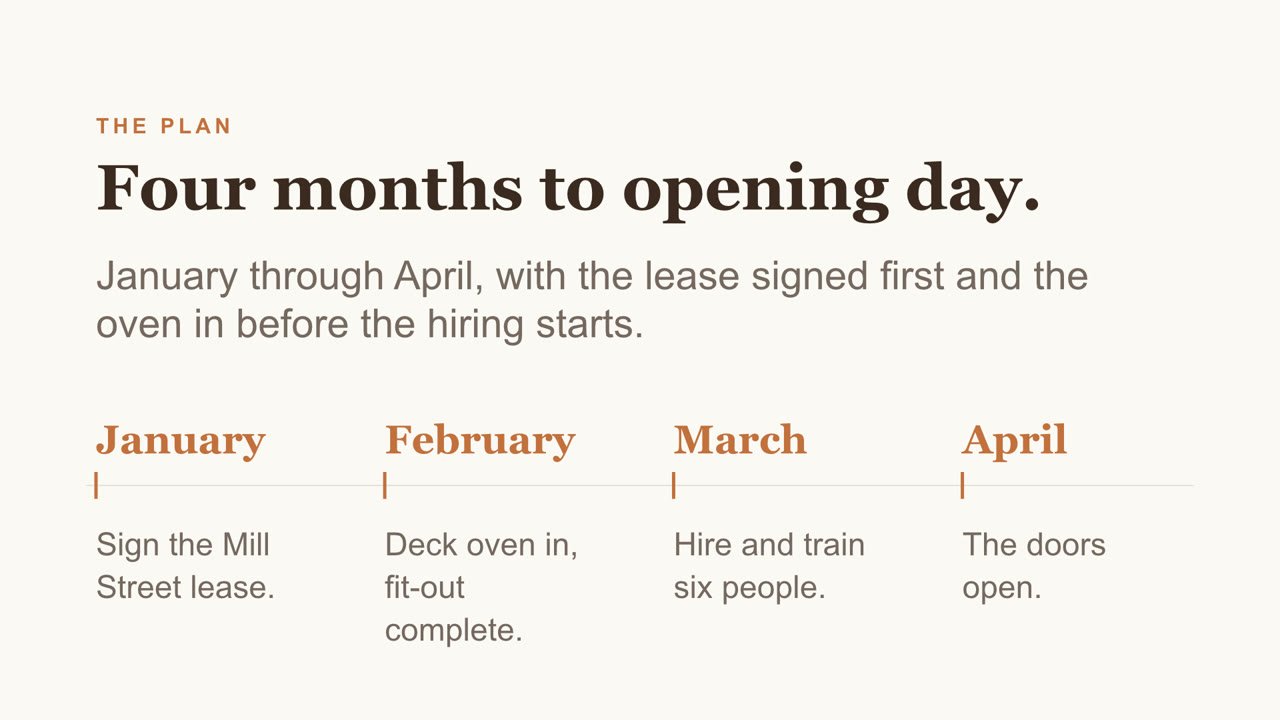
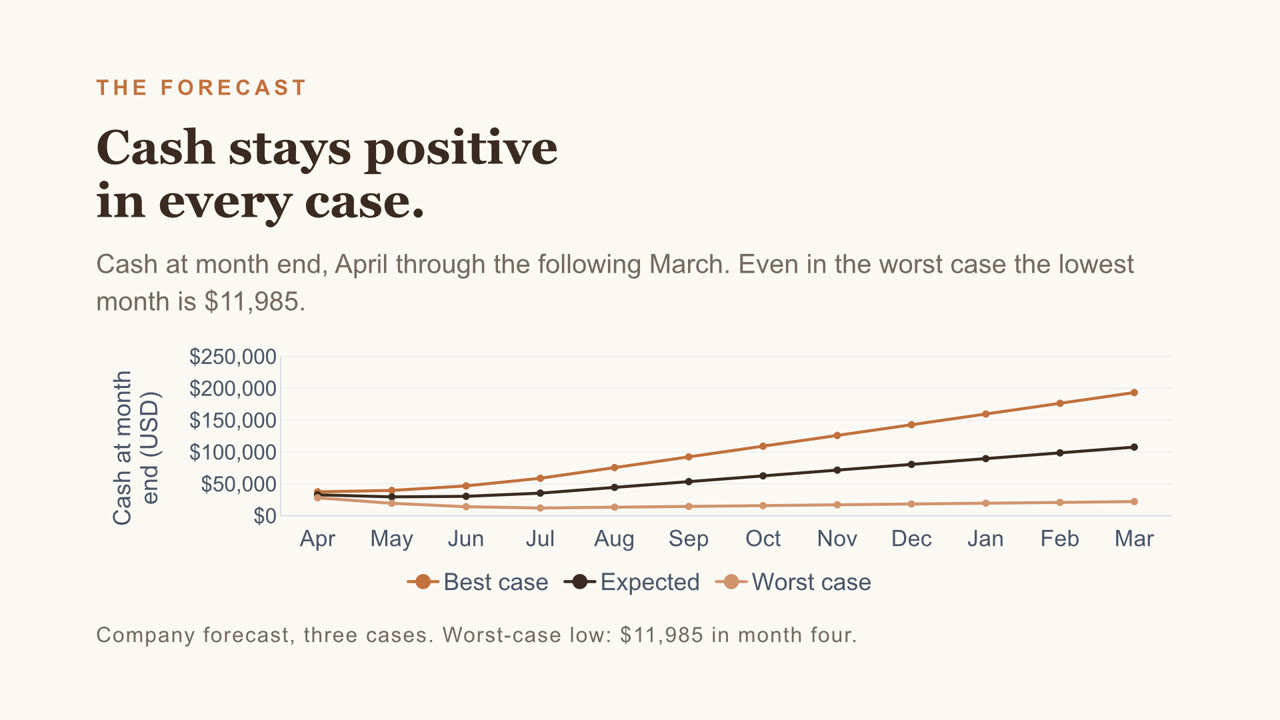
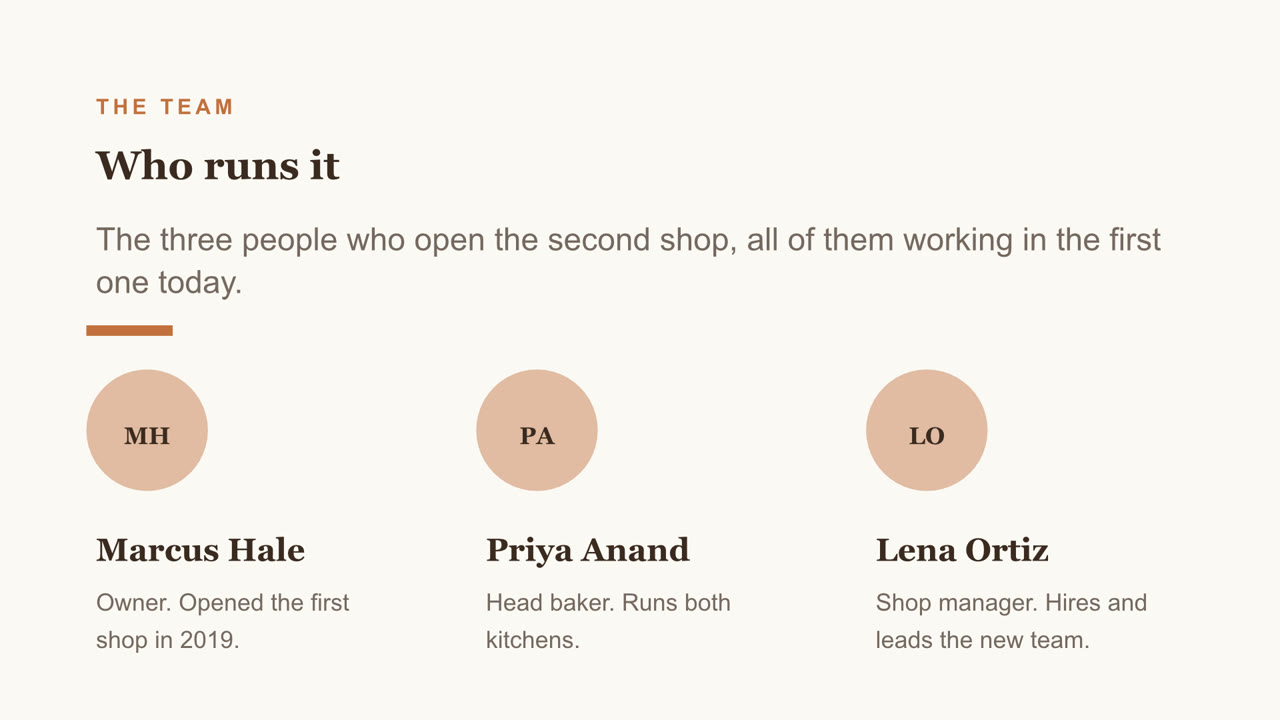
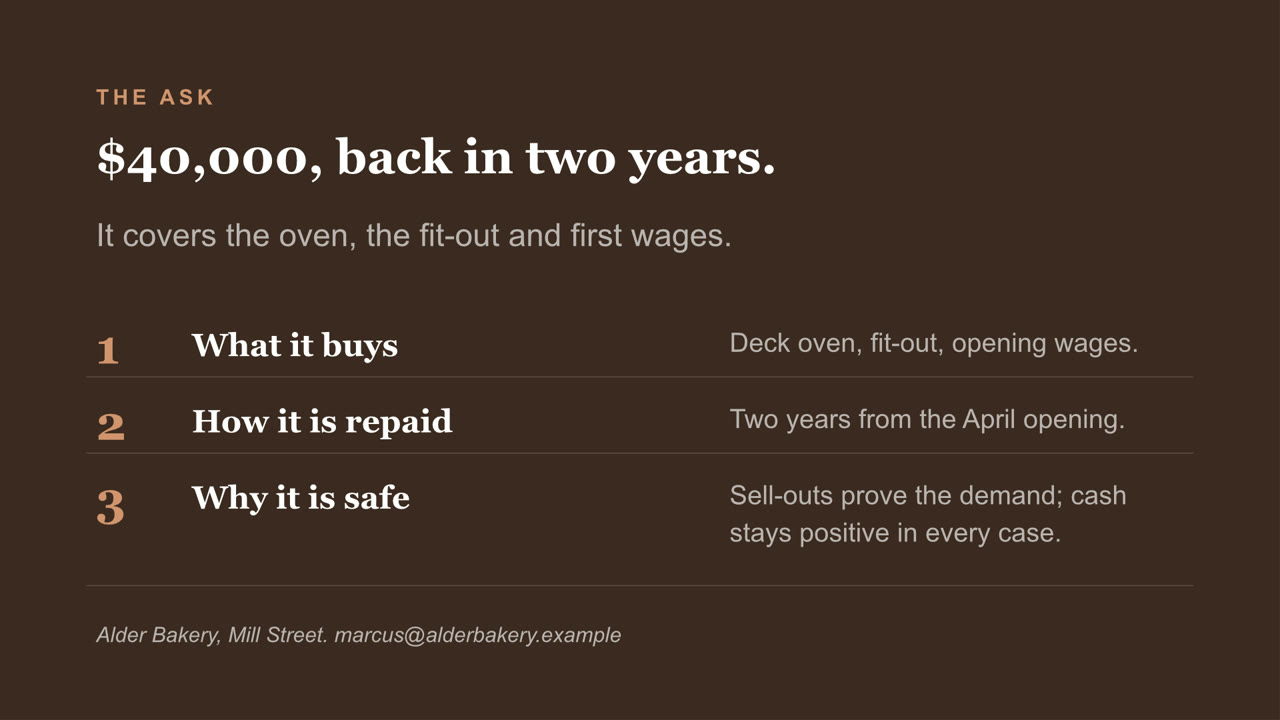
Eight slides, with a chart you can still edit and a cover photo Nebo generated. Download the file
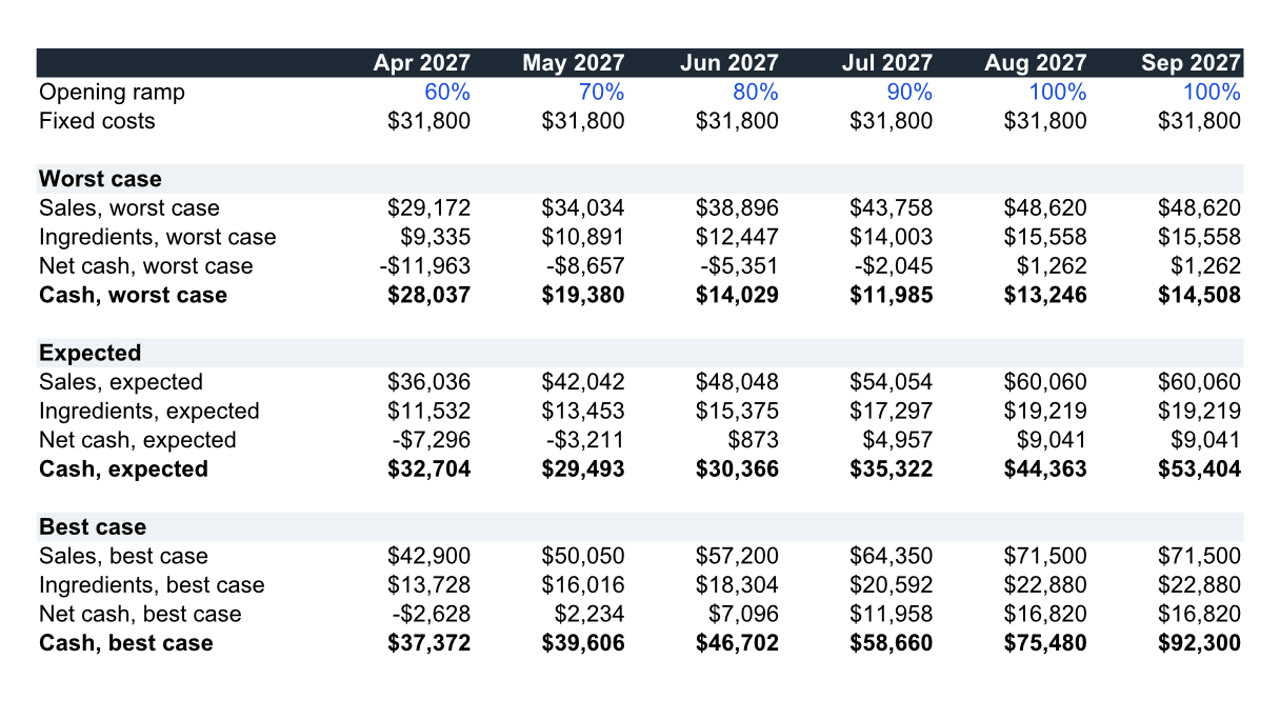
Twelve months, three cases, live formulas. Download the file
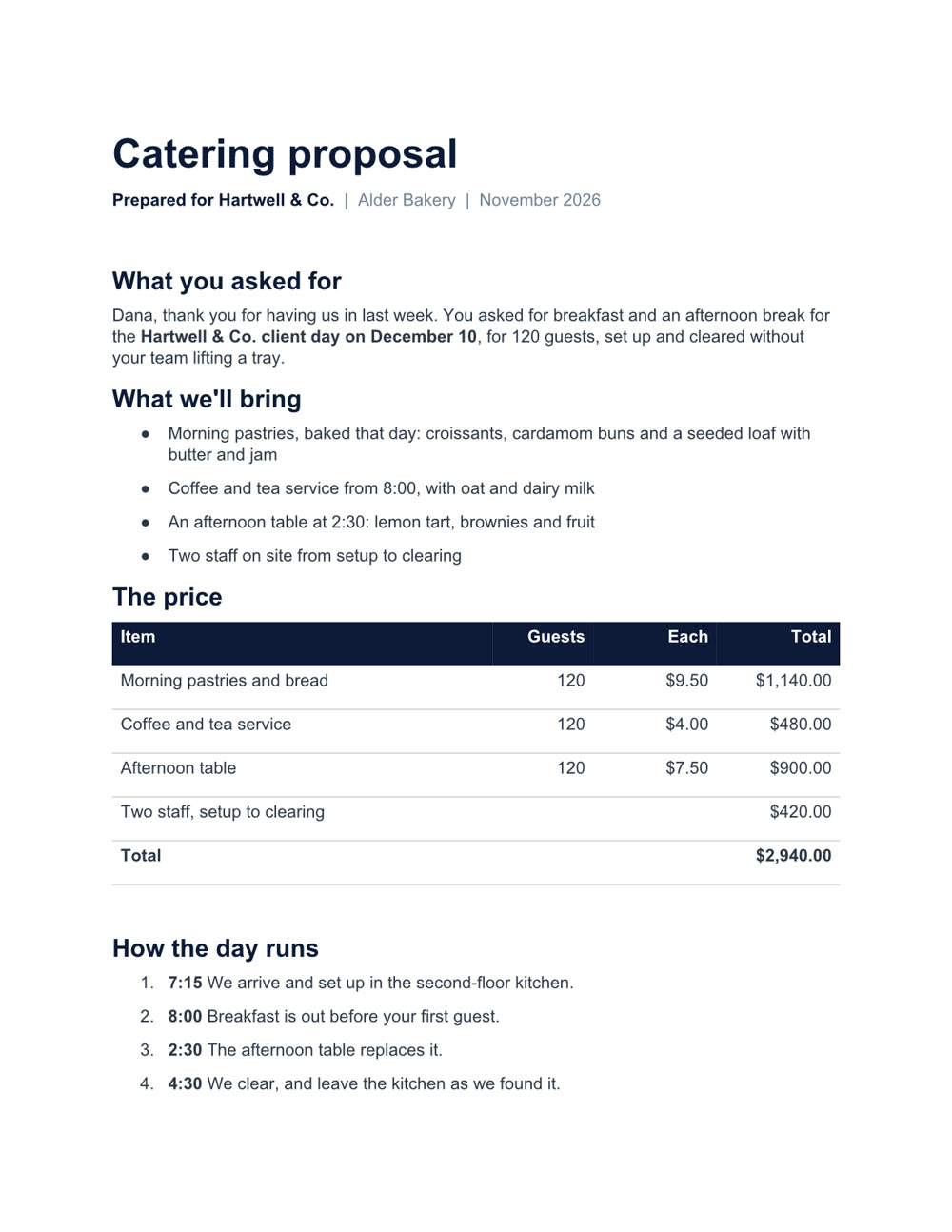
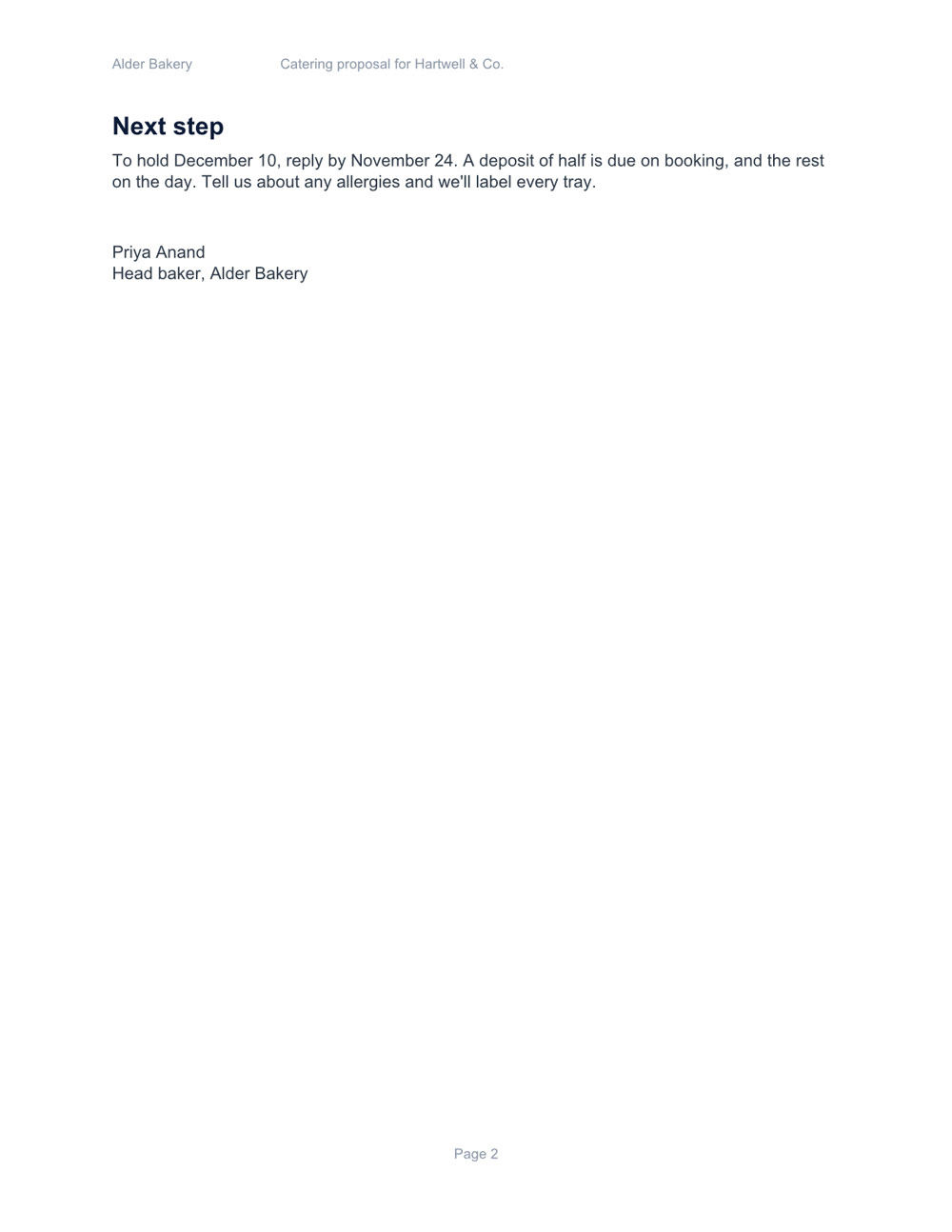
Two pages, with a price table and a schedule. Download the file
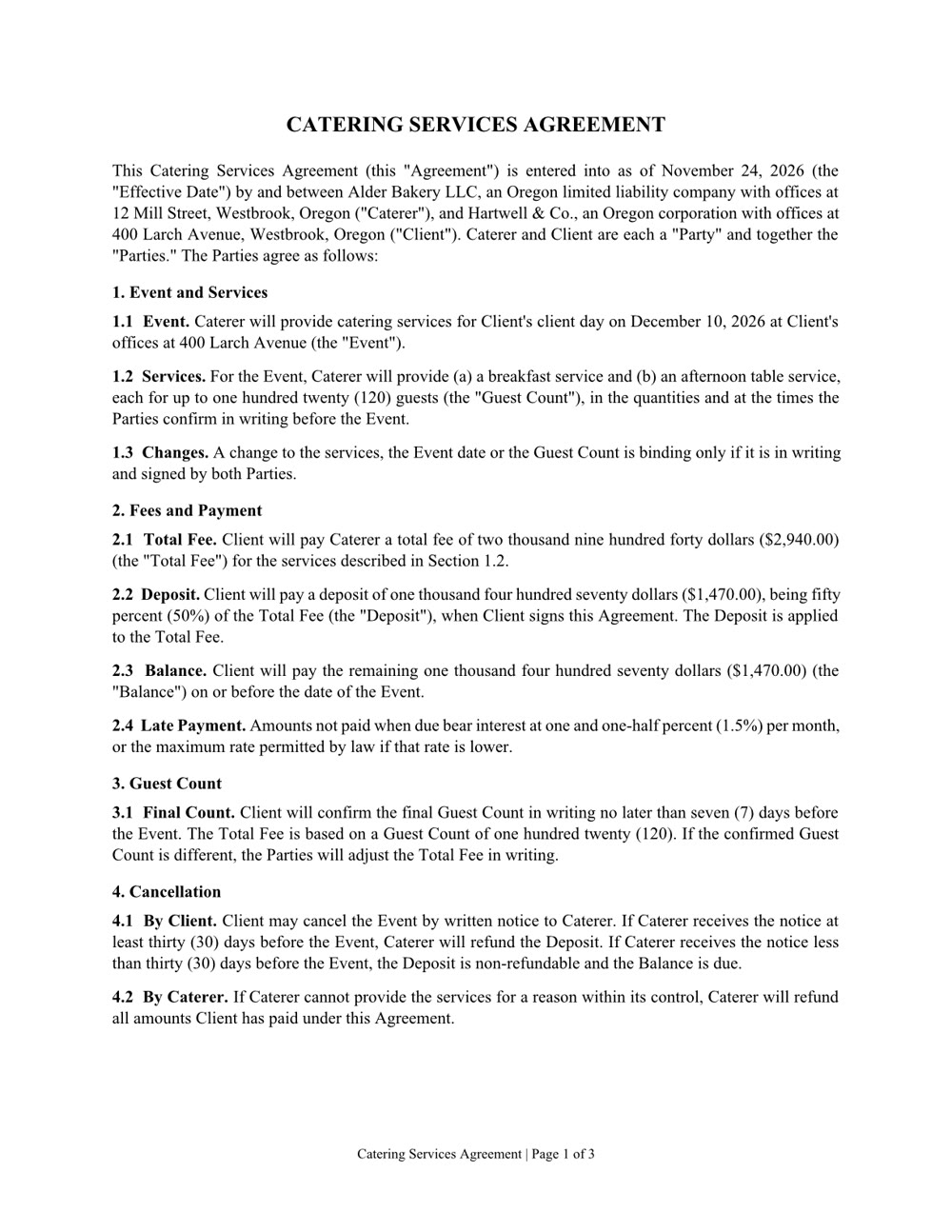
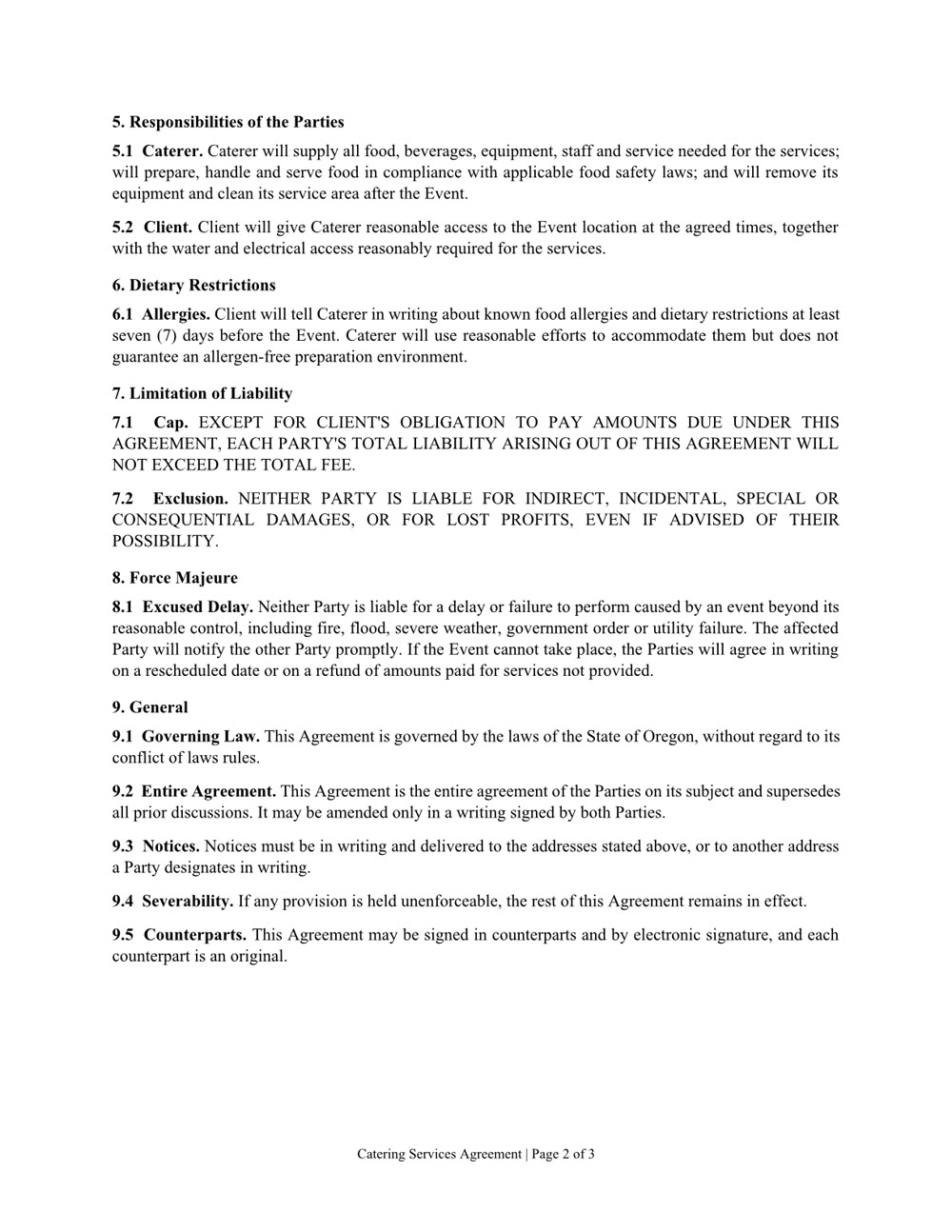
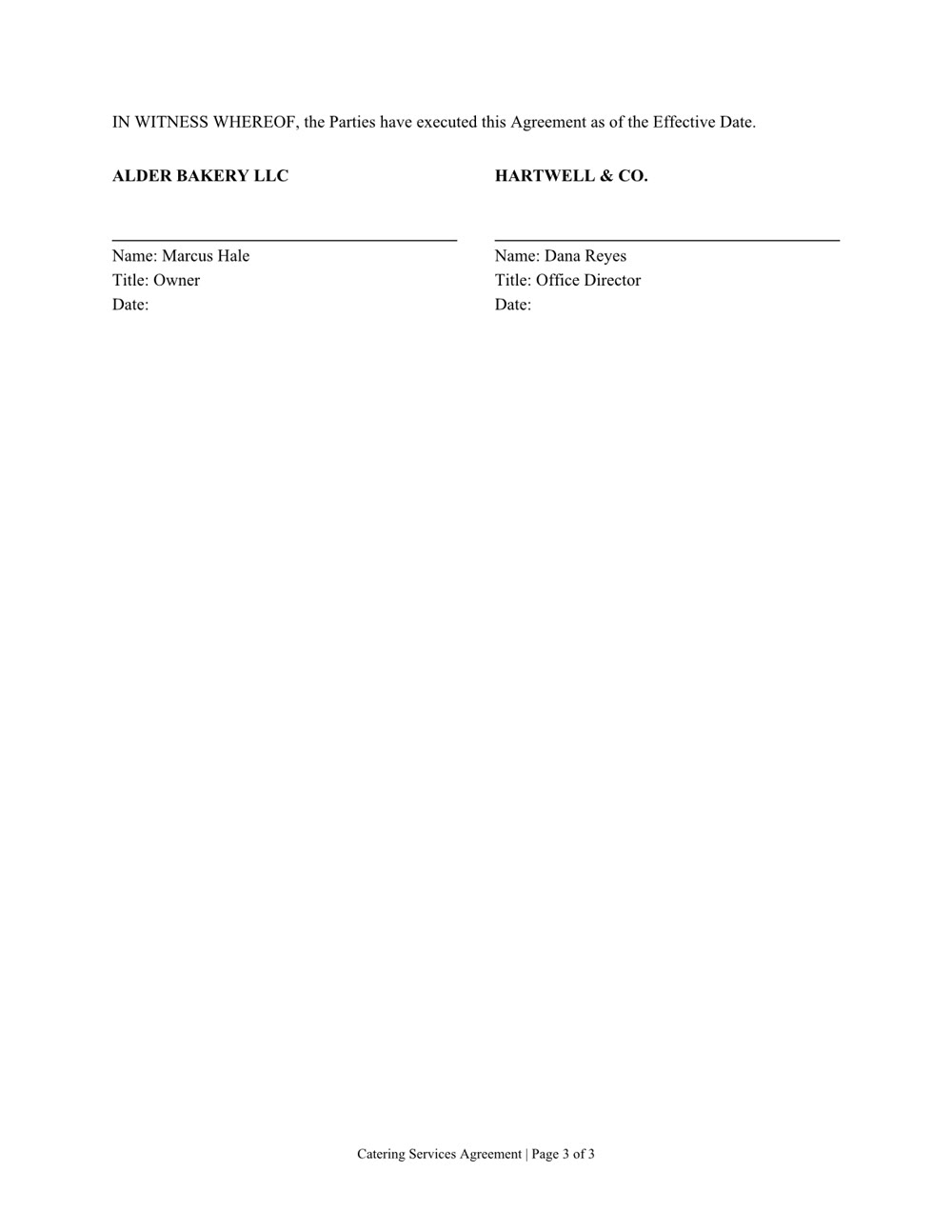
Three pages of numbered clauses and a signature page. Download the file
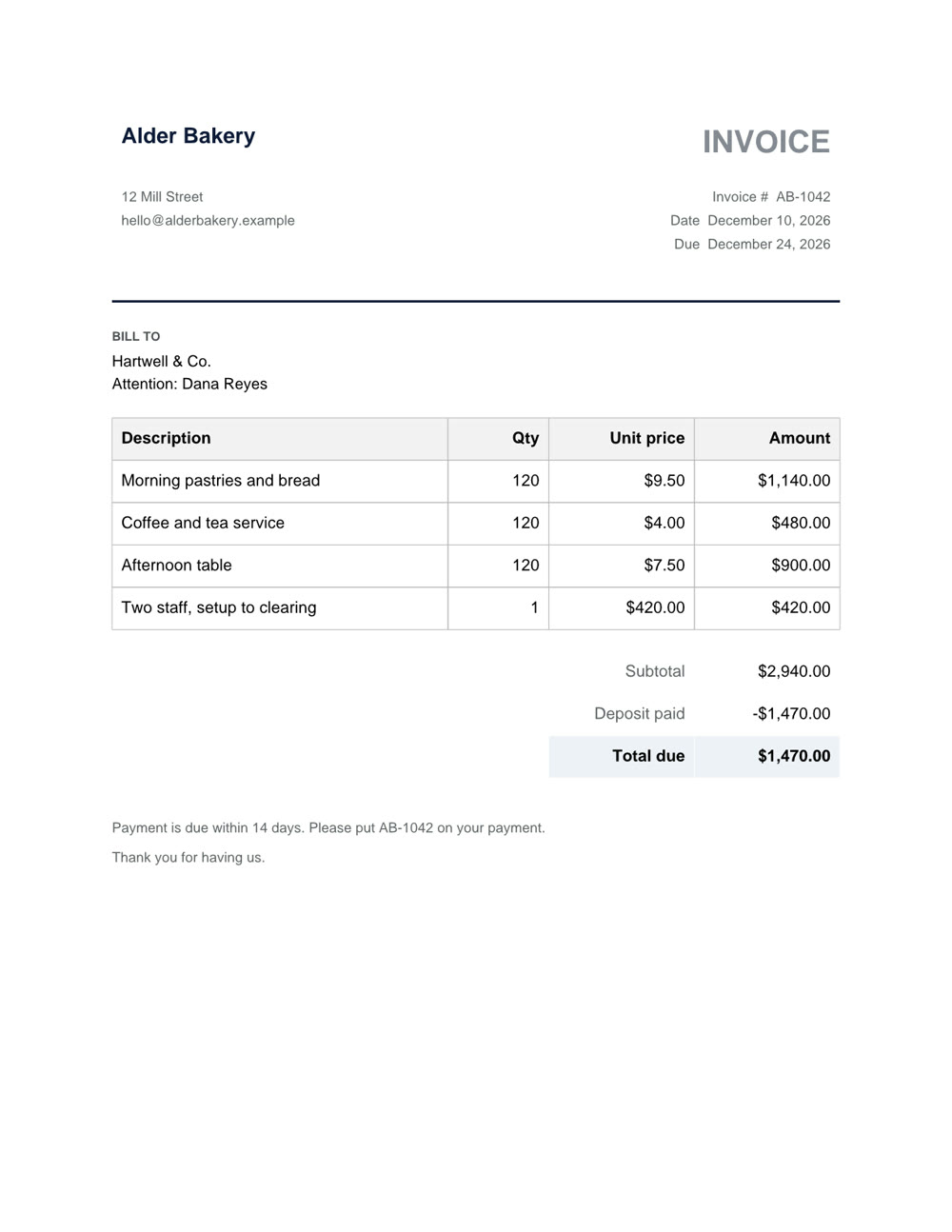
One page, with the deposit taken off. Download the file
Word, Excel, PowerPoint and PDF: the files you already work in.
A new file from a sentence, checked page by page before you get it. Any of them can also be saved as a PDF.
Ask what's in a file, even a scan or a format from years ago.
Change one clause, one sheet or one slide and keep the rest. In a PDF: fill in the form, merge, split, reorder or lock it with a password.