NeboAI
NeboAI
Malite

Jụọ maka akwụkwọ. Nweta faịlụ.

Nebo Office na-eme, na-agụ, ma na-edezi faịlụ Word, Excel, PowerPoint na PDF, ozugbo n'kọmputa gị.

Kwuo ihe ị chọrọ. Mepee faịlụ.

Enweghị template ị ga-ejuju, enweghịkwa ihe ị ga-hazi.

Ọ na-eme faịlụ n'ezie.

Word, Excel, PowerPoint na PDF, nwere tebụl, usoro, isi ederede na ndepụta ọdịnaya dịka faịlụ n'ezie nwere.

Ọ na-agụ ihe fọrọ nke nta ka ọ bụrụ ihe niile.

Nye ya nkwekọrịta, ihe e scan ma ọ bụ spreadsheet ochie, ma jụọ ihe ị chọrọ ịmata.

Ọ na-edezi n'enweghị ịlaghasị usoro ihe.

Gbanwee otu nkebi, melite ọnụọgụ ma ọ bụ jupụta fọm. Nhazi gị na-anọgide ebe ọ nọ.

See what it makes.

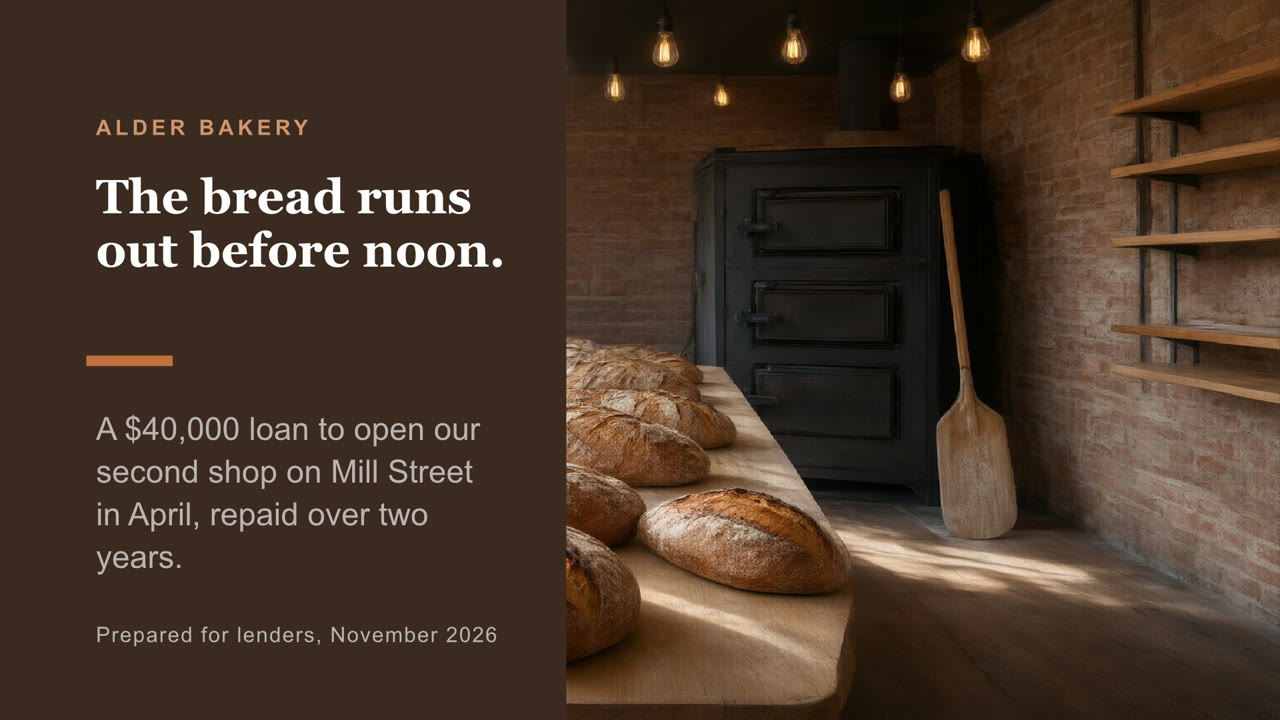
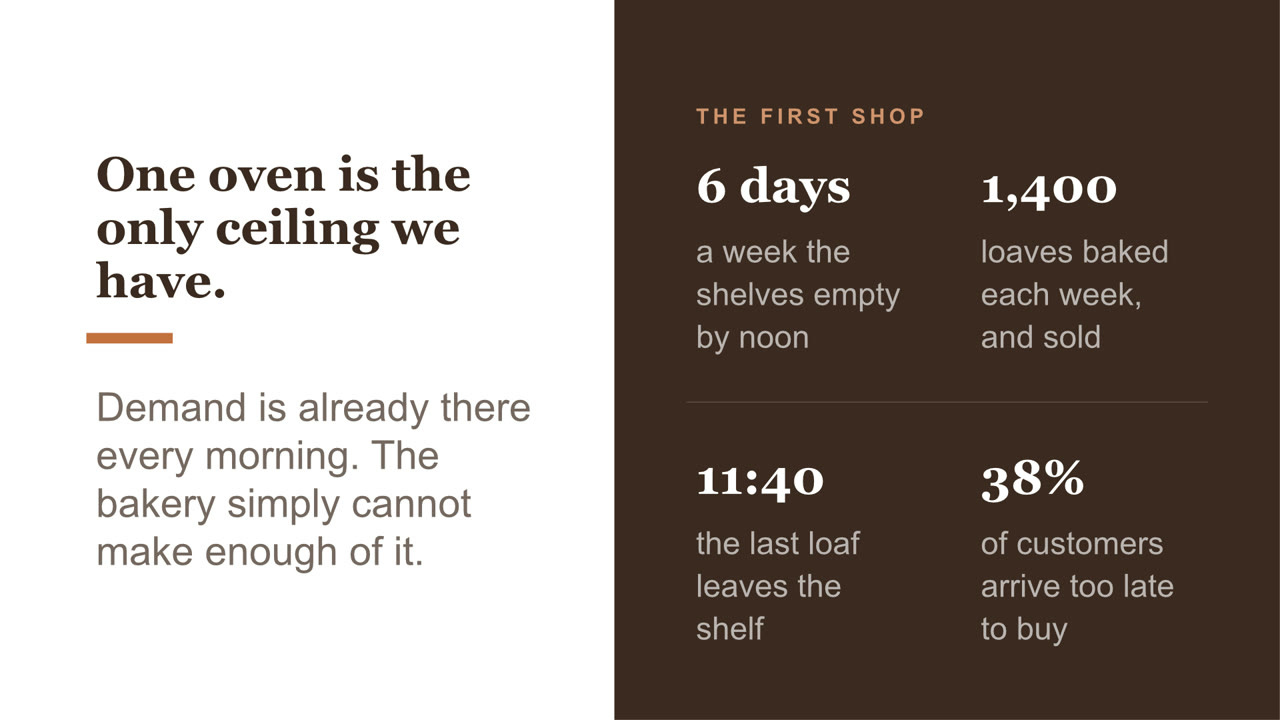
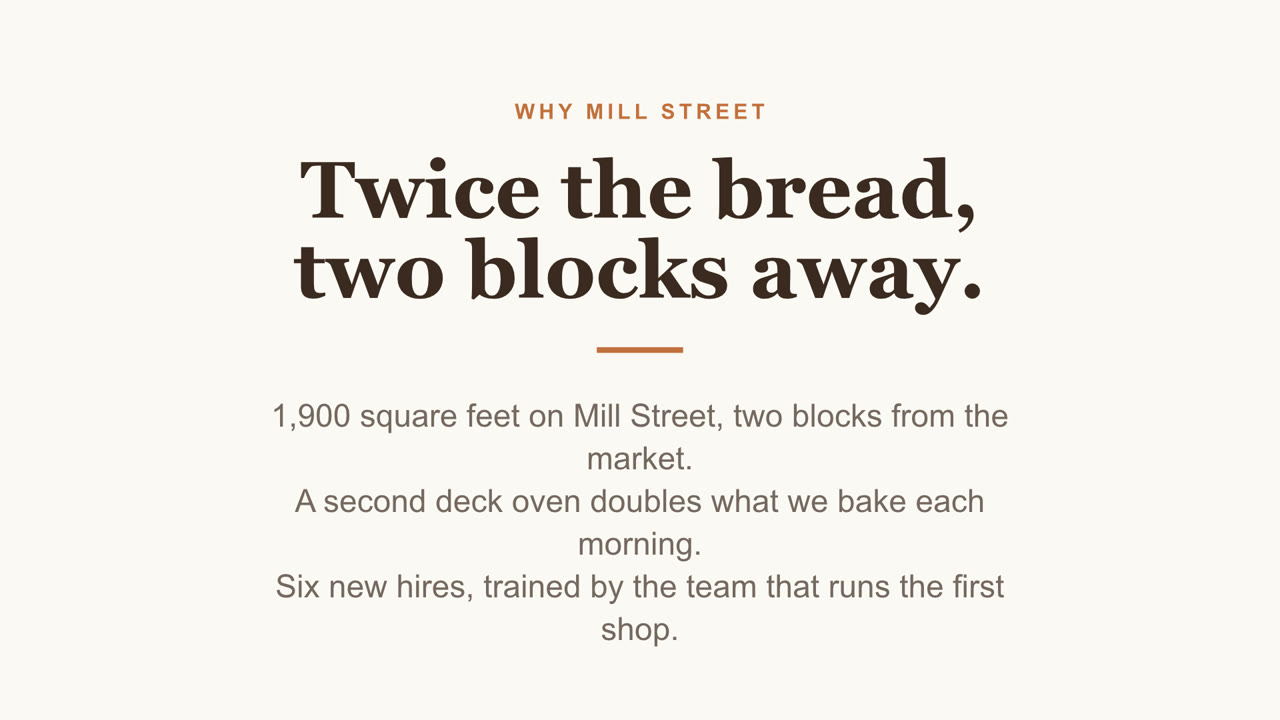
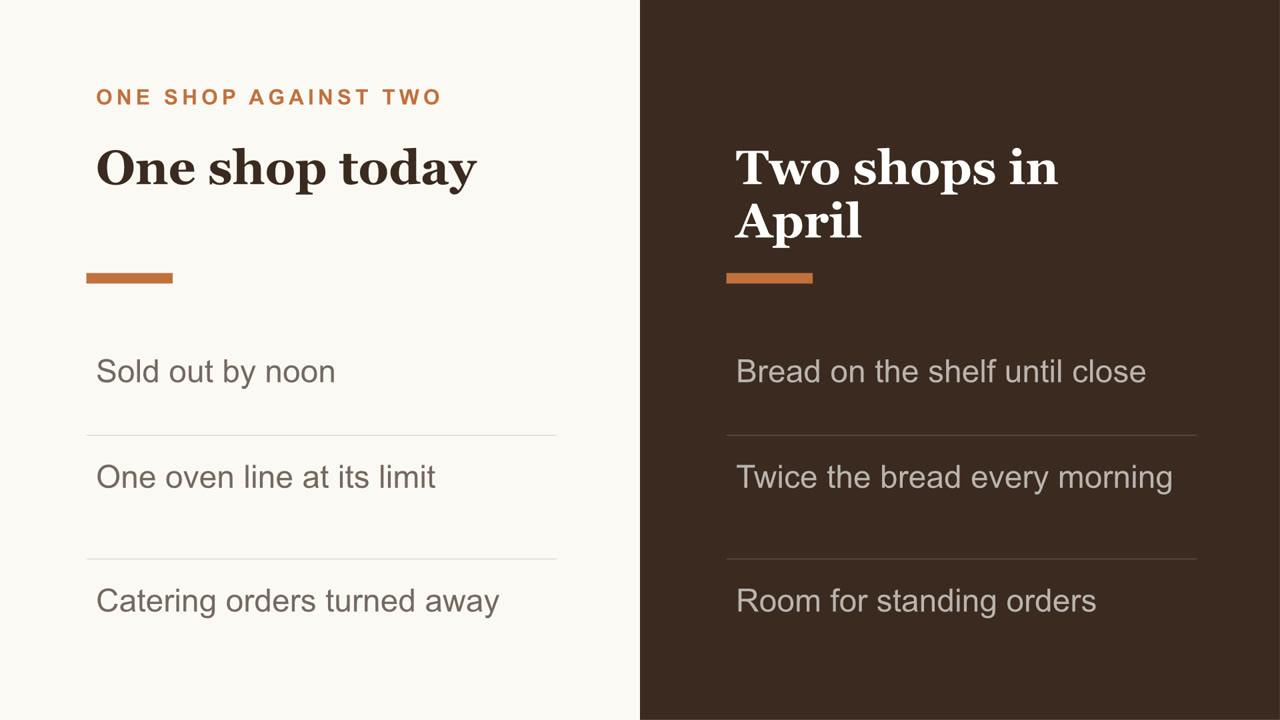
Nebo Office made every one of these for Alder Bakery, a business we invented. Page through them, then download the real files and open them in your own apps.

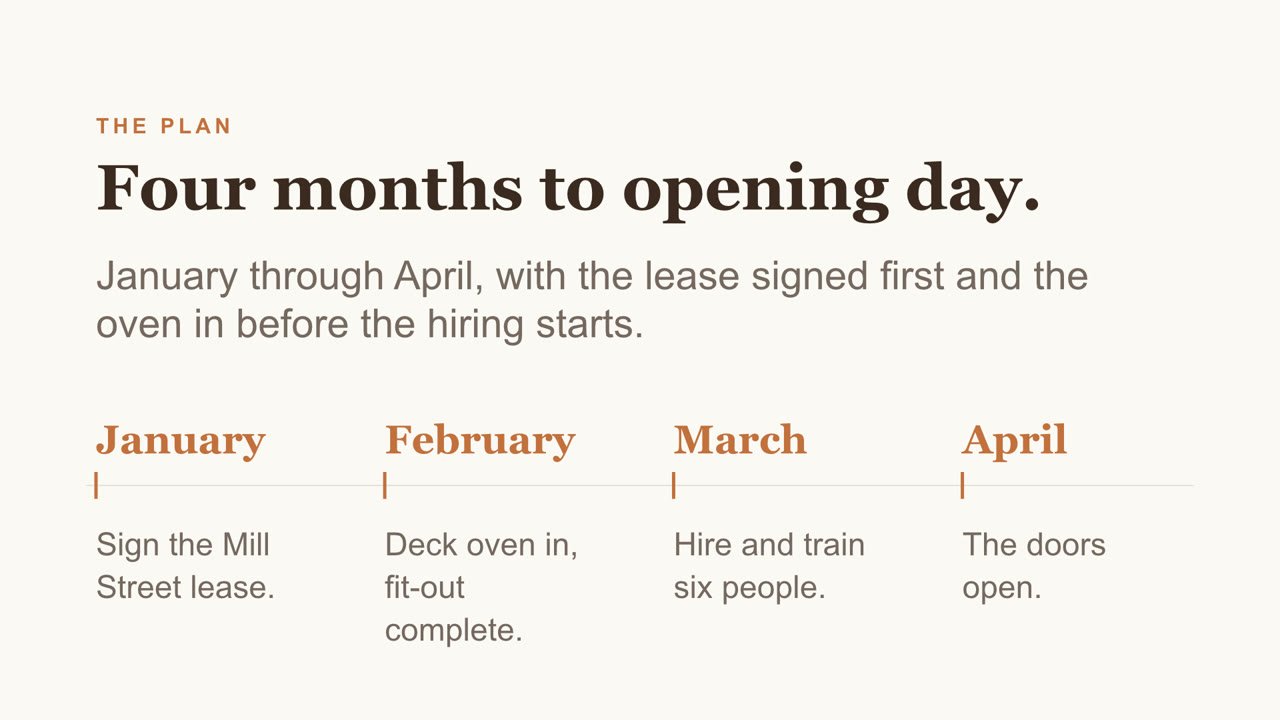
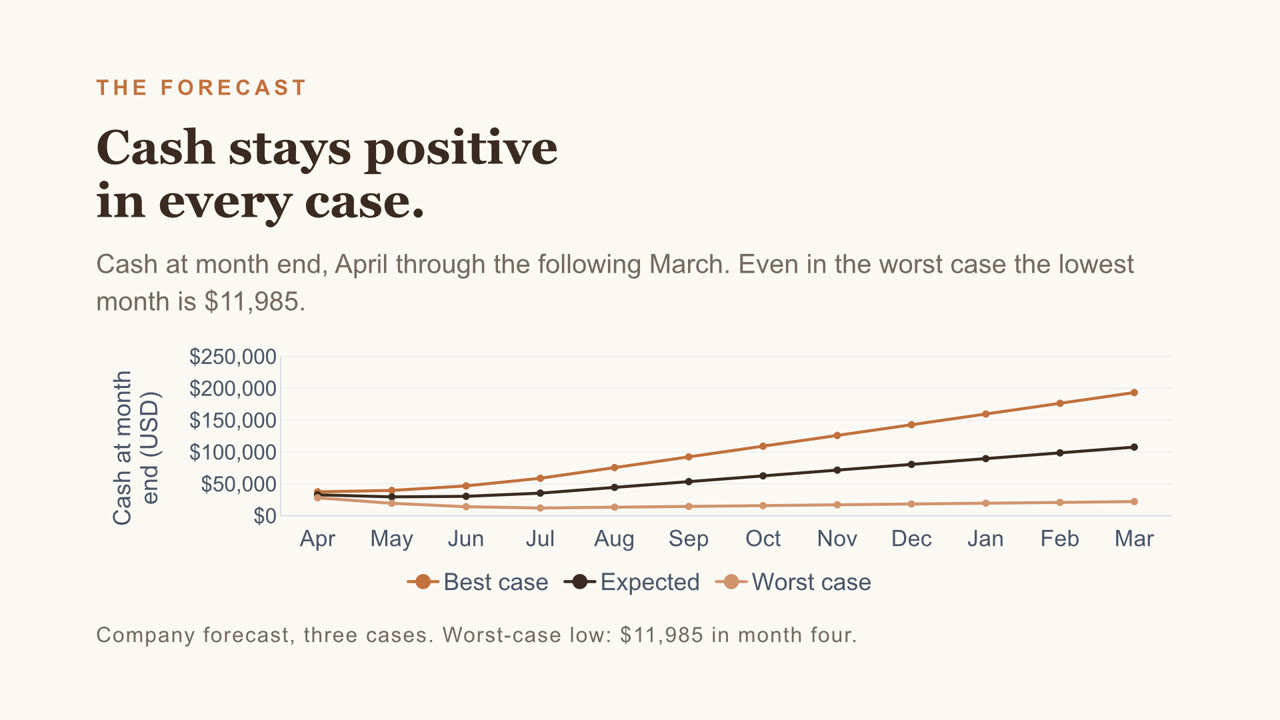
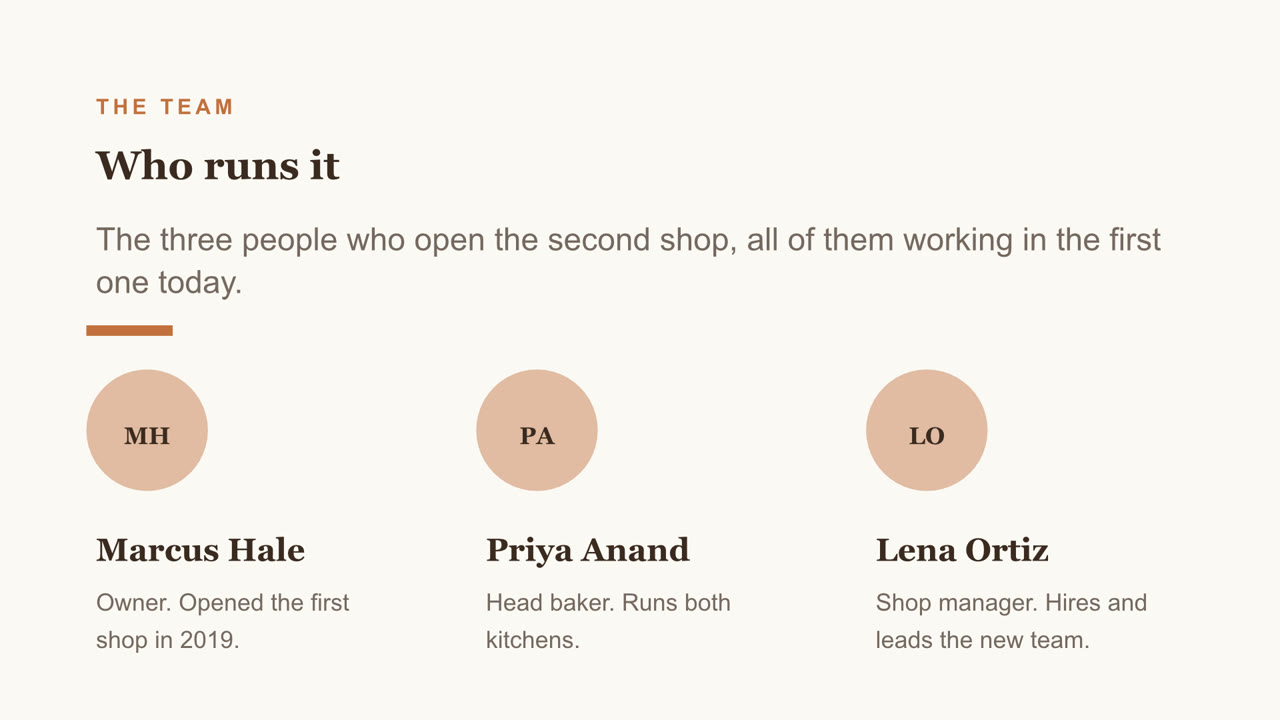
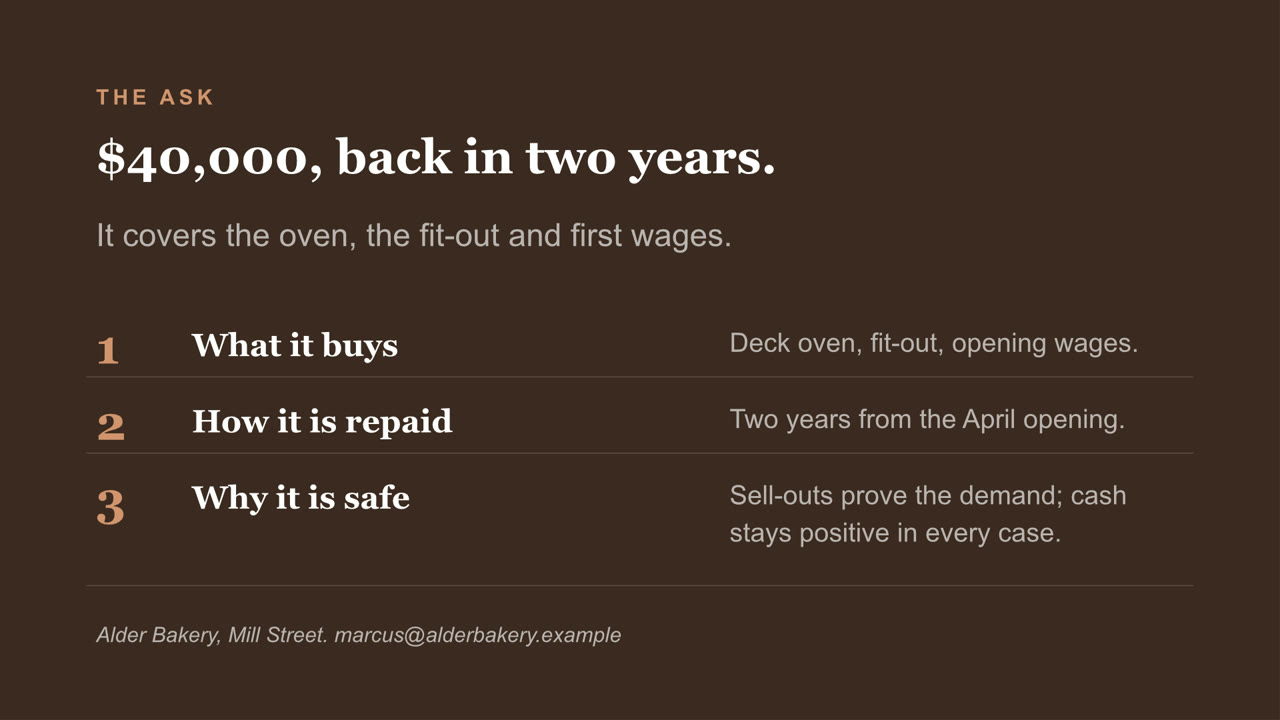
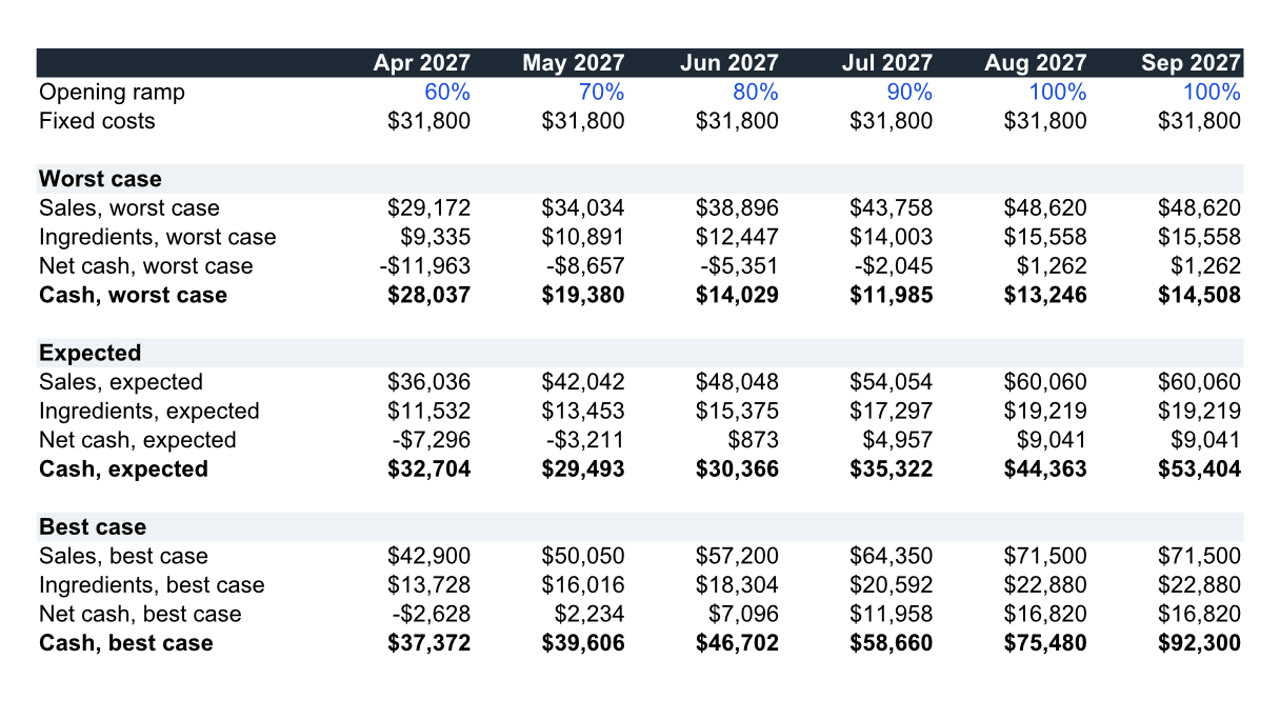
Pitch deck, page 1 of 8Pitch deck, page 2 of 8Pitch deck, page 3 of 8Pitch deck, page 4 of 8Pitch deck, page 5 of 8Pitch deck, page 6 of 8Pitch deck, page 7 of 8Pitch deck, page 8 of 8
Pitch deck PowerPoint

Eight slides, with a chart you can still edit and a cover photo Nebo generated. Download the file

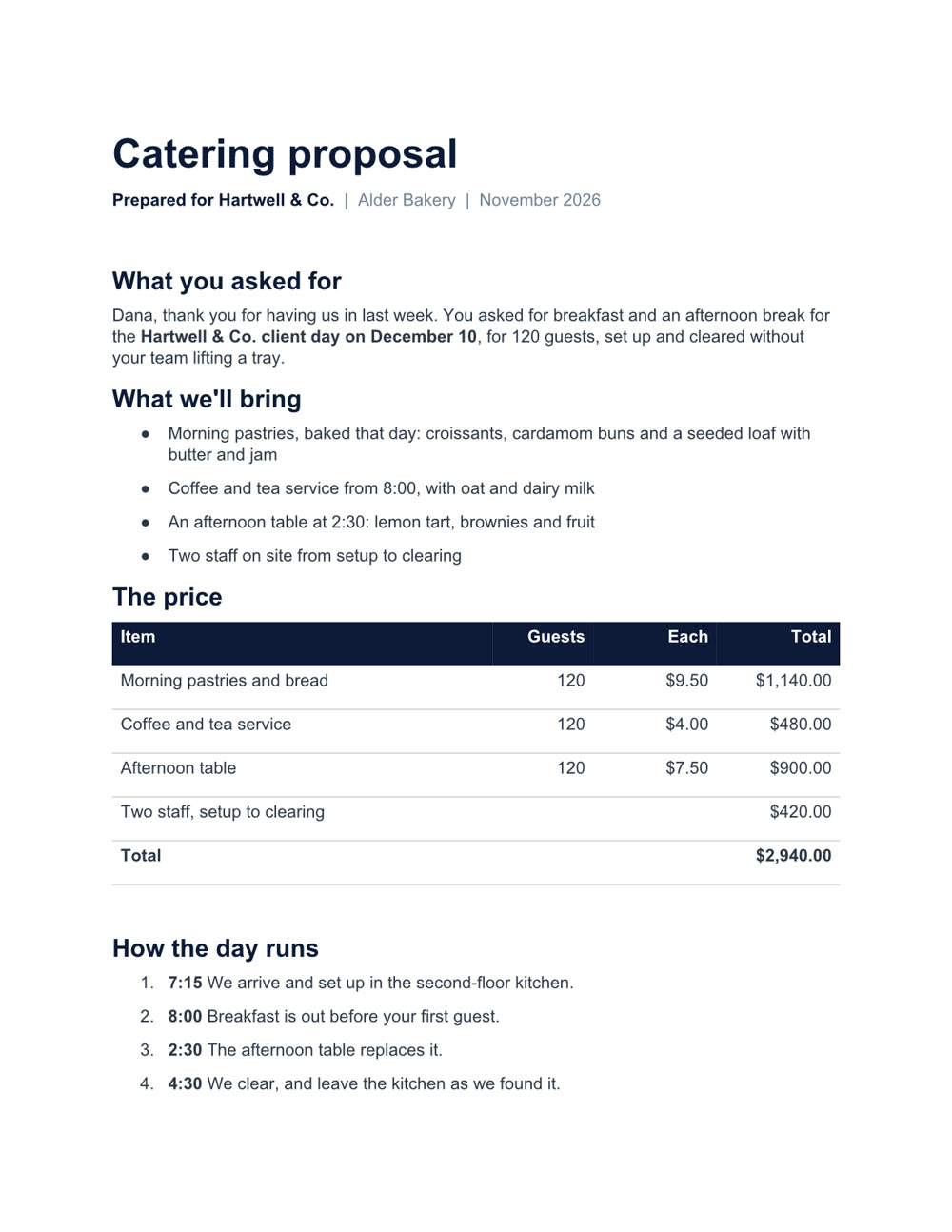
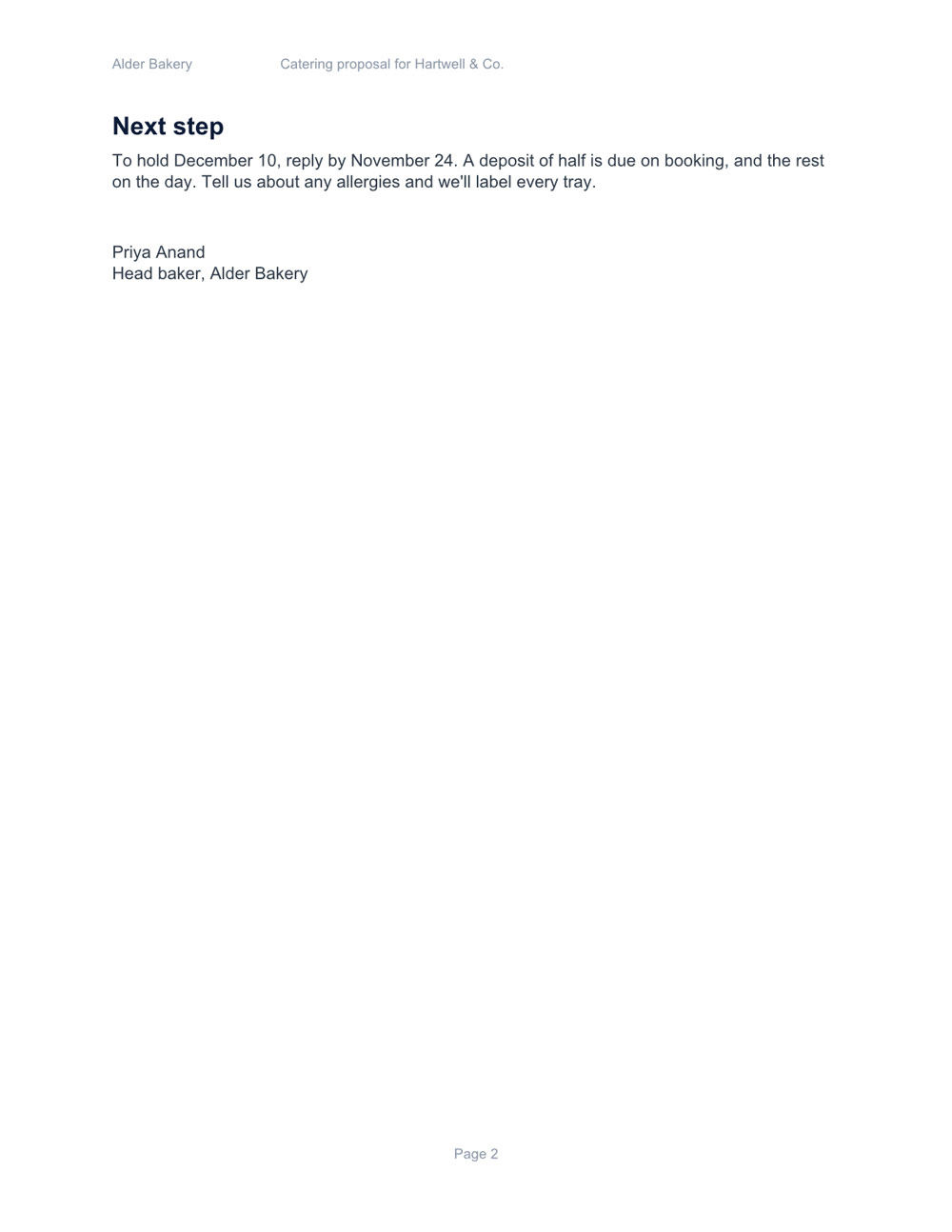
Catering proposal, page 1 of 2Catering proposal, page 2 of 2
Catering proposal Word

Two pages, with a price table and a schedule. Download the file

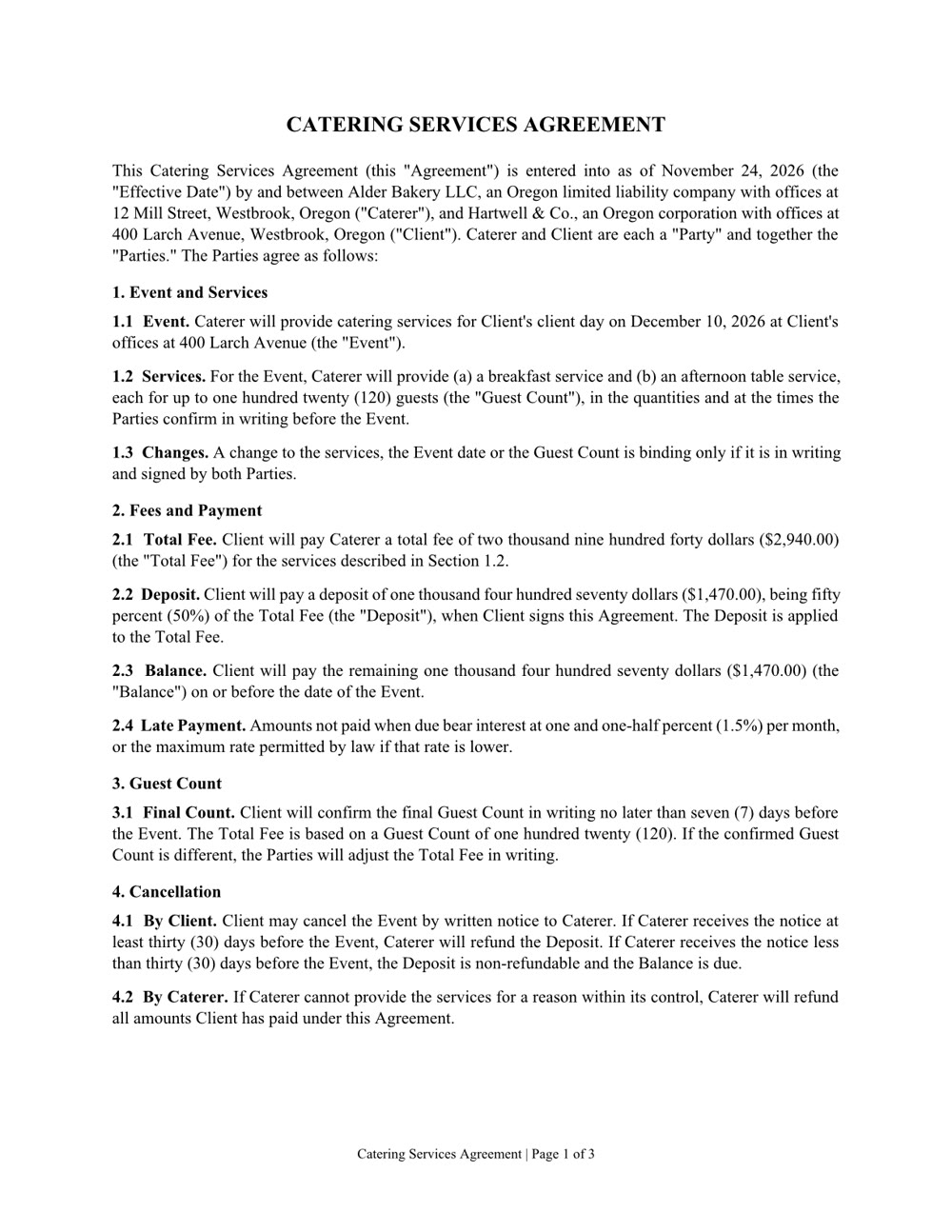
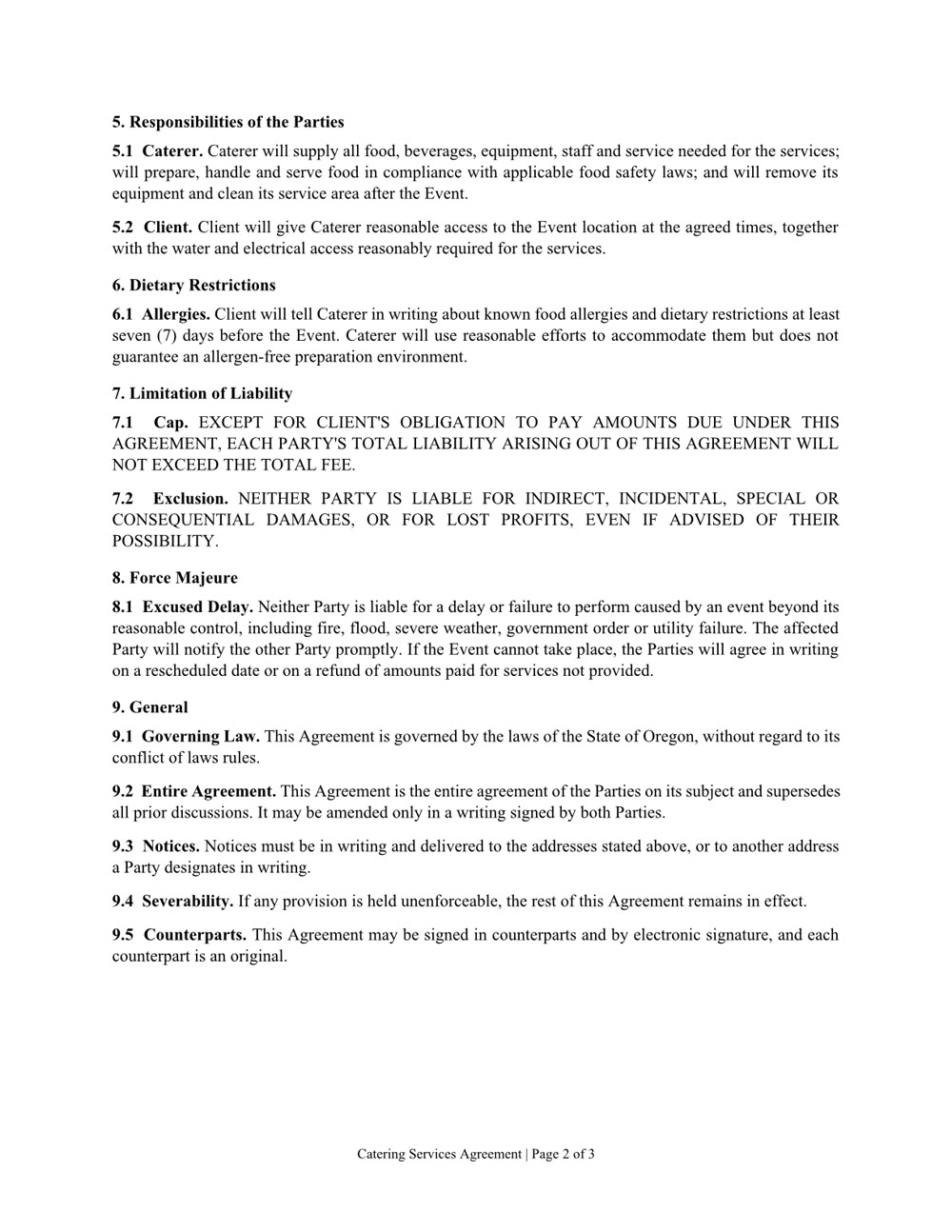
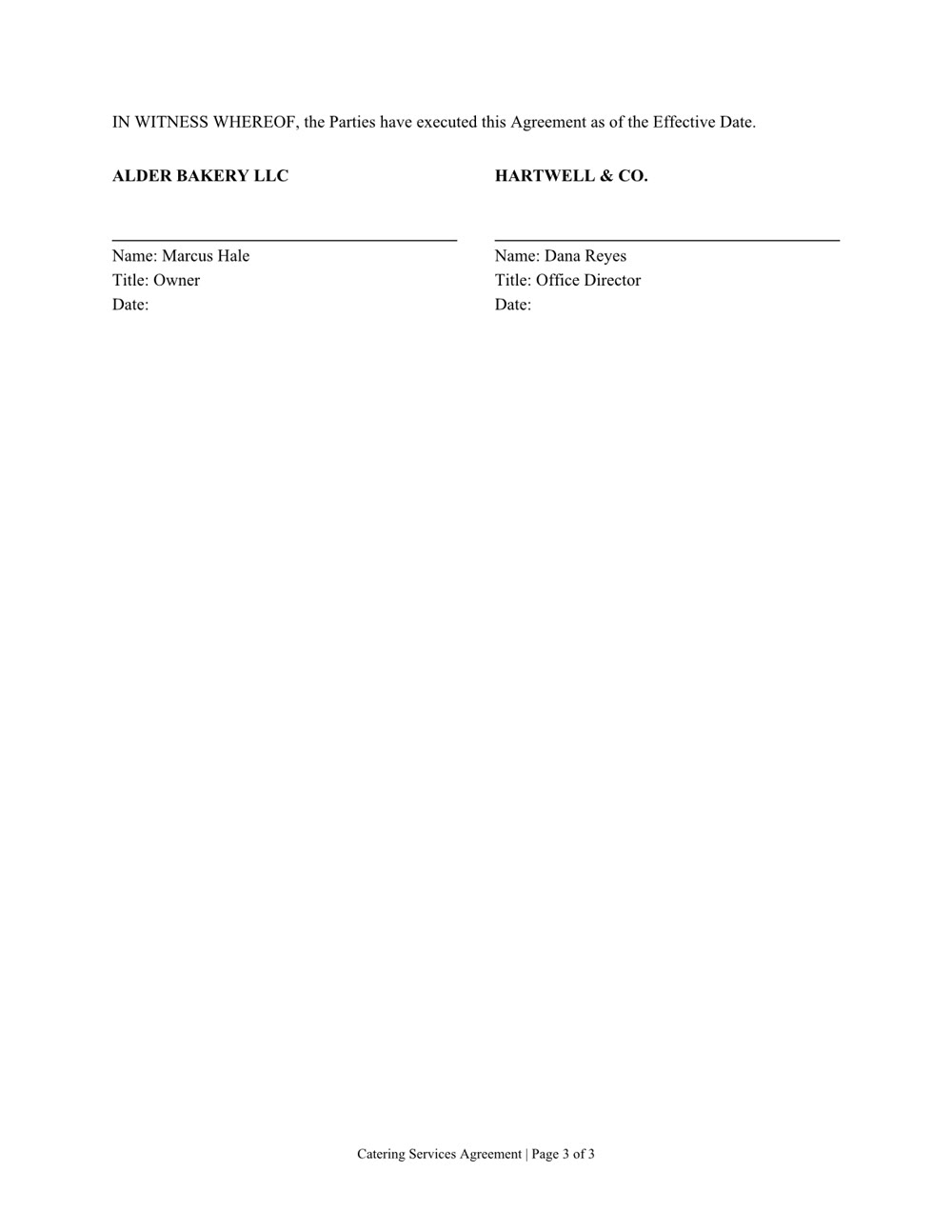
Services agreement, page 1 of 3Services agreement, page 2 of 3Services agreement, page 3 of 3
Services agreement Word

Three pages of numbered clauses and a signature page. Download the file

Create it. Read it. Edit it.

Word, Excel, PowerPoint and PDF: the files you already work in.

Create

A new file from a sentence, checked page by page before you get it. Any of them can also be saved as a PDF.

  • Word
  • Excel
  • PowerPoint
  • PDF

Read

Ask what's in a file, even a scan or a format from years ago.

  • Word
  • Excel
  • PowerPoint
  • PDF
  • Scanned pages
  • CSV
  • RTF
  • EPUB
  • OpenDocument

Edit

Change one clause, one sheet or one slide and keep the rest. In a PDF: fill in the form, merge, split, reorder or lock it with a password.

  • Word
  • Excel
  • PowerPoint
  • PDF
  • Ọ na-agba n'kọmputa gị. Faịlụ gị na-anọ ebe ahụ.
  • Faịlụ na-emepe n'ngwa ndị ị na-eji ugbu a.
  • Ọ na-enyocha ibe ọ bụla tupu o nye faịlụ.
  • Nweta ya n'Ahịa.

Nyefee ọrụ akwụkwọ.