진짜 파일을 만듭니다.
Word, Excel, PowerPoint, PDF를 진짜 파일처럼 표, 수식, 머리글, 목차까지 갖춰서 만듭니다.
이번 주에 만든 것
- 4분기 브리핑Word
- 현금흐름 예측Excel
- 이사회 보고PowerPoint
- 서명된 임대차 계약서PDF
Nebo Office는 Word, Excel, PowerPoint, PDF 파일을 내 컴퓨터에서 바로 만들고, 읽고, 편집합니다.
채워 넣을 템플릿도, 손볼 서식도 없습니다.
12개월 현금흐름 예측을 최선과 최악의 경우로 만들어 줘.
12개월째 말 현금
Word, Excel, PowerPoint, PDF를 진짜 파일처럼 표, 수식, 머리글, 목차까지 갖춰서 만듭니다.
계약서, 스캔본, 오래된 스프레드시트를 건네고 알고 싶은 걸 물어보세요.
이 임대차 계약서 4조에 갱신에 대해 뭐라고 되어 있어?
종료 90일 전에 통지하면 2년 더 갱신할 수 있습니다.
조항을 바꾸고, 숫자를 업데이트하고, 양식을 채우세요. 서식은 그대로 유지됩니다.
Nebo Office made every one of these for Alder Bakery, a business we invented. Page through them, then download the real files and open them in your own apps.
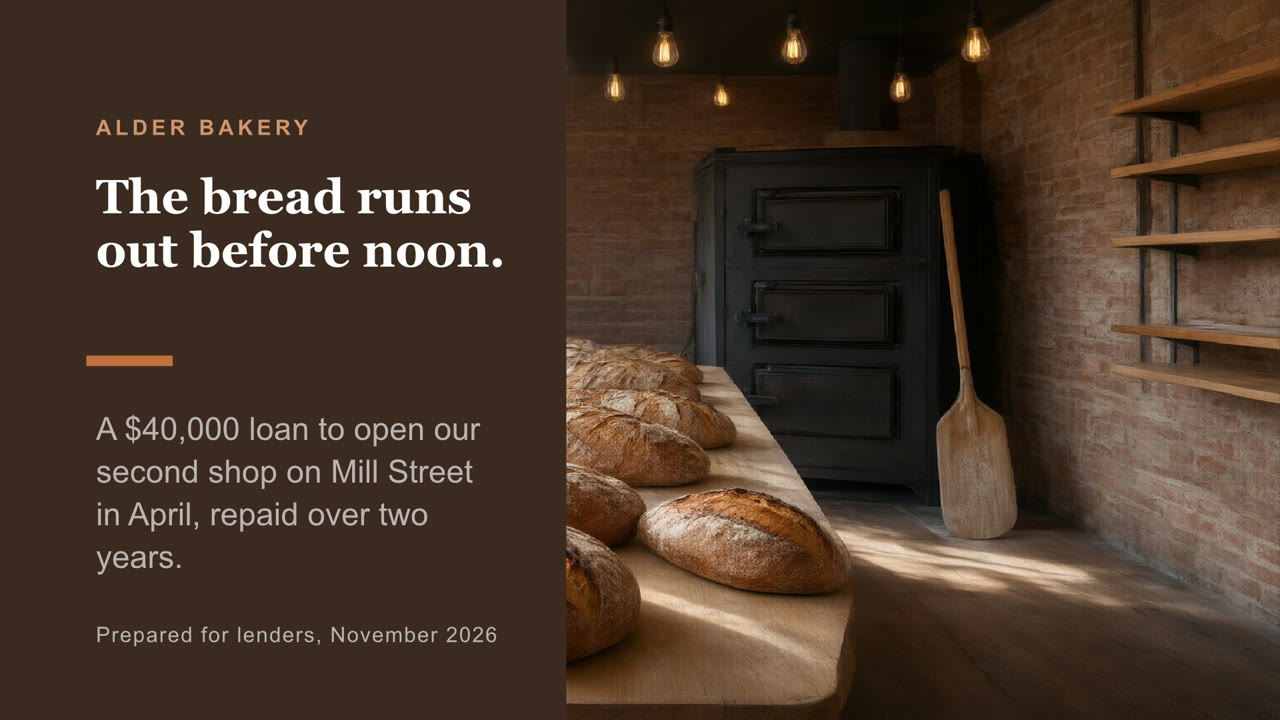
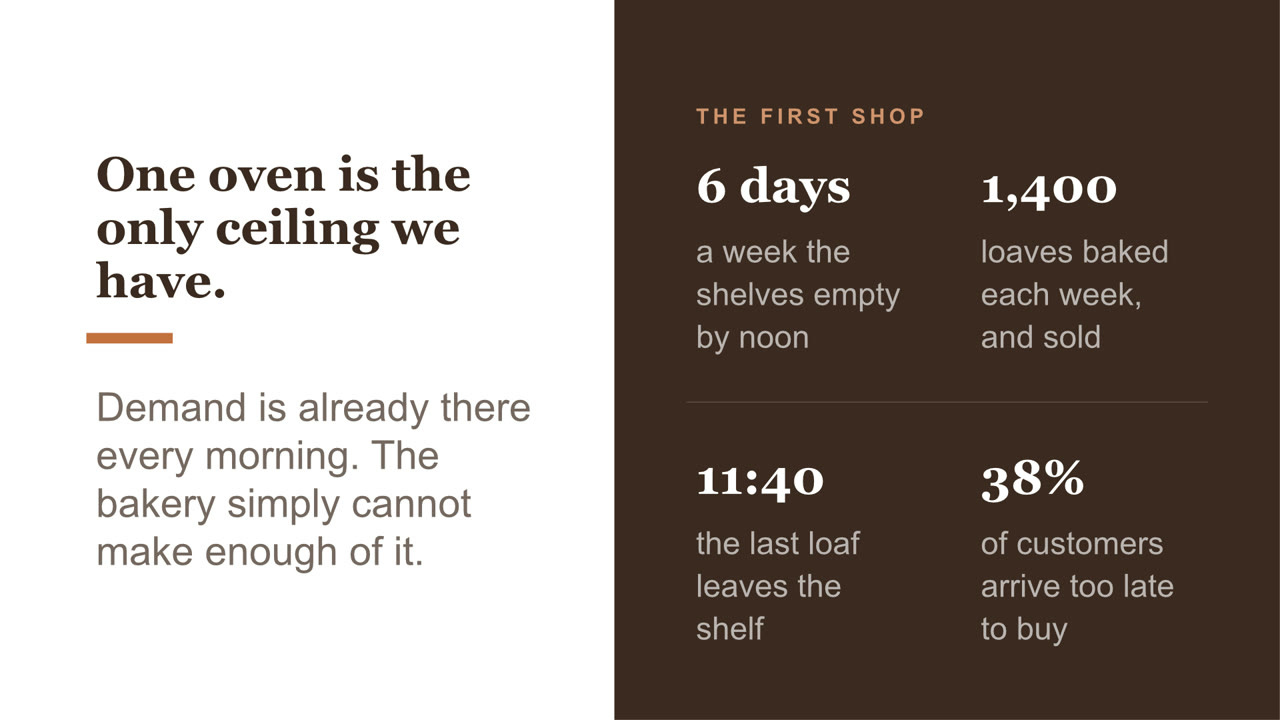
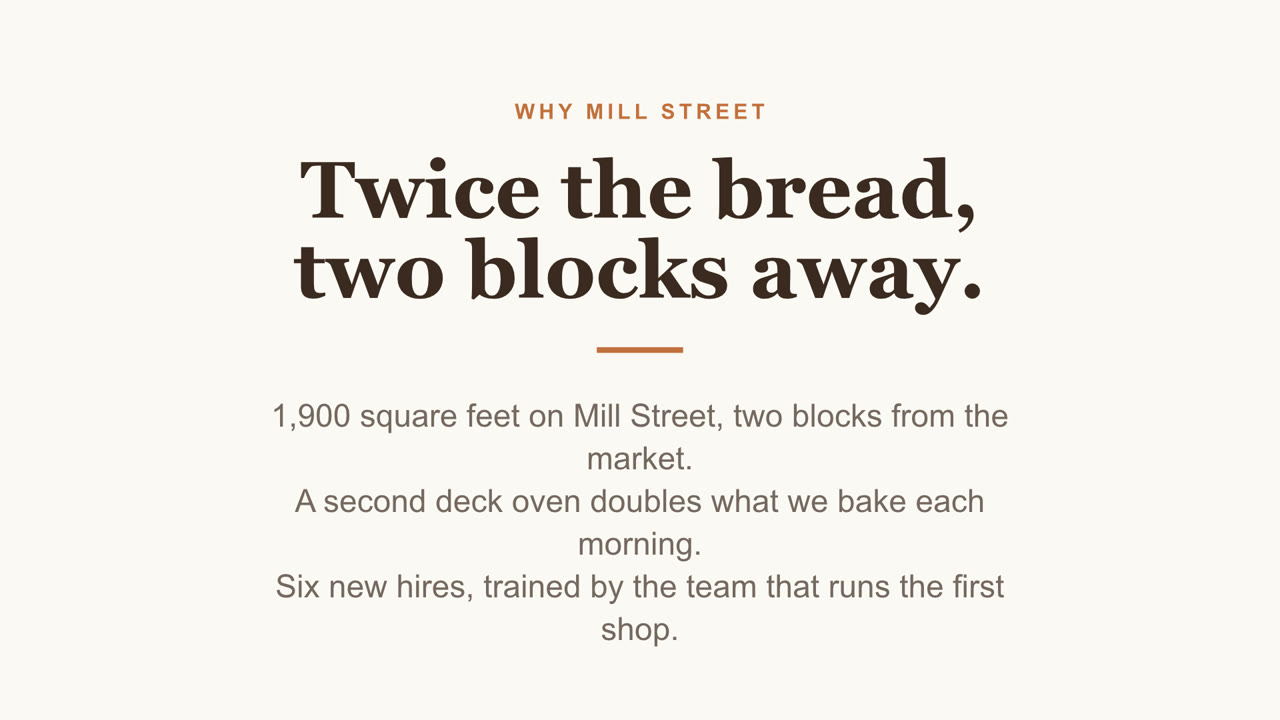
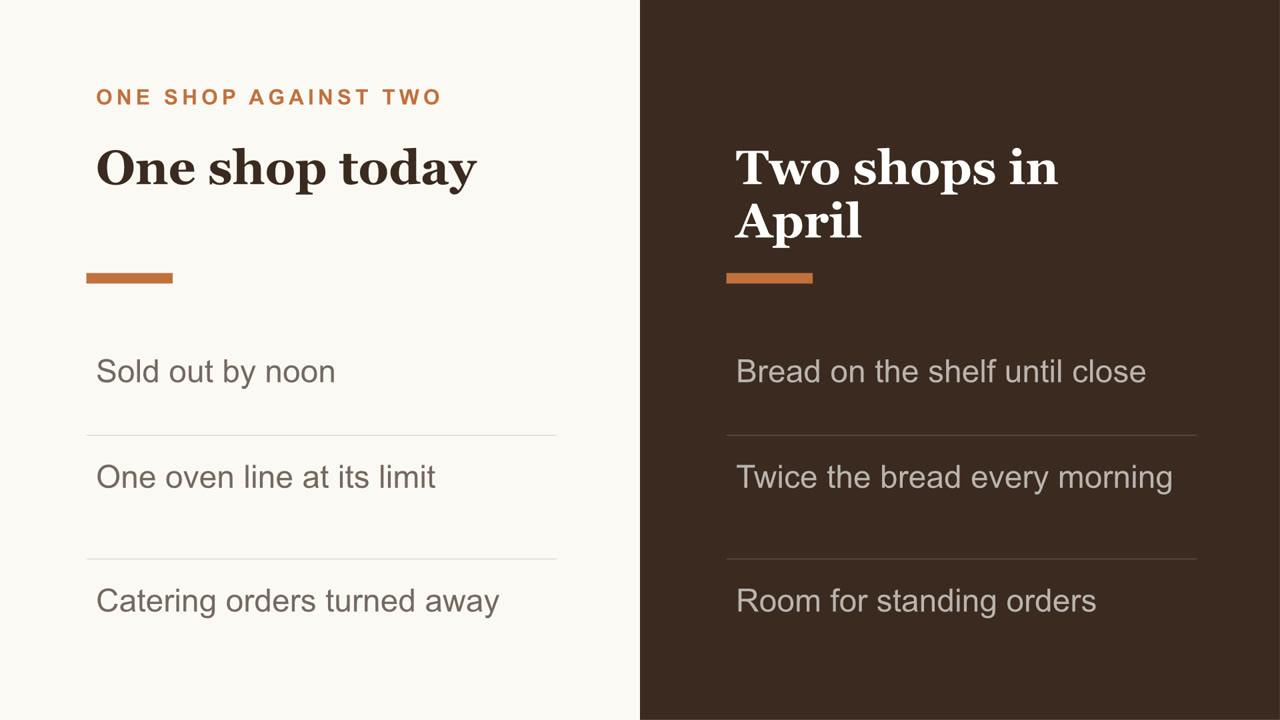
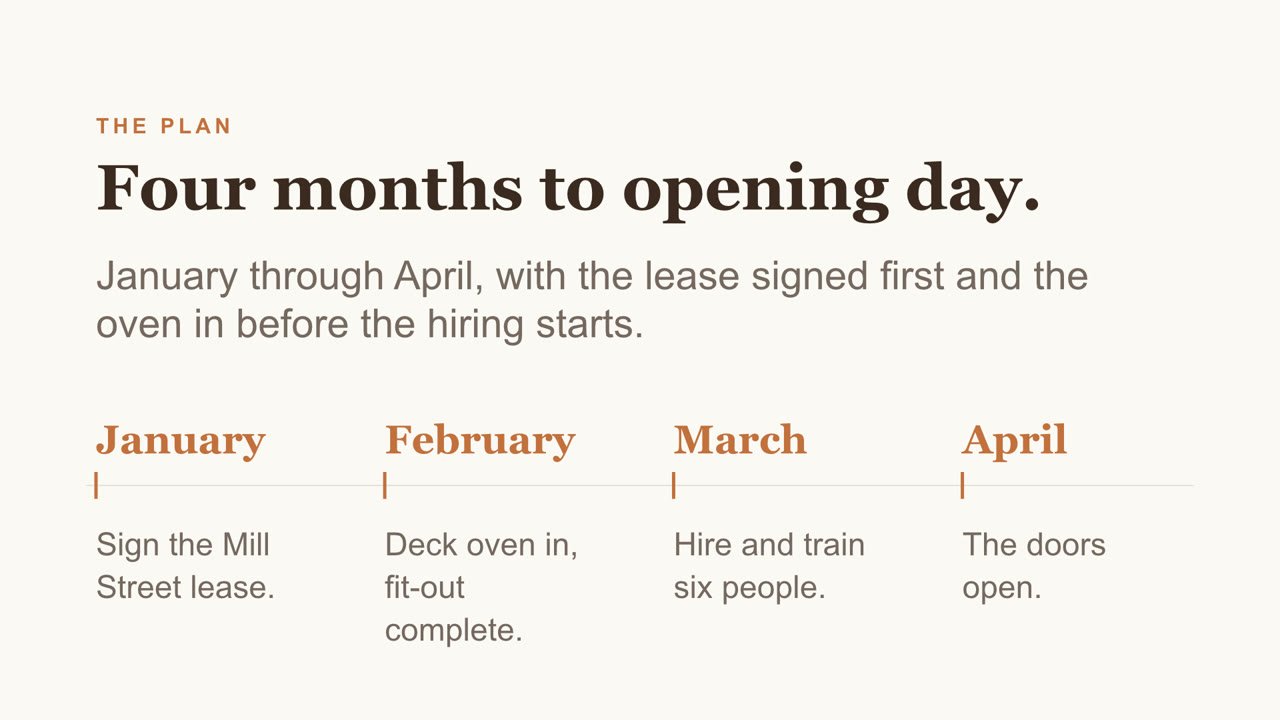
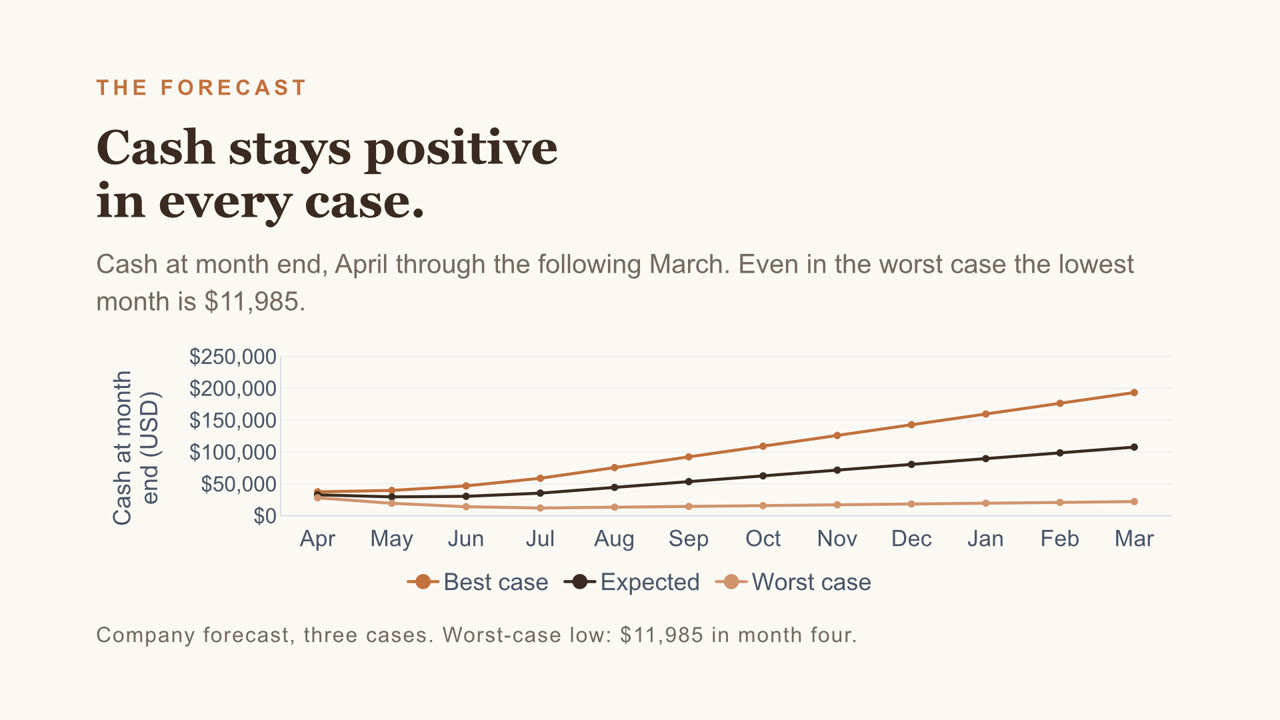
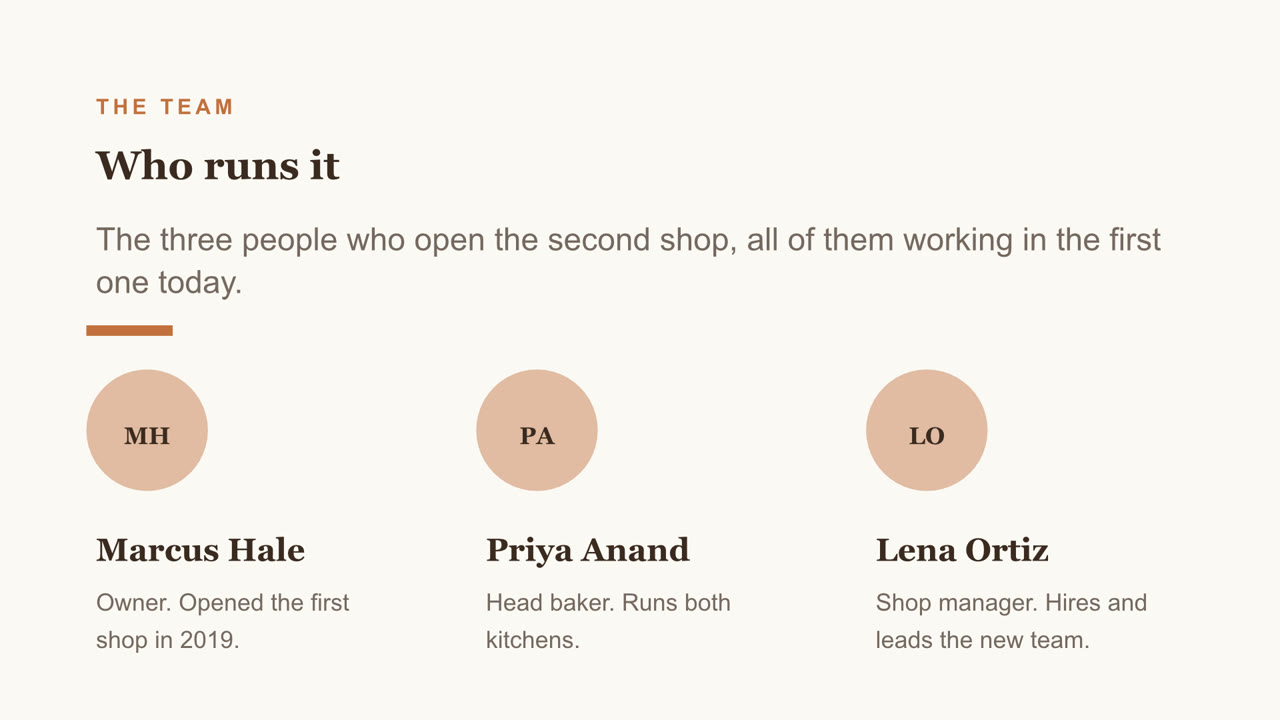
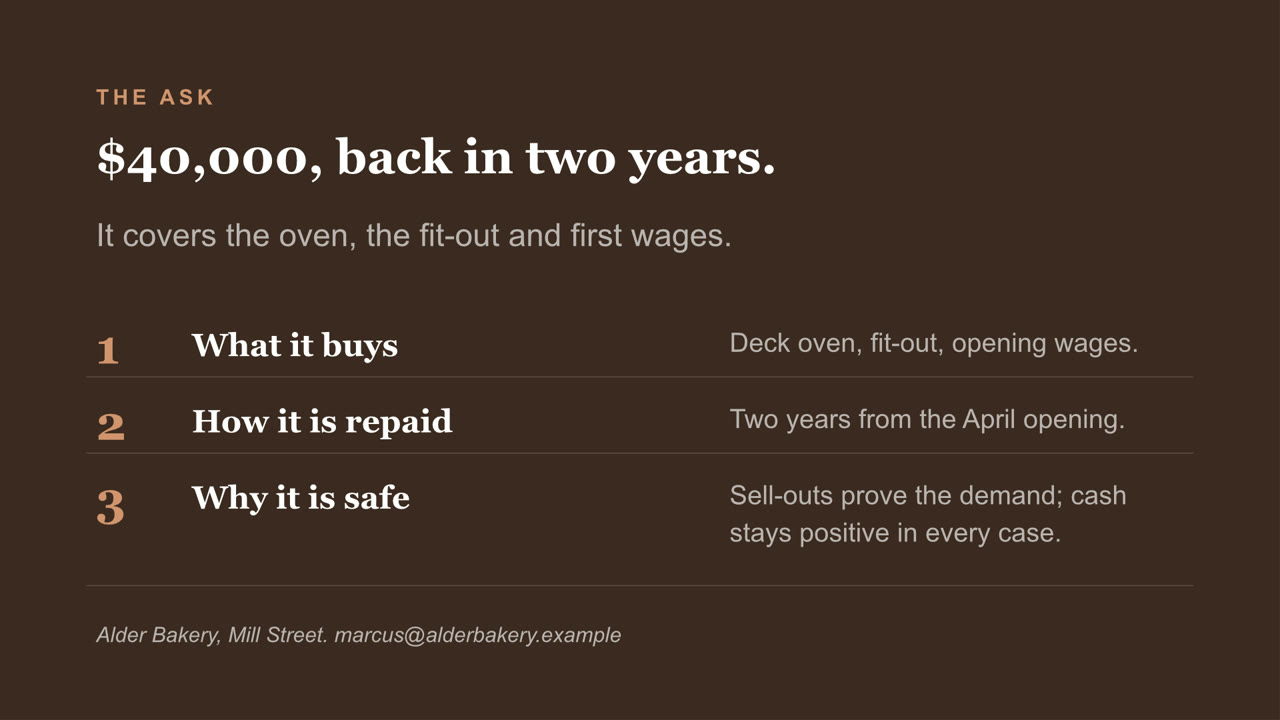
Eight slides, with a chart you can still edit and a cover photo Nebo generated. Download the file
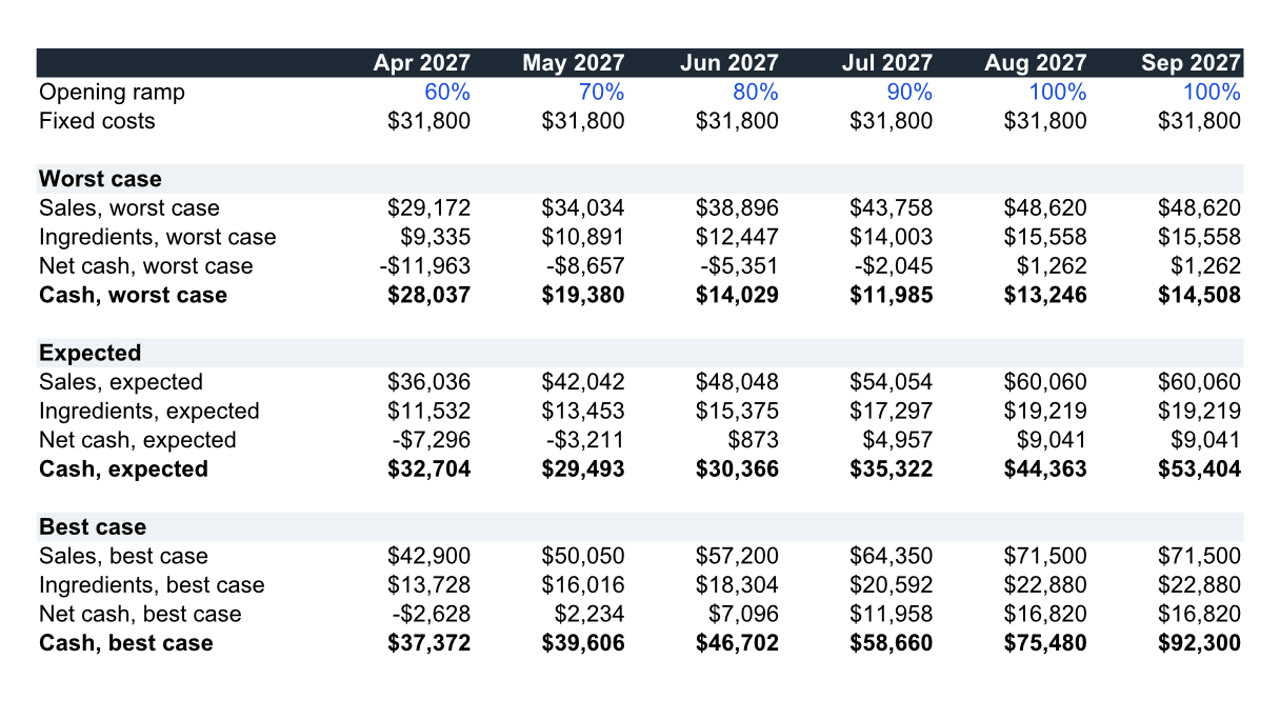
Twelve months, three cases, live formulas. Download the file
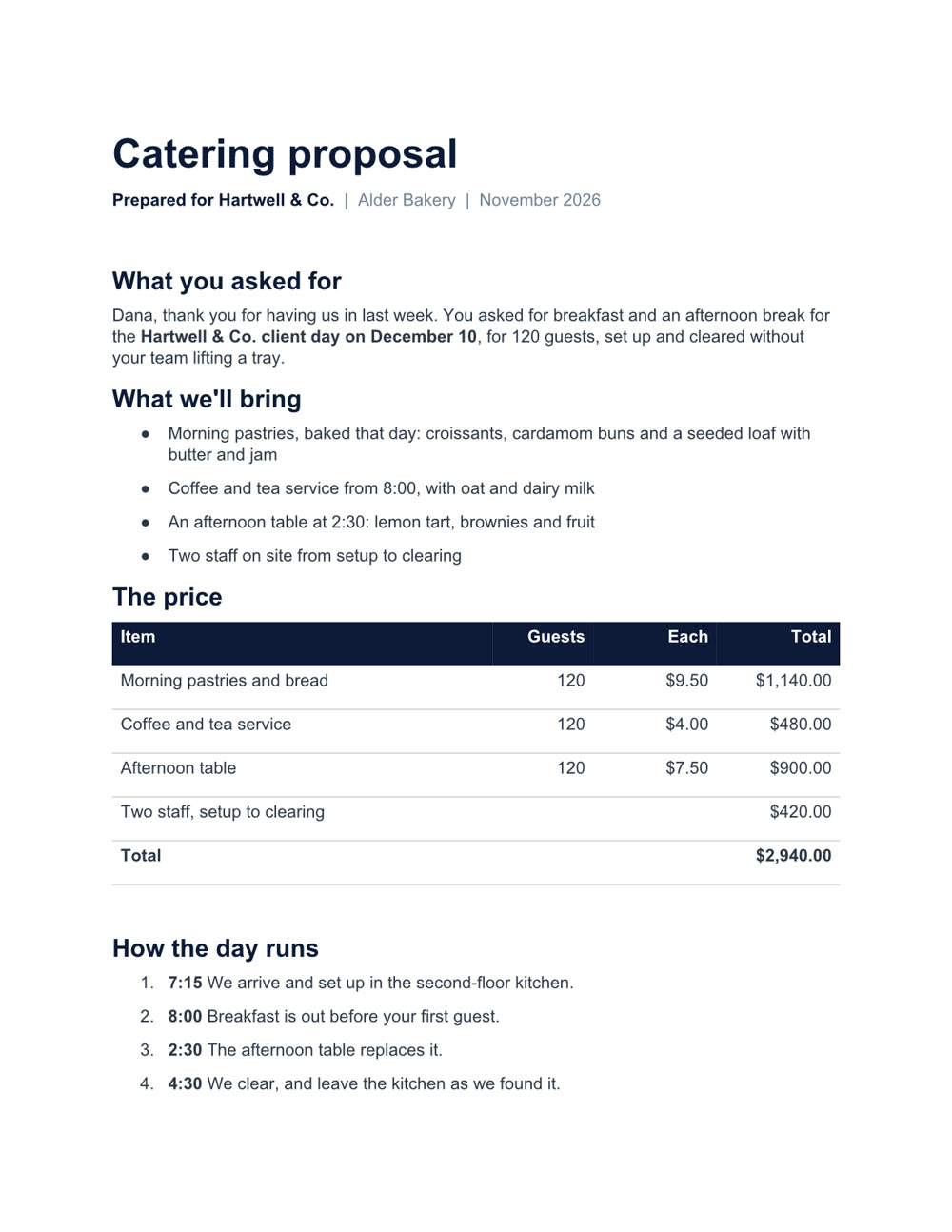
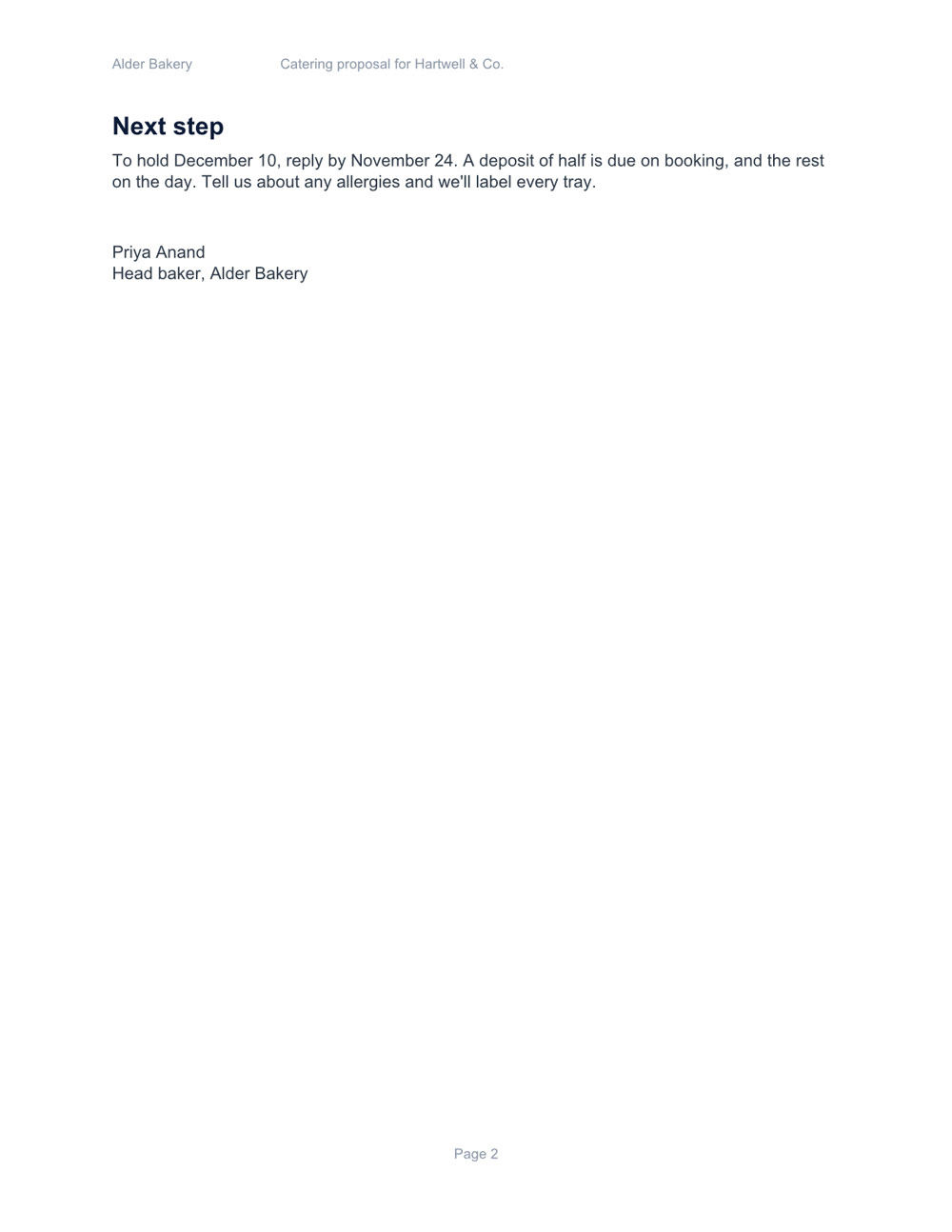
Two pages, with a price table and a schedule. Download the file
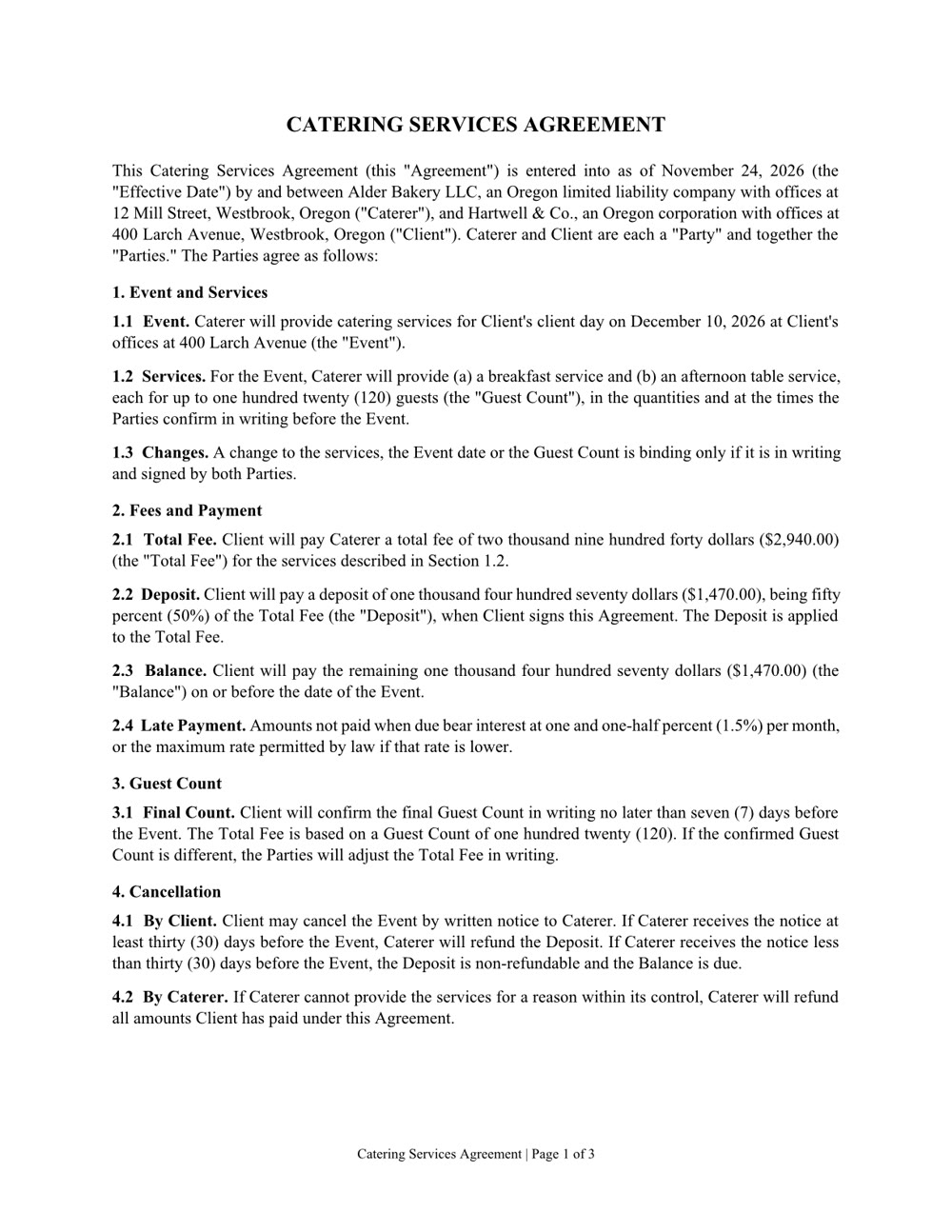
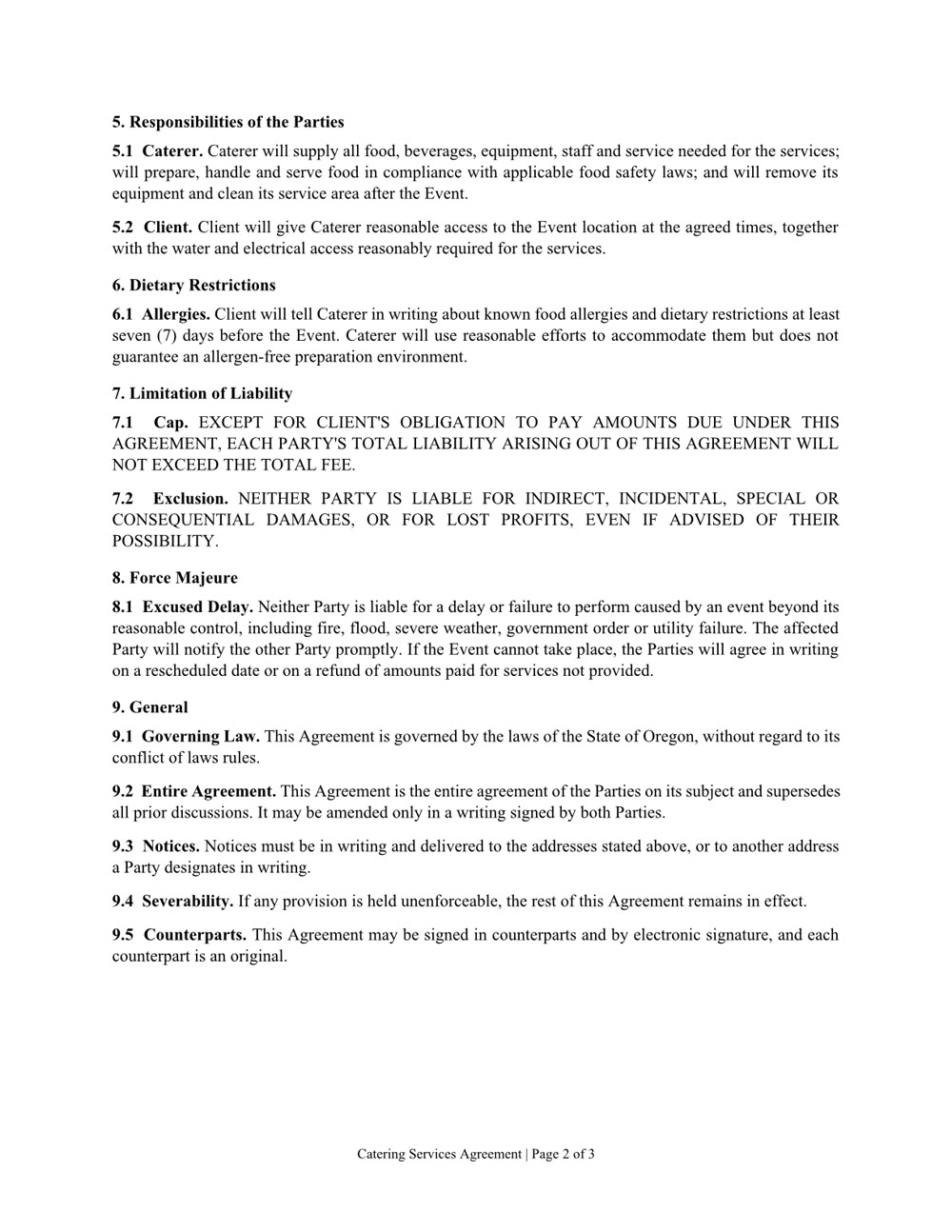
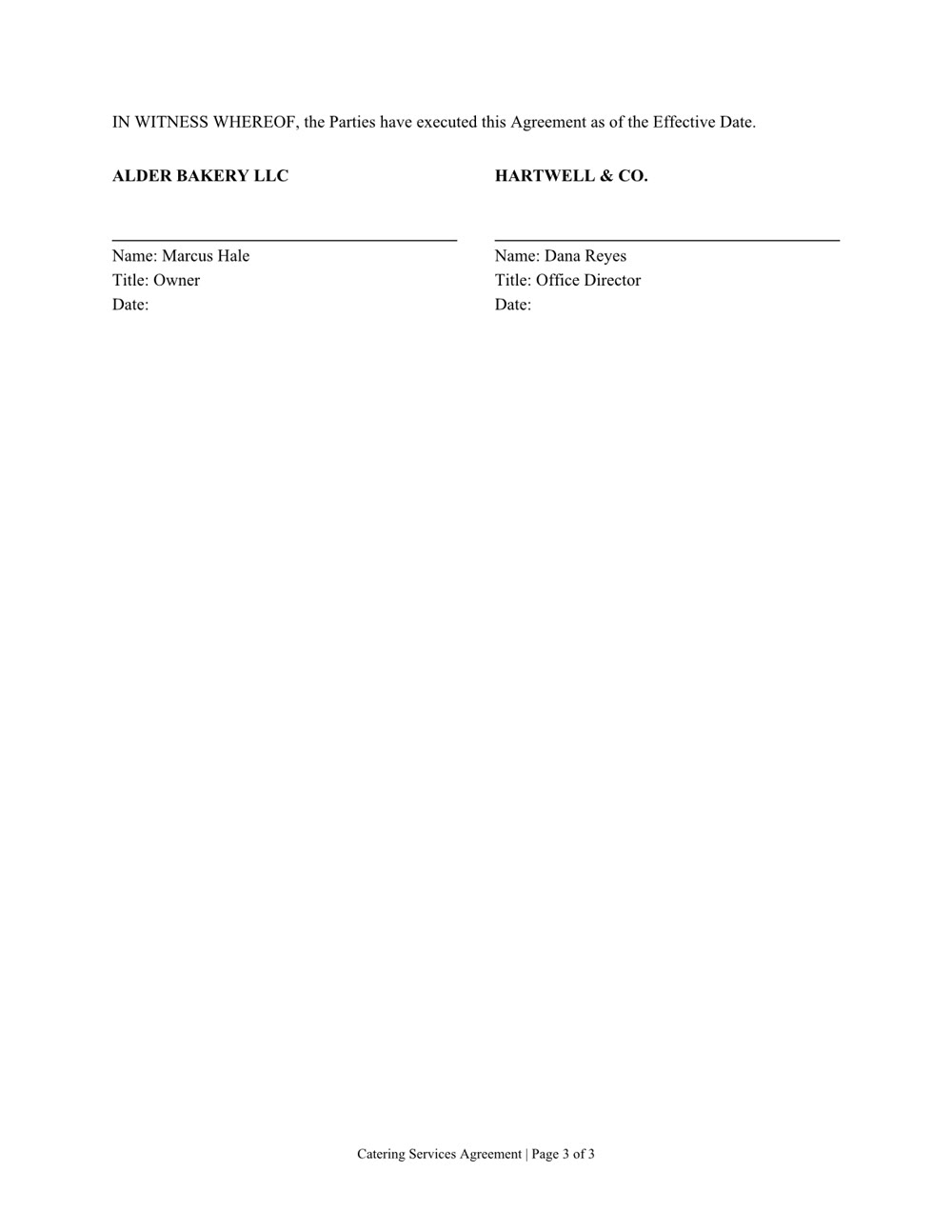
Three pages of numbered clauses and a signature page. Download the file
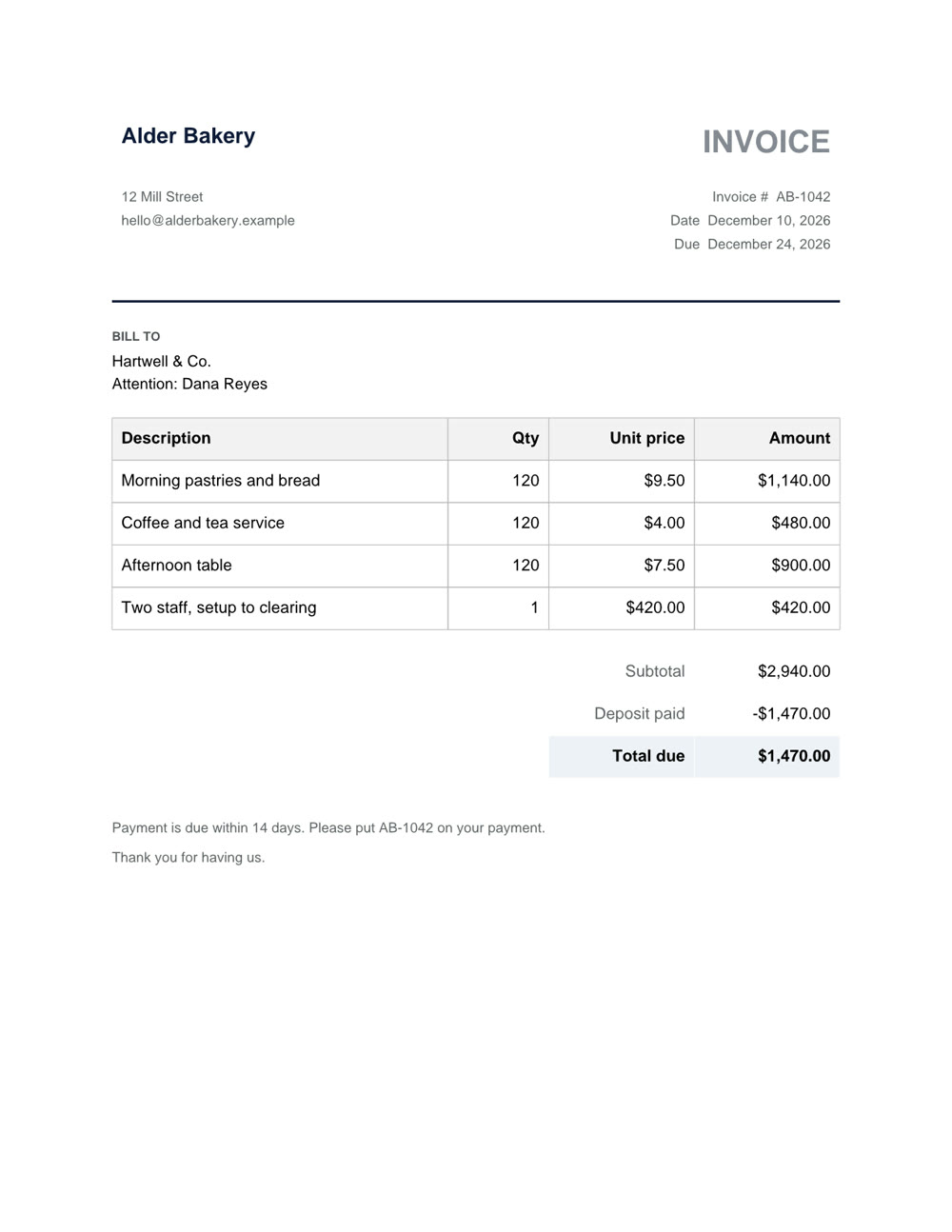
One page, with the deposit taken off. Download the file
Word, Excel, PowerPoint and PDF: the files you already work in.
A new file from a sentence, checked page by page before you get it. Any of them can also be saved as a PDF.
Ask what's in a file, even a scan or a format from years ago.
Change one clause, one sheet or one slide and keep the rest. In a PDF: fill in the form, merge, split, reorder or lock it with a password.