NeboAI
NeboAI
Začít

Řekněte si o dokument. Dostanete soubor.

Nebo Office vytváří, čte a upravuje soubory Word, Excel, PowerPoint a PDF přímo na vašem počítači.

Řekněte, co potřebujete. Otevřete soubor.

Žádná šablona k vyplnění a nic k formátování.

Vytvoří skutečný soubor.

Word, Excel, PowerPoint a PDF, s tabulkami, vzorci, záhlavími a obsahem, jaké má skutečný soubor.

Přečte skoro cokoli.

Podejte mu smlouvu, sken nebo starou tabulku a ptejte se, co chcete vědět.

Upraví, aniž by rozbilo rozvržení.

Změňte klauzuli, aktualizujte čísla nebo vyplňte formulář. Vaše formátování zůstane na místě.

See what it makes.

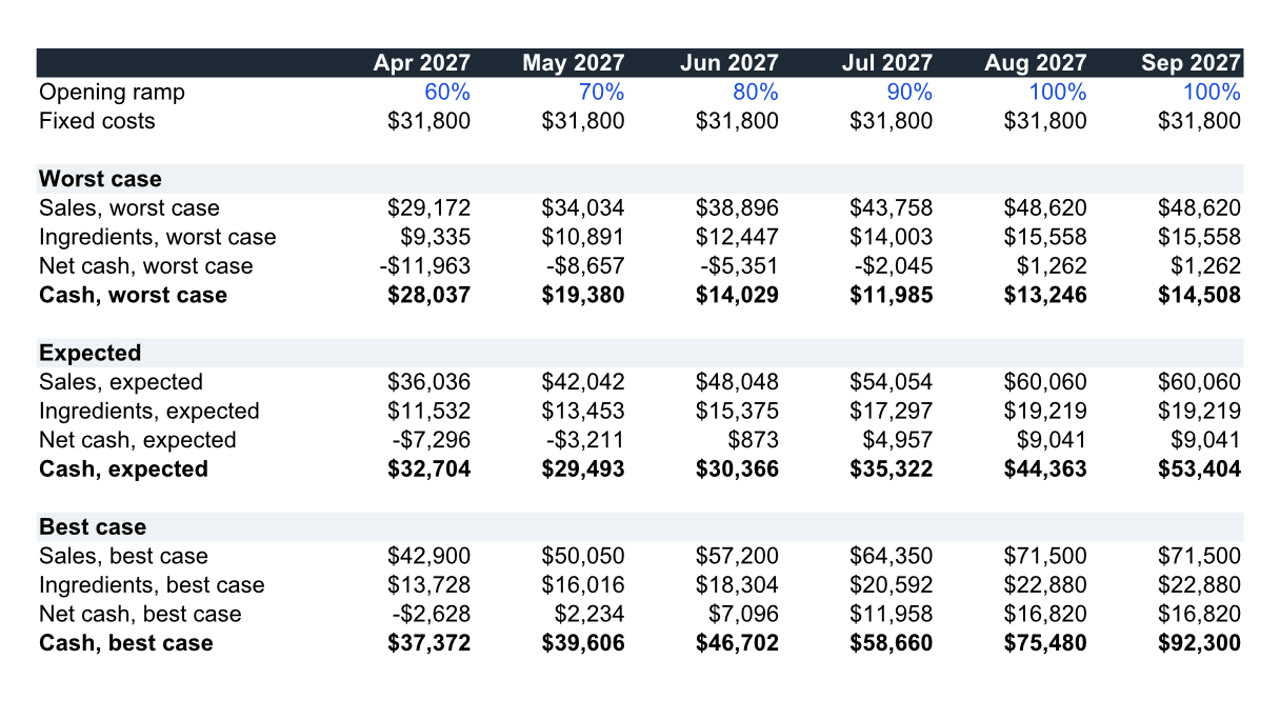
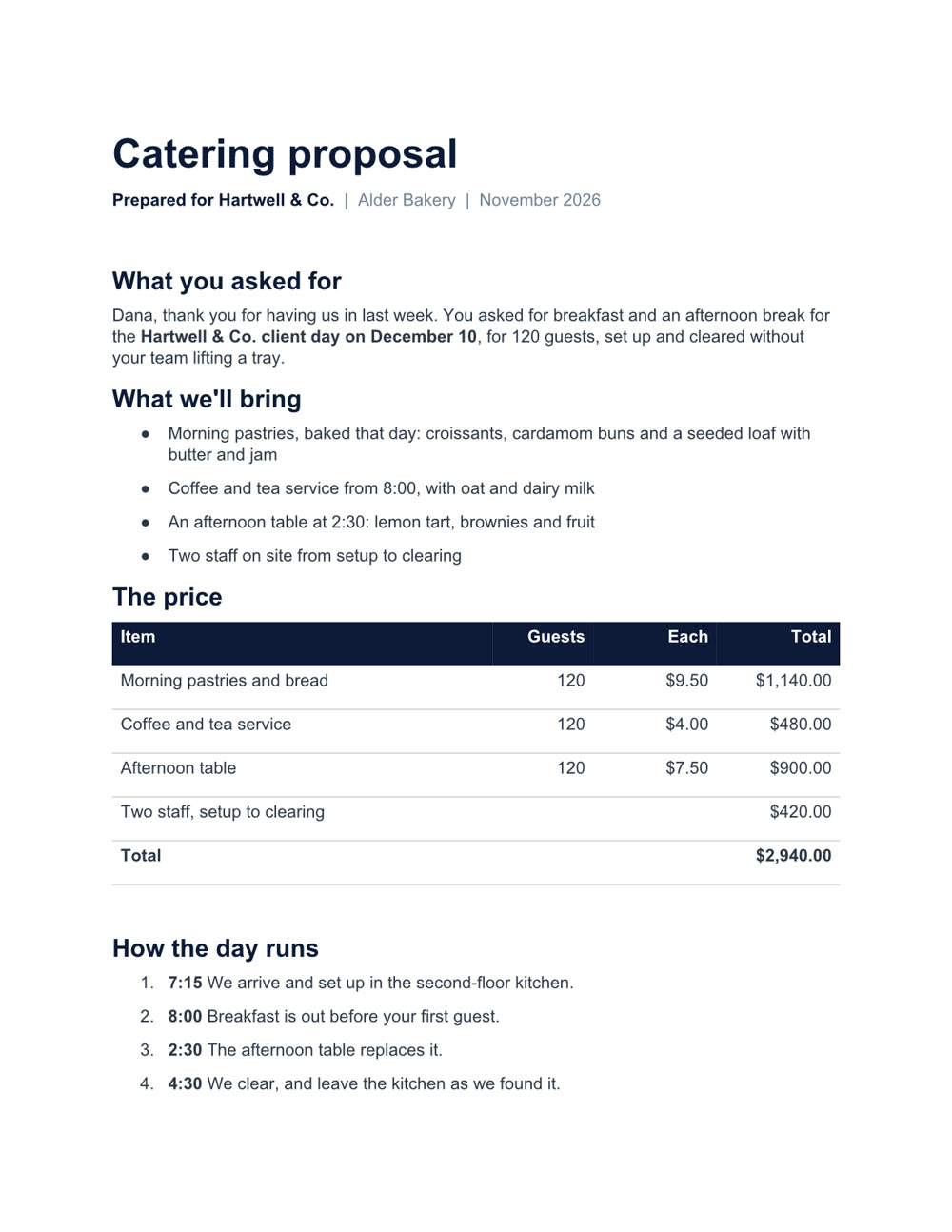
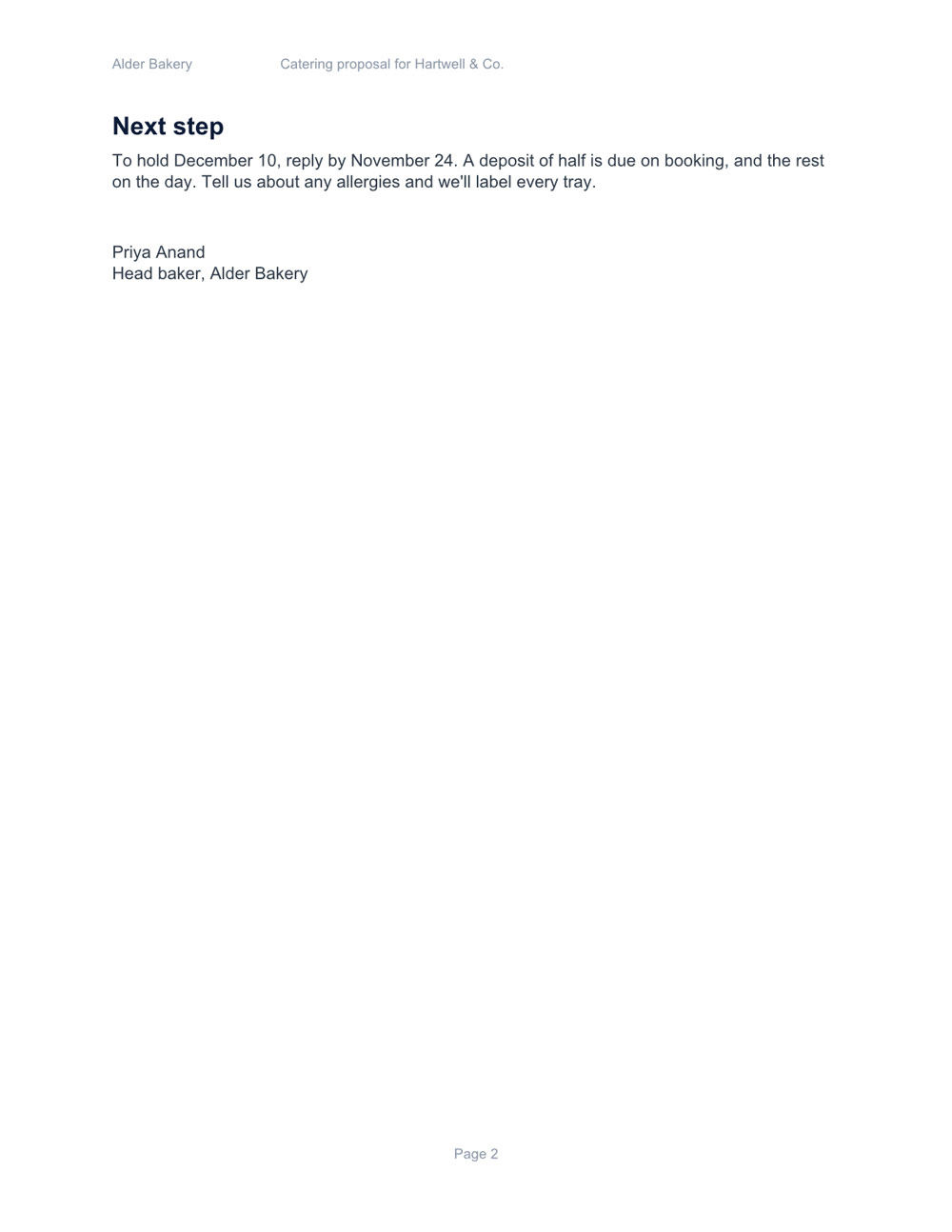
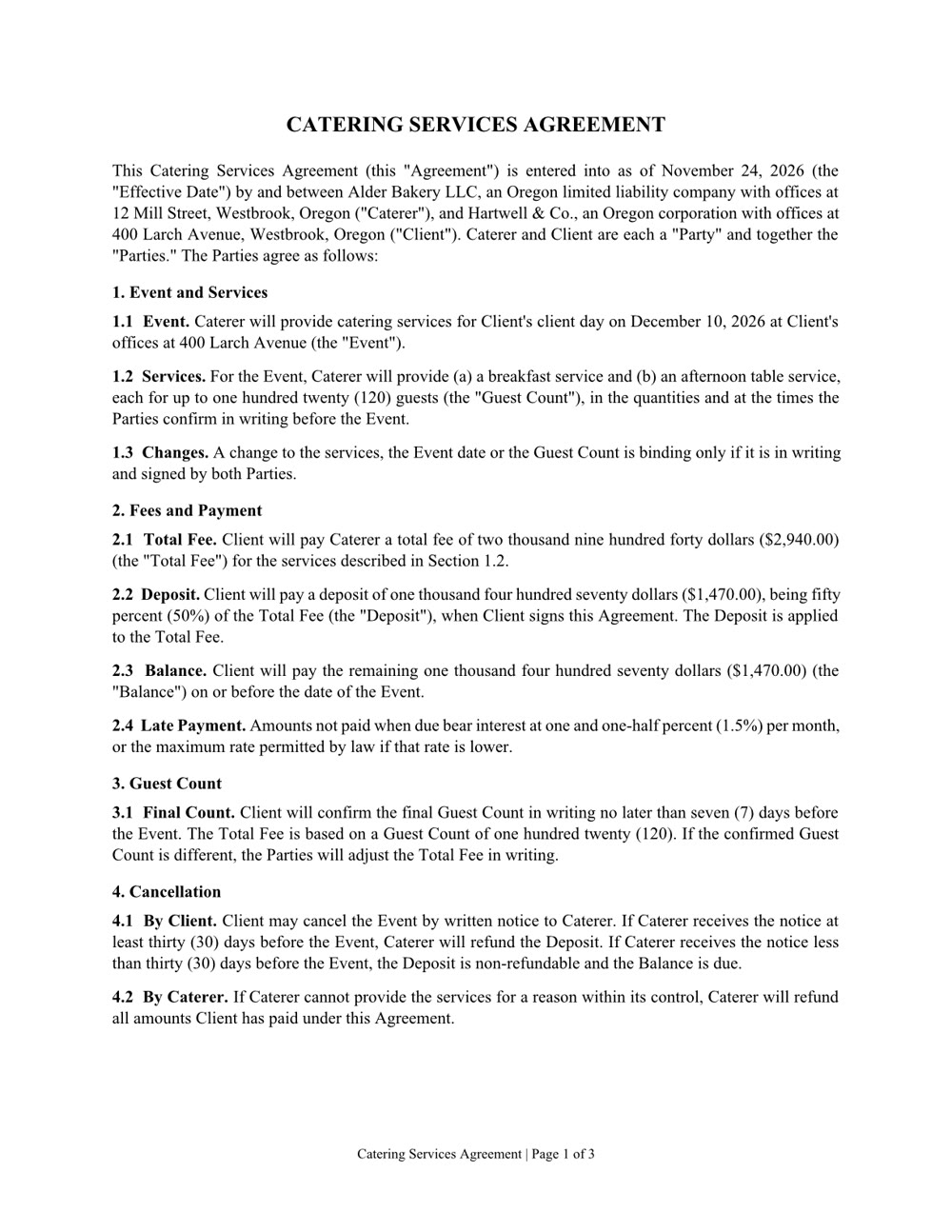
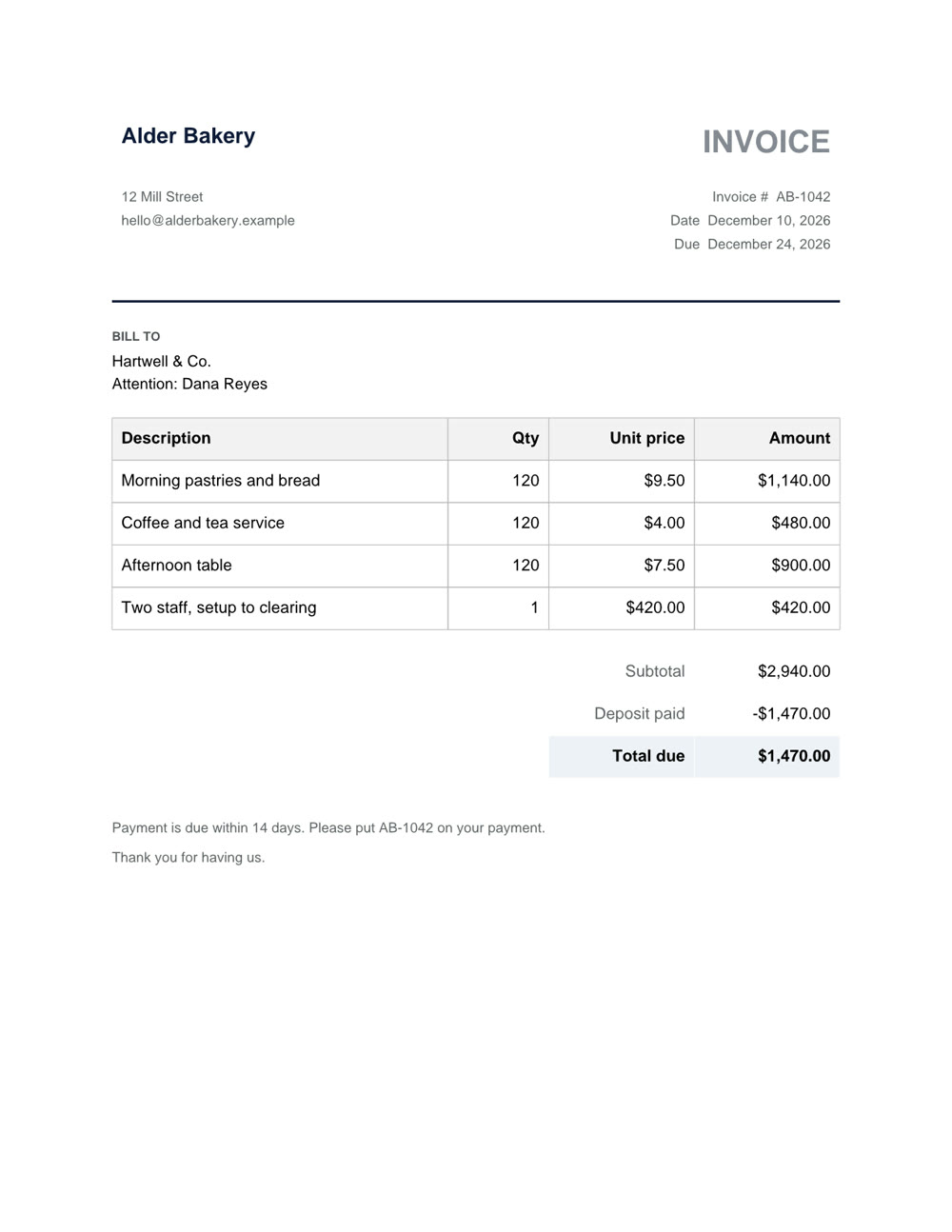
Nebo Office made every one of these for Alder Bakery, a business we invented. Page through them, then download the real files and open them in your own apps.

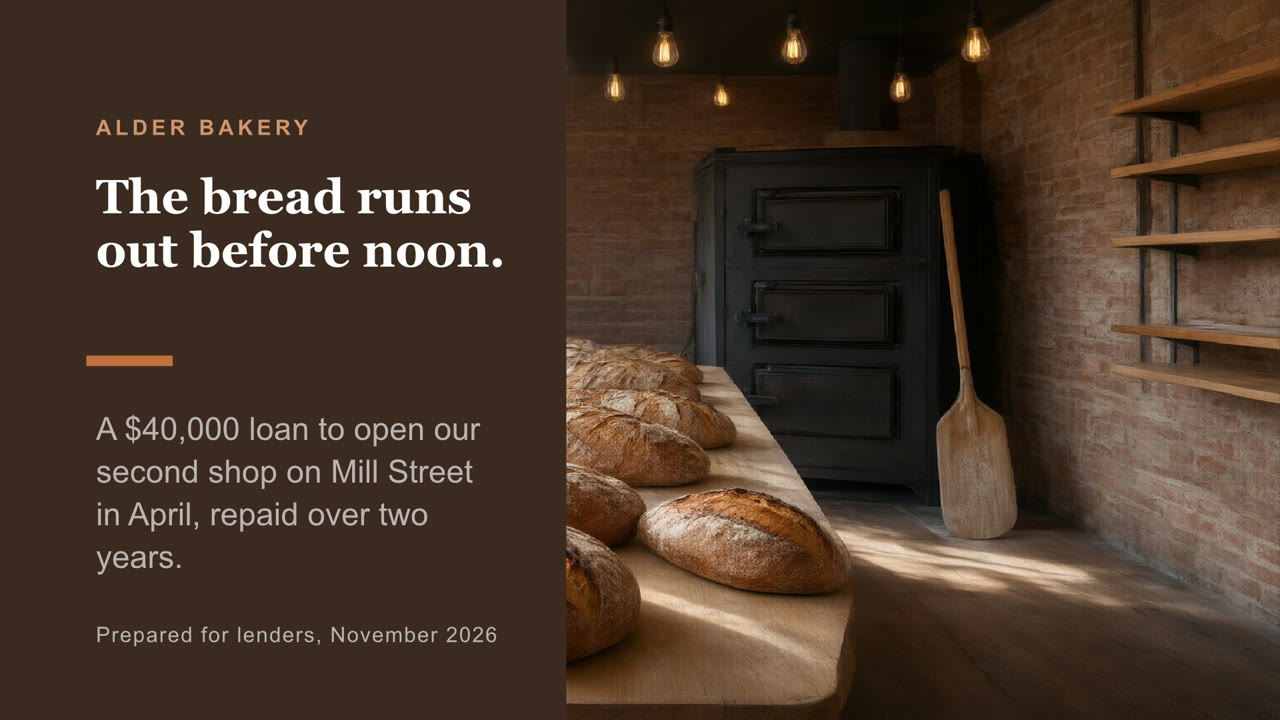
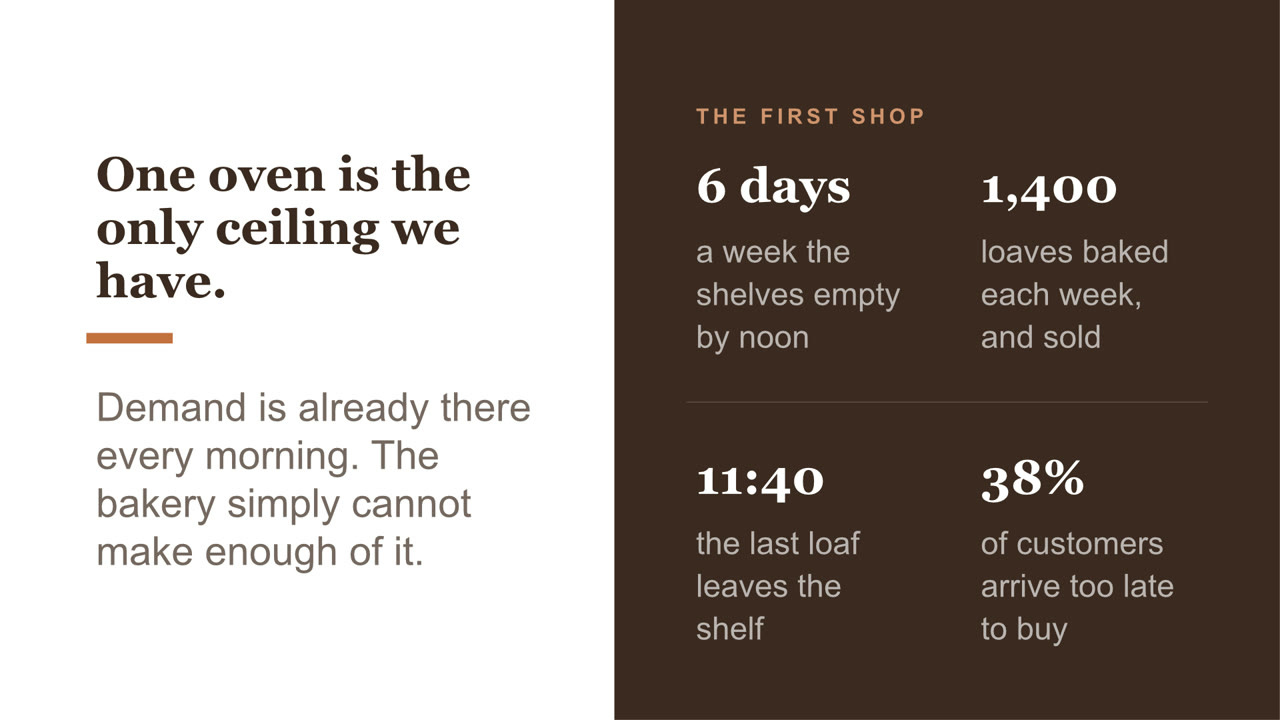
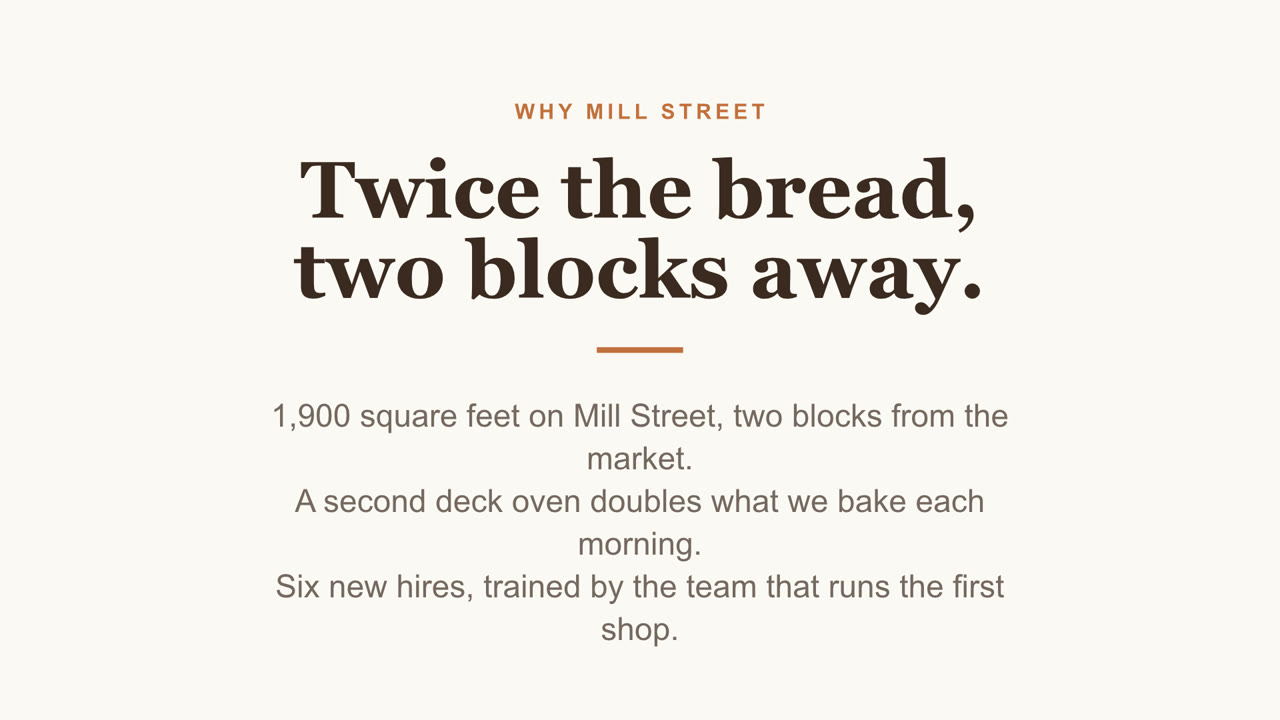
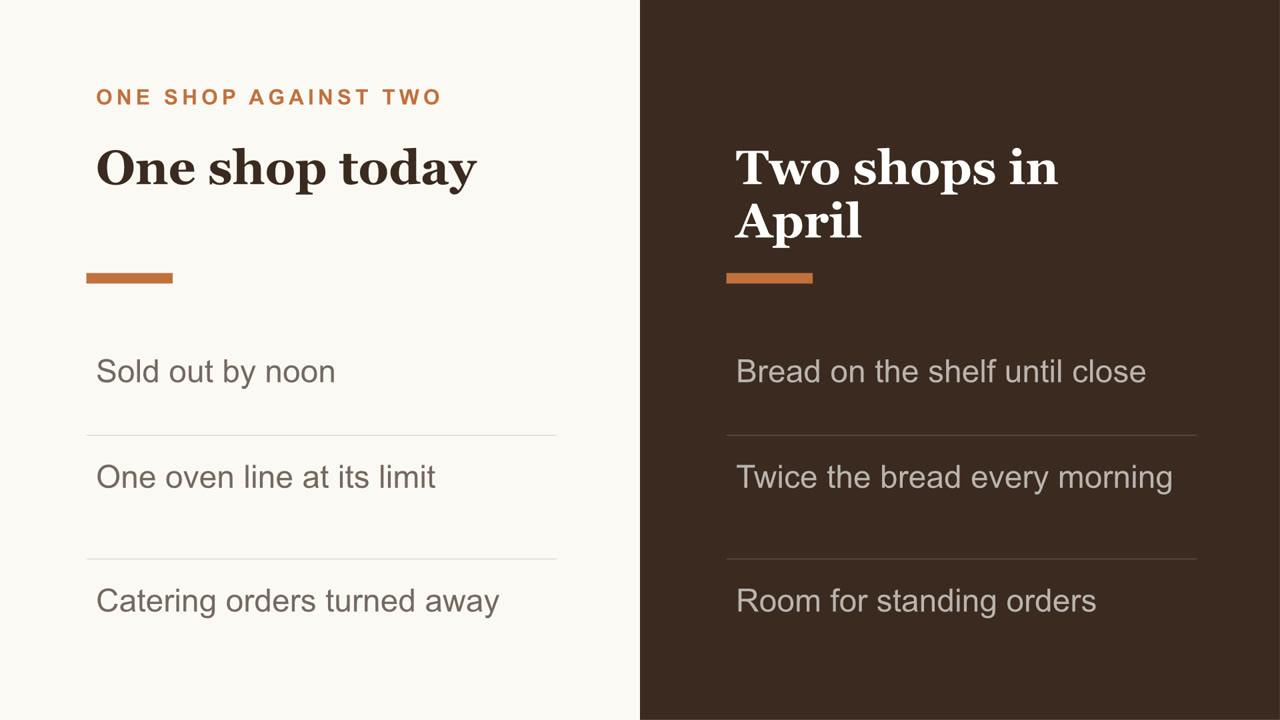
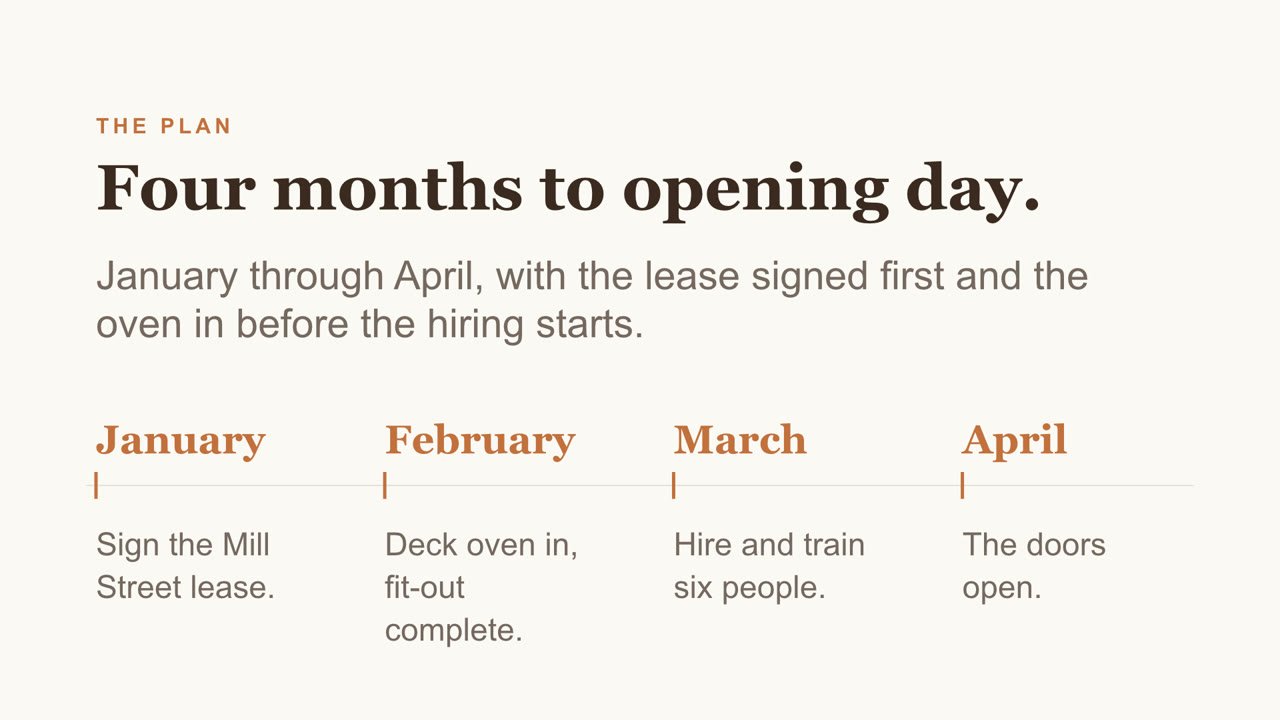
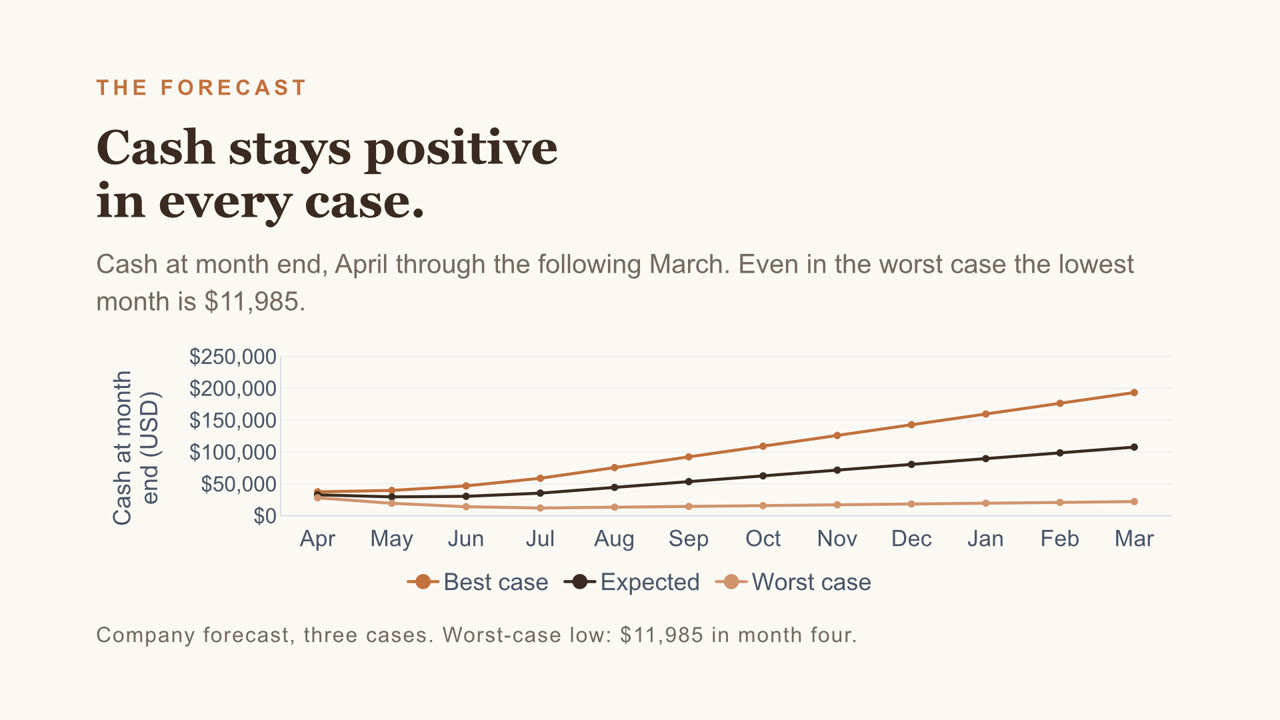
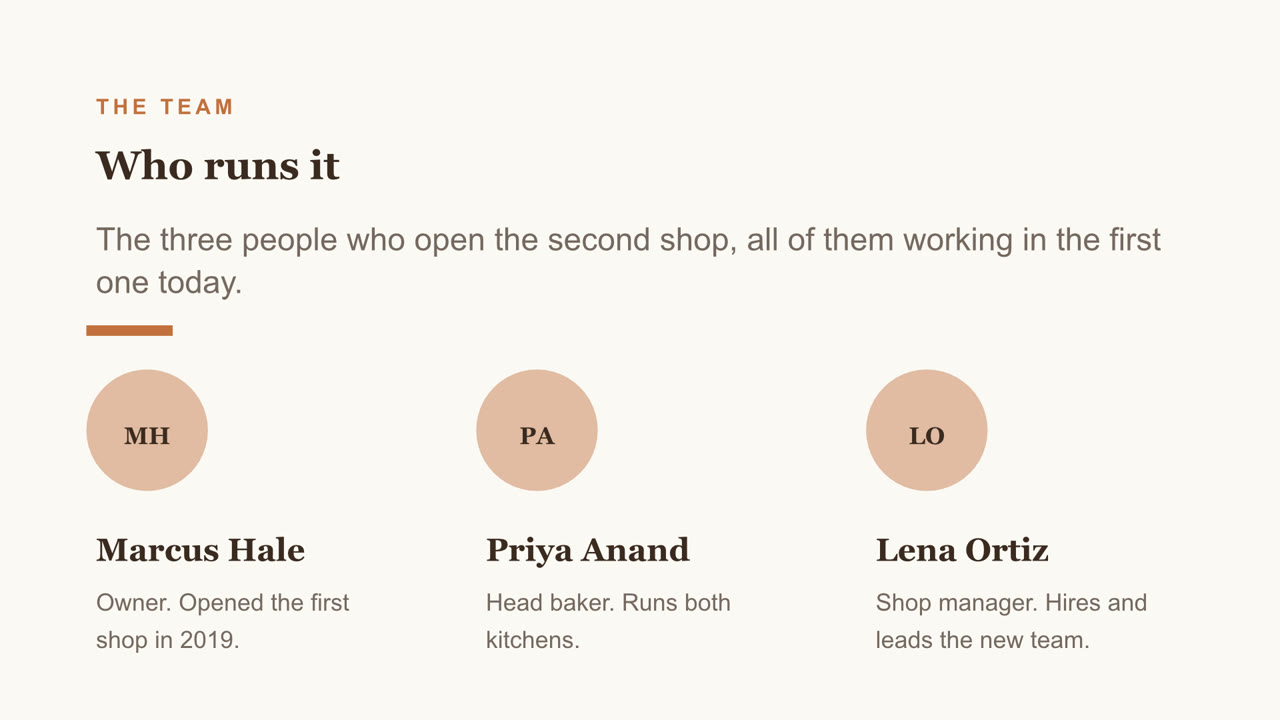
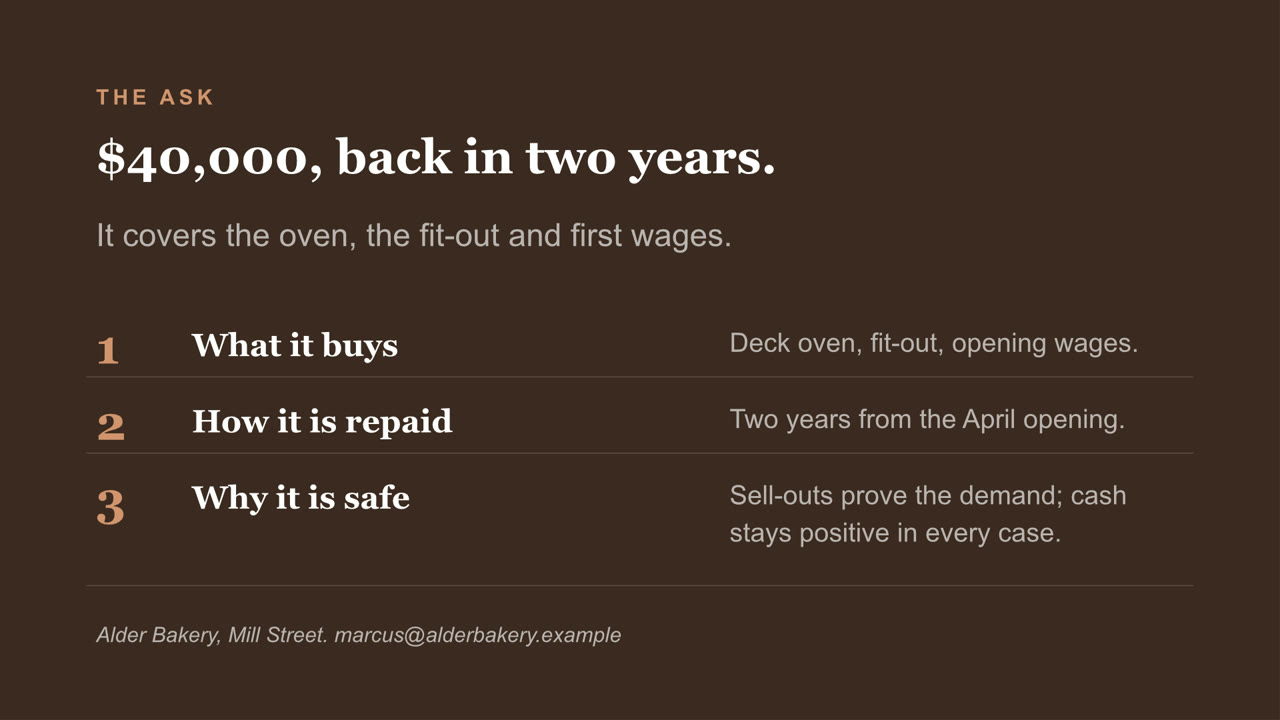
Pitch deck, page 1 of 8Pitch deck, page 2 of 8Pitch deck, page 3 of 8Pitch deck, page 4 of 8Pitch deck, page 5 of 8Pitch deck, page 6 of 8Pitch deck, page 7 of 8Pitch deck, page 8 of 8
Pitch deck PowerPoint

Eight slides, with a chart you can still edit and a cover photo Nebo generated. Download the file

Catering proposal, page 1 of 2Catering proposal, page 2 of 2
Catering proposal Word

Two pages, with a price table and a schedule. Download the file

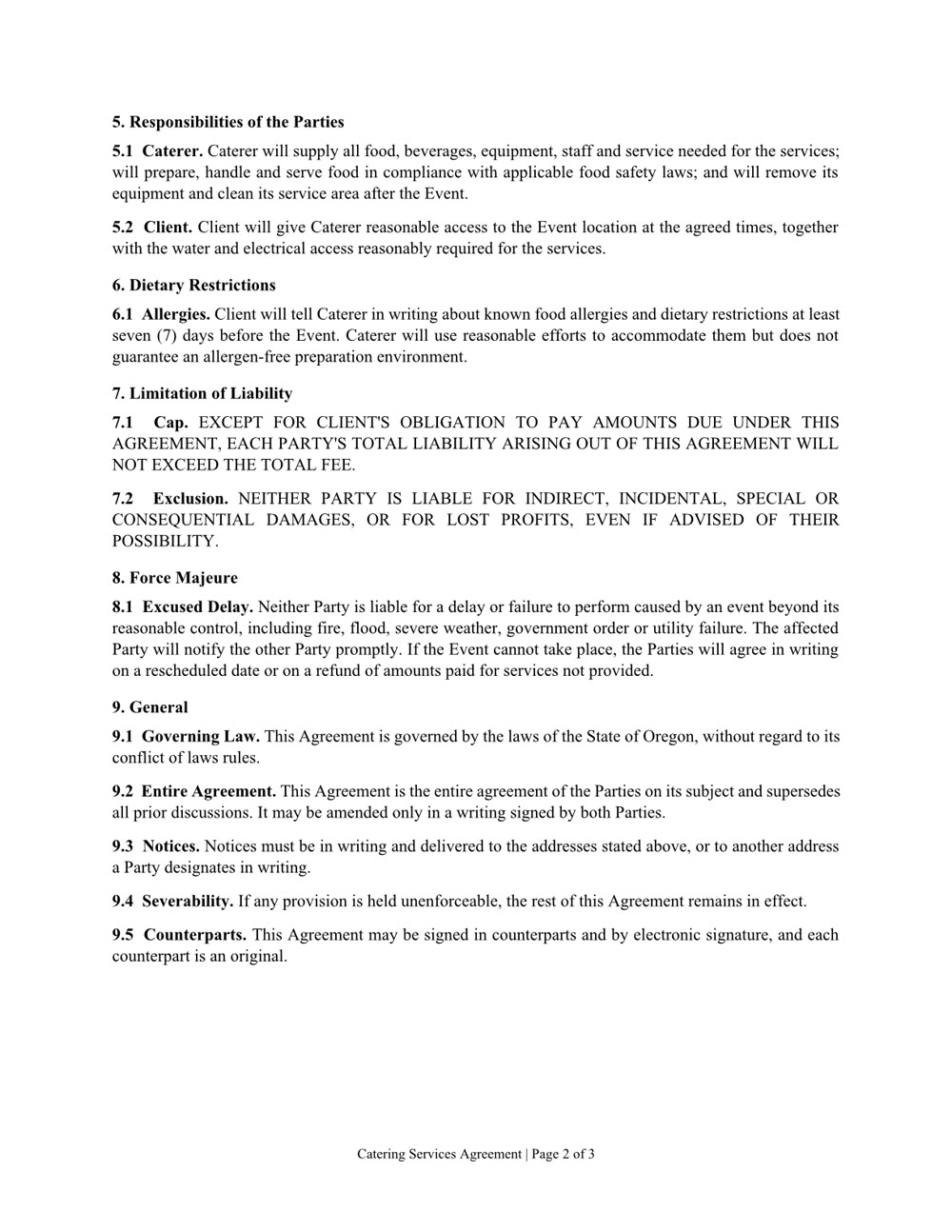
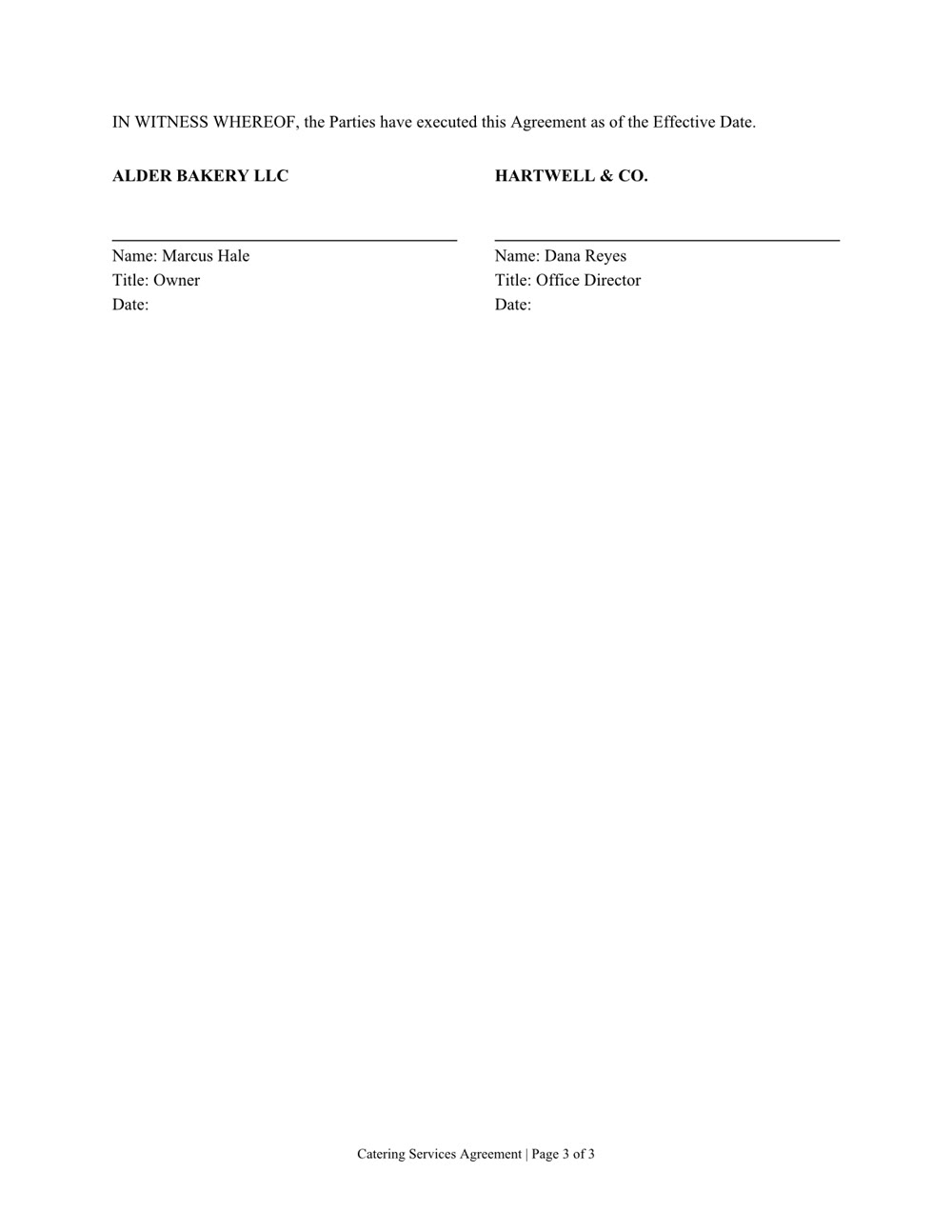
Services agreement, page 1 of 3Services agreement, page 2 of 3Services agreement, page 3 of 3
Services agreement Word

Three pages of numbered clauses and a signature page. Download the file

Create it. Read it. Edit it.

Word, Excel, PowerPoint and PDF: the files you already work in.

Create

A new file from a sentence, checked page by page before you get it. Any of them can also be saved as a PDF.

  • Word
  • Excel
  • PowerPoint
  • PDF

Read

Ask what's in a file, even a scan or a format from years ago.

  • Word
  • Excel
  • PowerPoint
  • PDF
  • Scanned pages
  • CSV
  • RTF
  • EPUB
  • OpenDocument

Edit

Change one clause, one sheet or one slide and keep the rest. In a PDF: fill in the form, merge, split, reorder or lock it with a password.

  • Word
  • Excel
  • PowerPoint
  • PDF
  • Běží na vašem počítači. Vaše soubory tam zůstávají.
  • Soubory se otevřou v aplikacích, které už používáte.
  • Než vám soubor předá, zkontroluje každou stránku.
  • Získáte to v obchodě.

Svěřte papírování.